TurnShift in Microsoft Teams: shift scheduling and reminders
TurnShift is a shift scheduling app that works in Microsoft Teams. Add it to a team and each schedule posts in a Teams channel when a shift starts and ends, with the people on shift mentioned.
The people of that team join your TurnShift organization and sign in with their Microsoft account. Each one who adds TurnShift for themselves gets their own shifts in a chat with it, the others get them by email.
14-day free trial. No credit card required.
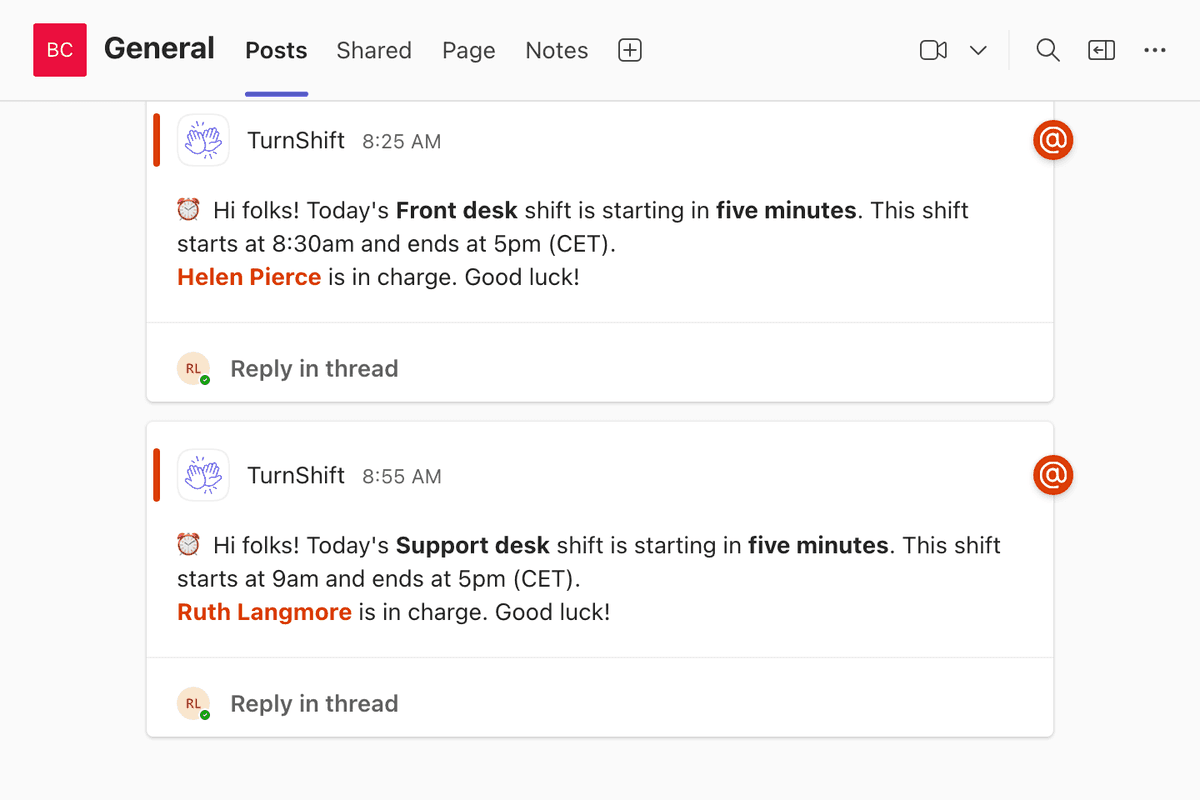
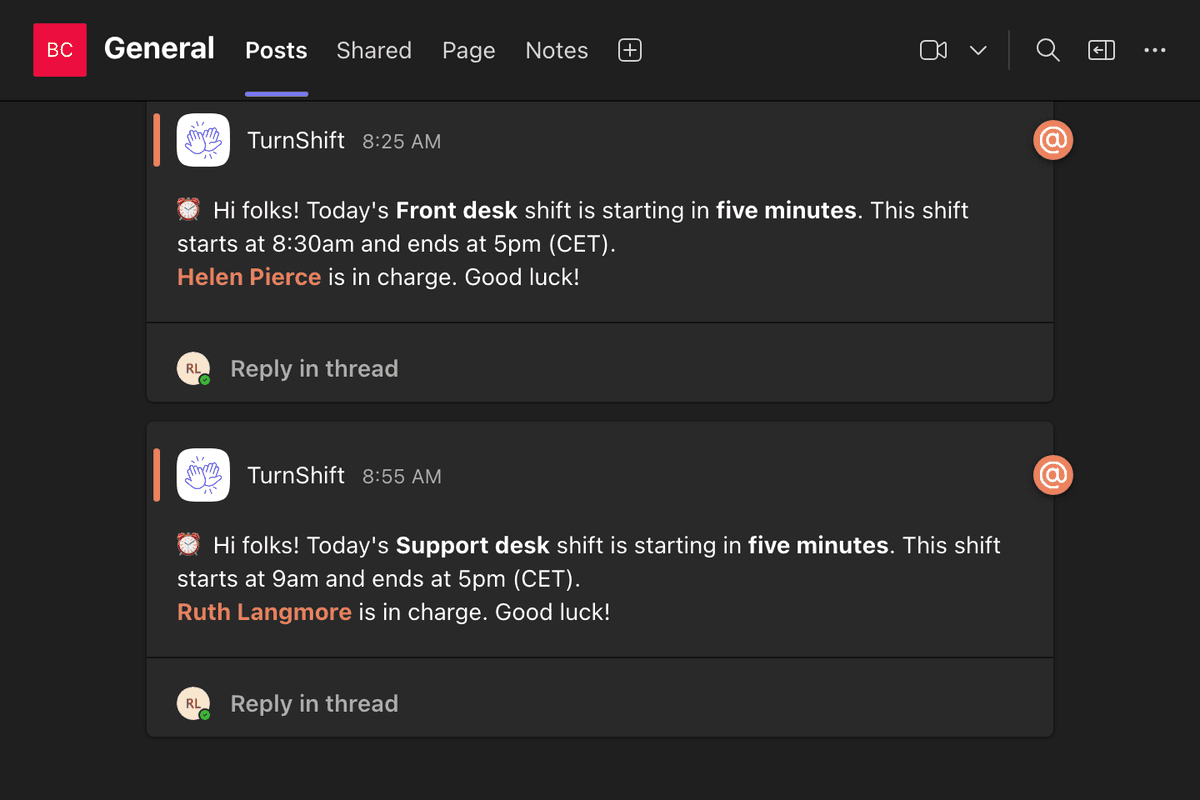
Everyone's shifts in a chat with TurnShift
Each person who adds TurnShift for themselves in Teams gets their own messages in a chat with it: a new shift, a reminder 10 minutes before it starts, the day before, their next week. Without that chat, they come by email, and each person chooses where each message goes in Your settings > Notifications.
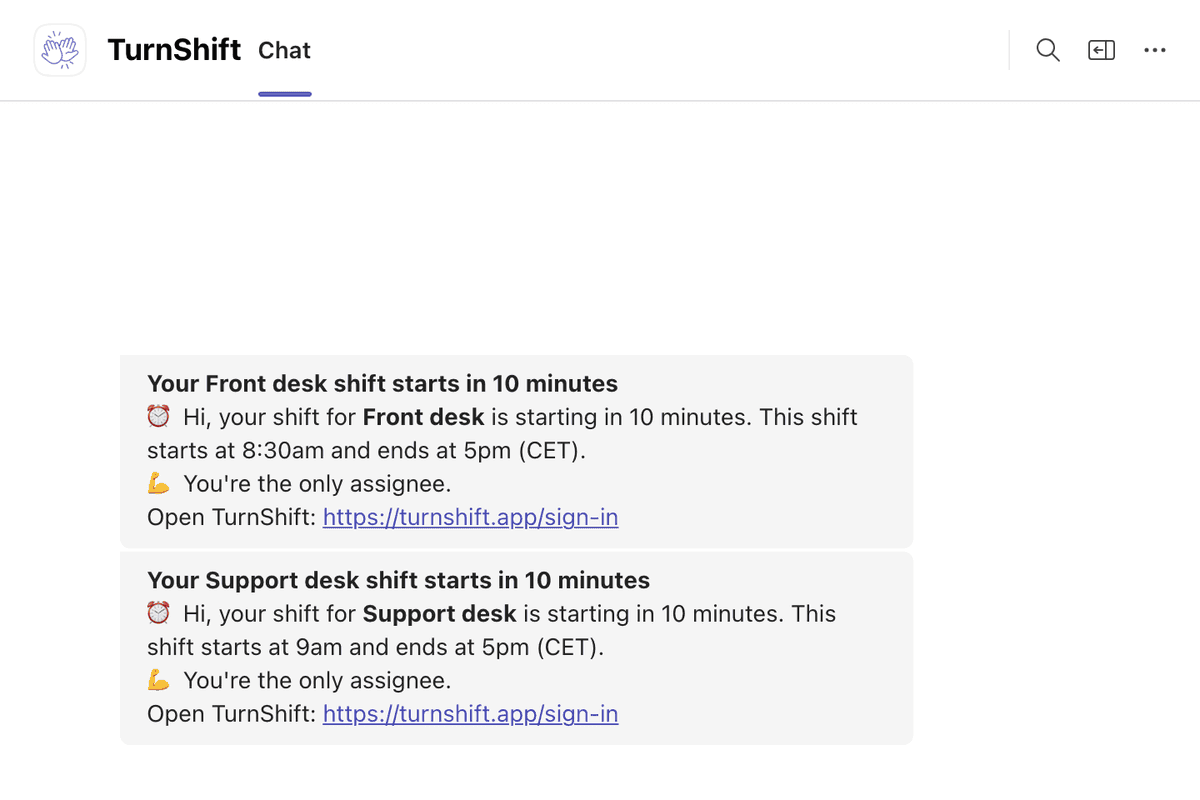
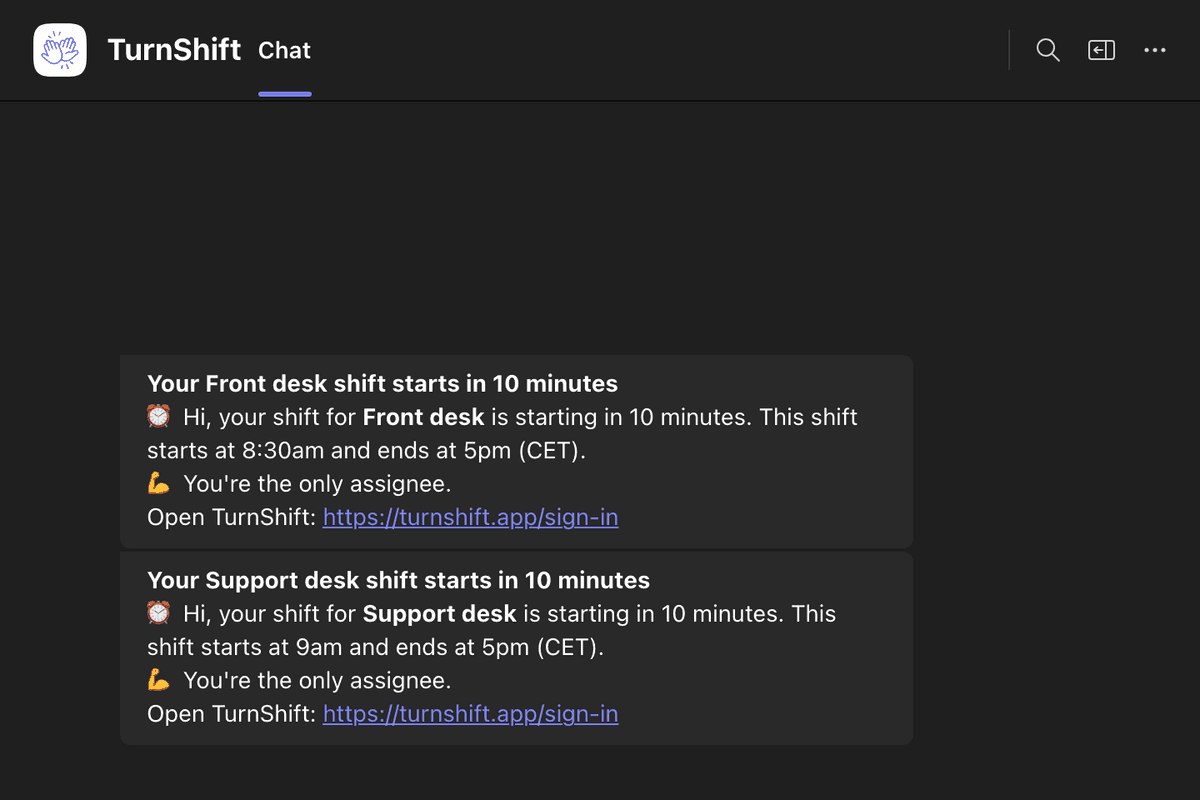
A Teams channel for each schedule
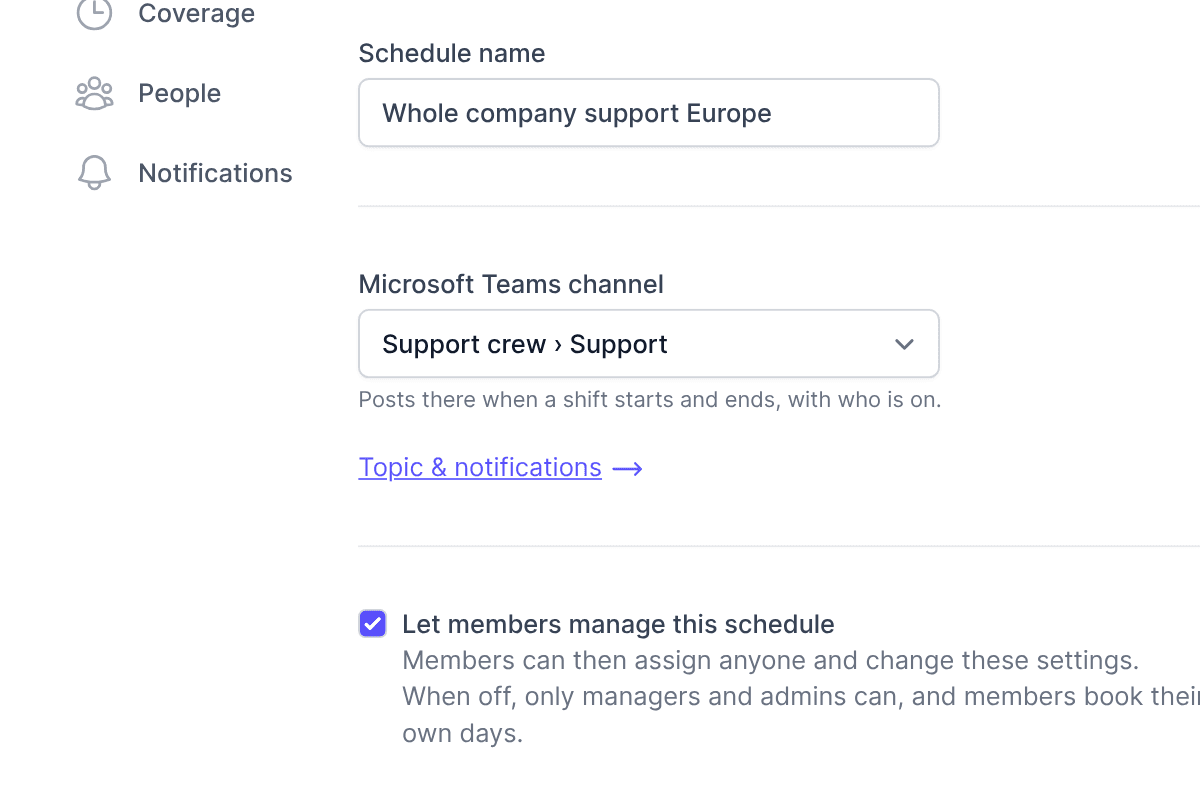
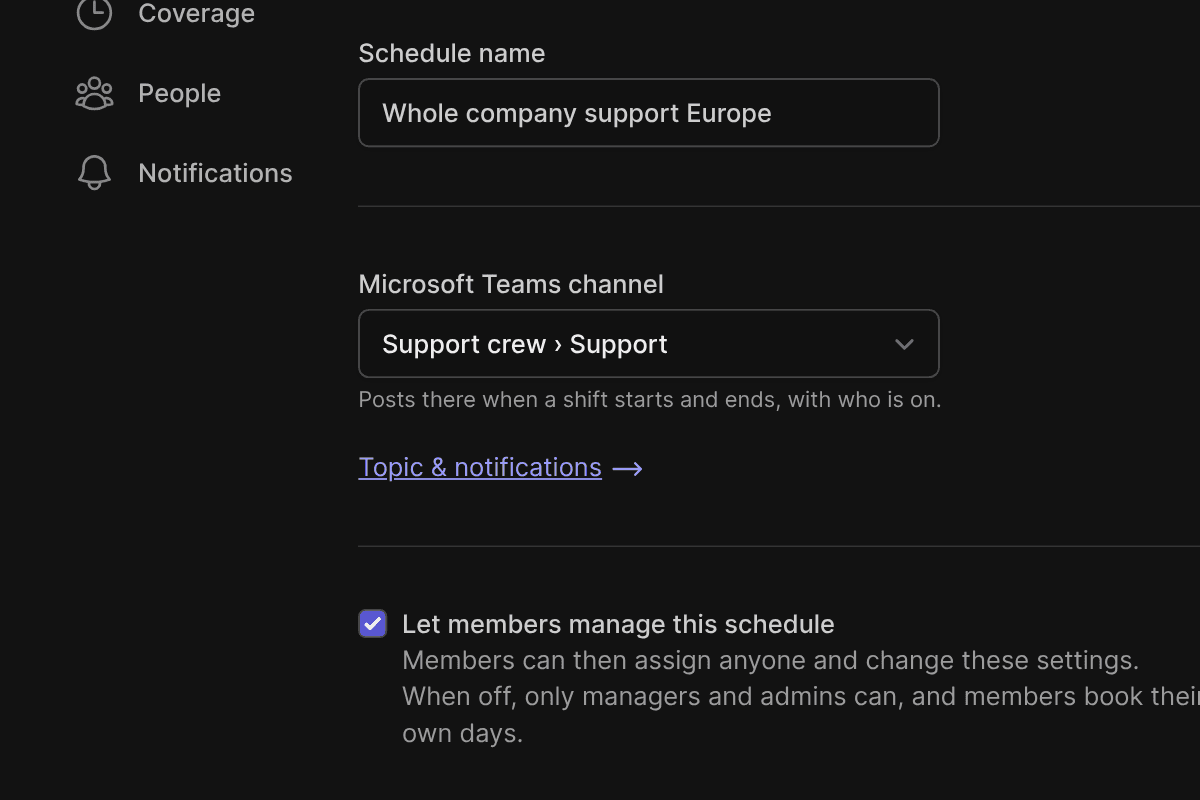
In a schedule's settings, pick one of the channels of the teams TurnShift is in. A company on Slack and Teams can keep both: a schedule can post in a Slack channel and a Teams channel.
Add TurnShift to your Teams
TurnShift is coming to the Teams Store. Until then, your Teams admin adds it for your company in a couple of minutes.
Download TurnShift for TeamsIf you're a Teams admin
- Download the app above and keep the zip file as it is.
- In Teams, open Apps, then Manage your apps at the bottom.
- Click Upload an app, then Upload an app to your org's app catalog, and pick the zip.
- Open TurnShift under Built for your org, click Add, and add it to a team.
- Sign in to TurnShift with Microsoft: your team's people and channels are already there.
If you're not an admin
Send this page to your Teams admin. Or, in Teams, open Apps, Manage your apps, Upload an app, then Submit an app to your org: pick the zip and your admin approves it.
Frequently asked questions
More of TurnShift
- RotationsYour team takes turns, a day or a week each, until you stop it.
- Team calendarEvery schedule and who is on it, by day, week or month.
- Shift schedulingPeople book their own days, or you assign a whole month in one drag.
- SlackShift messages, reminders and your people, in Slack.
- ReportsEach person's shifts and hours, ready for payroll.
- AI assistants and APIAn MCP server for AI assistants and a REST API.
Try TurnShift with your team
It installs in Slack in a minute, with everyone in your workspace already there. See the pricing.
14-day free trial. No credit card required.