Slack notifications for every shift
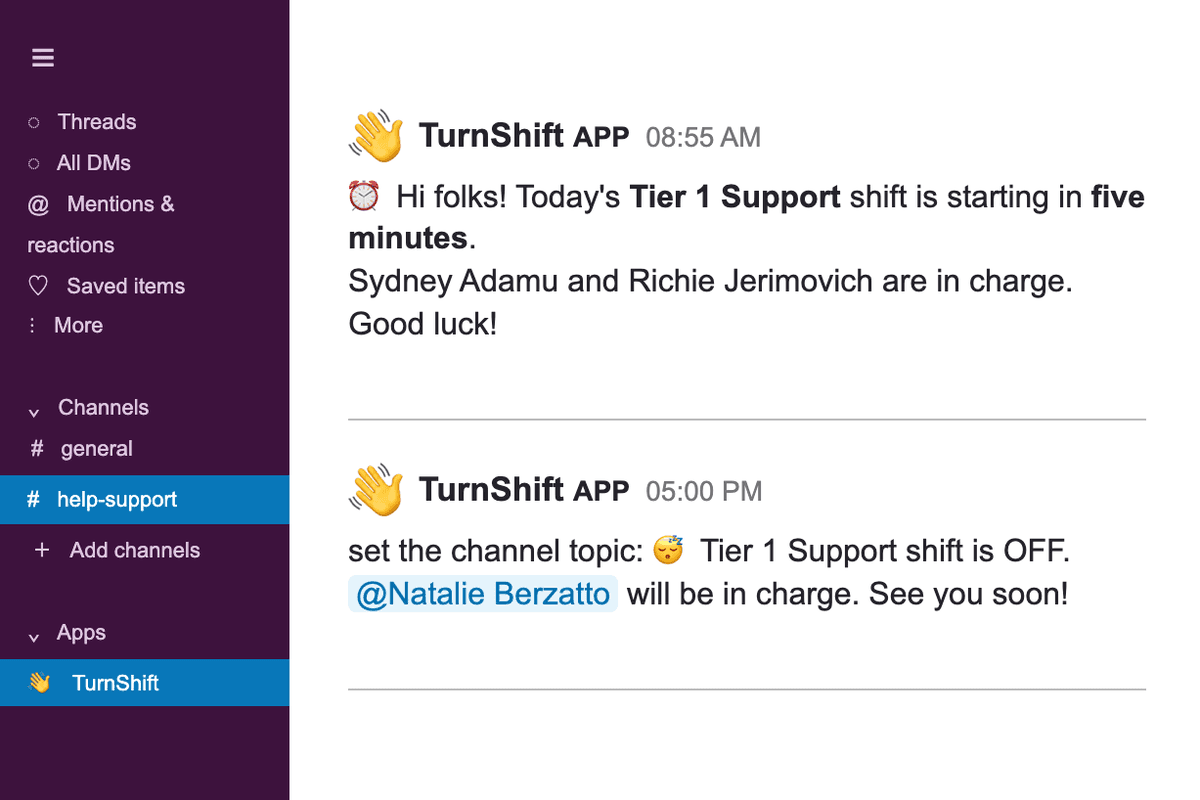
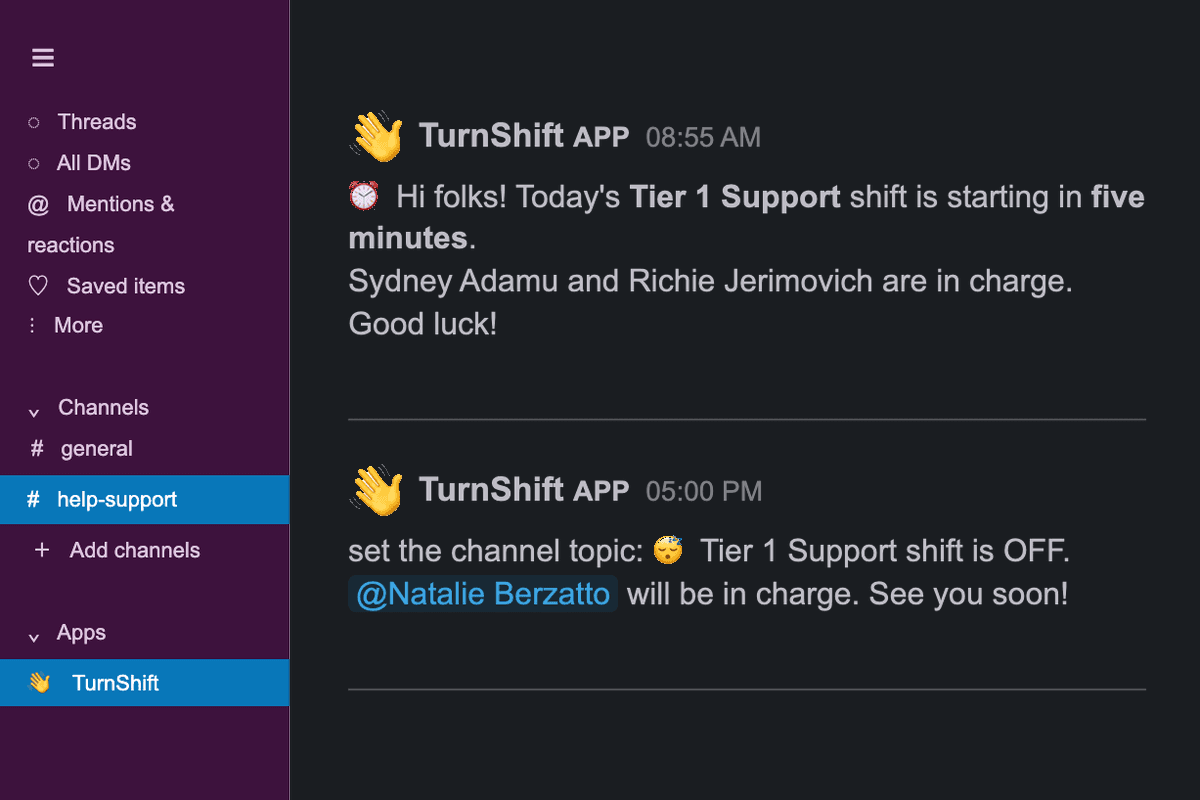
TurnShift tells your team in Slack who is on shift. A few minutes before each shift starts, it posts in the schedule's channel, sends the person on shift a direct message, and can put their name in the channel topic.
Each schedule picks which of these messages it sends, and each person can mute their own.
14-day free trial. No credit card required.
Reminders to book their days
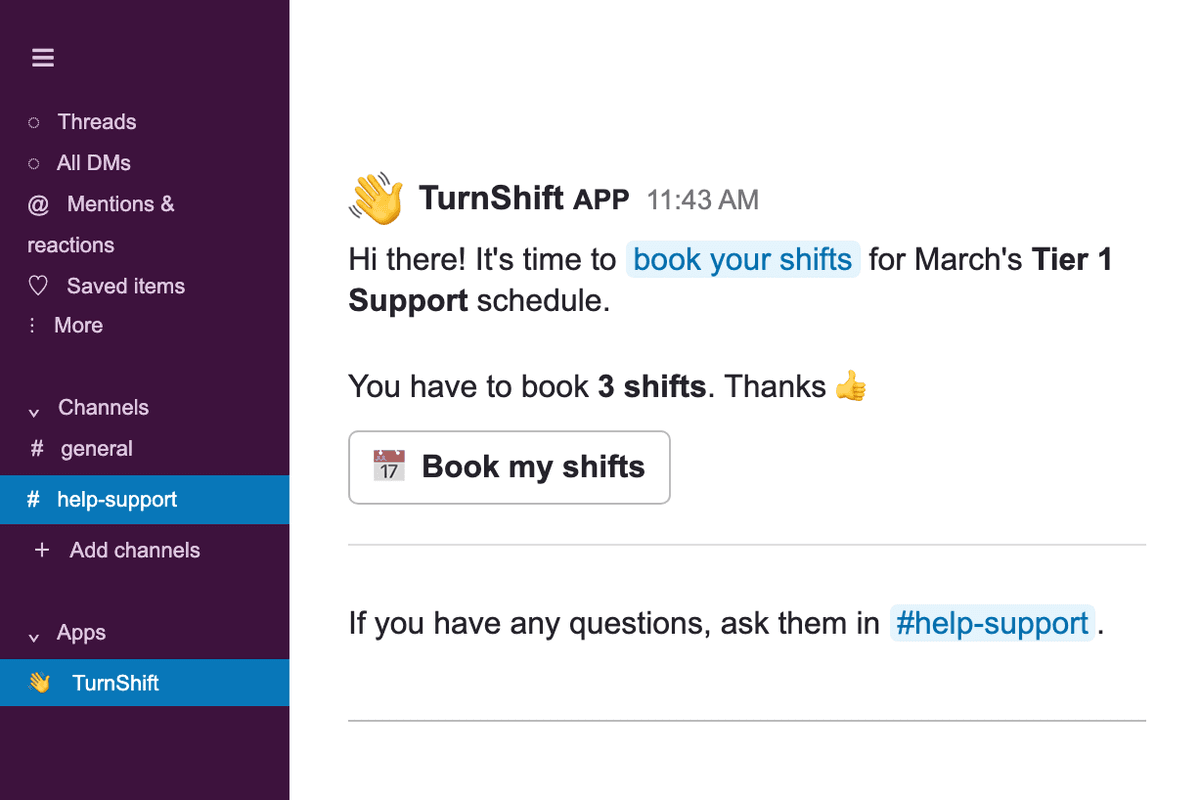
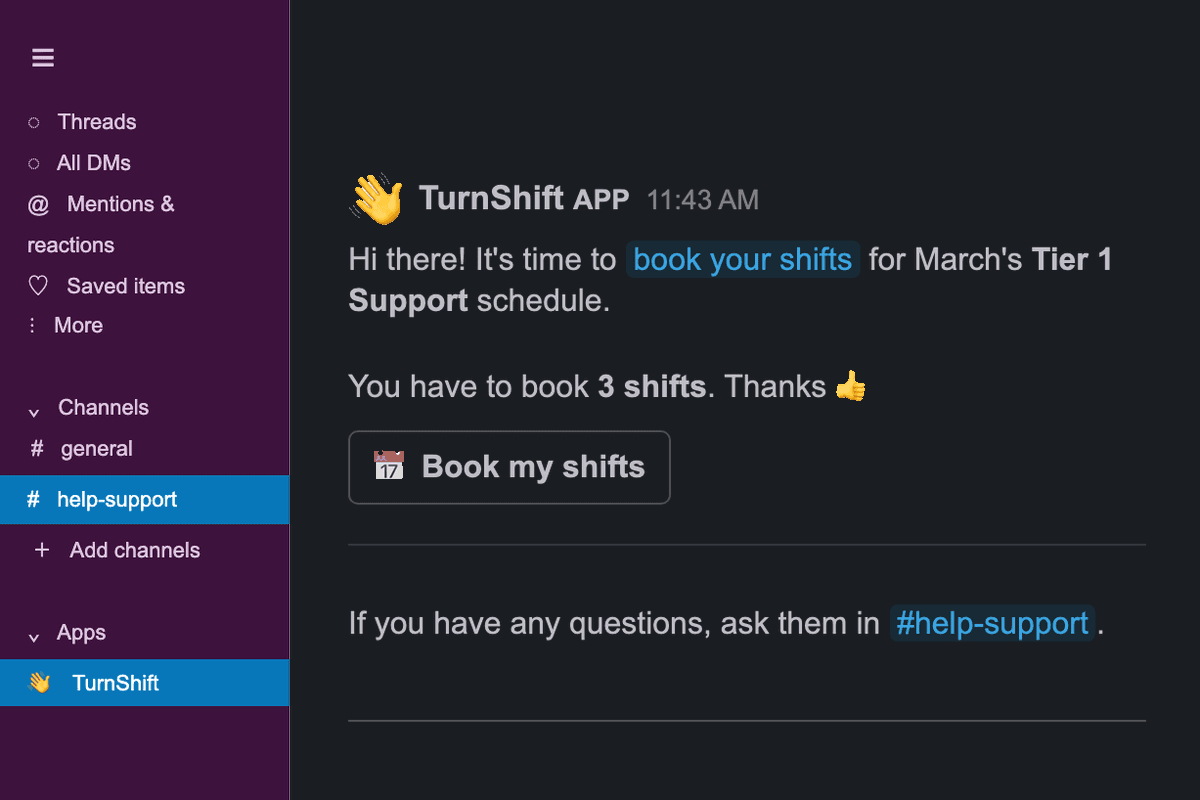
Before the next month starts, TurnShift messages the people who still have days to book, and nobody else. On Friday, everyone gets their shifts for the next week. They click Book in Slack and land on the schedule, already signed in.
Your Slack people, already there
People, their pictures and their time zones come from your Slack workspace and stay in sync. Add someone to a team and TurnShift sends them a Slack message with the team's schedules, so they know where to book. The App Home in Slack shows who is on shift right now and your next shifts.


Frequently asked questions
More of TurnShift
Try TurnShift with your team
It installs in Slack in a minute, with everyone in your workspace already there. See the pricing.
14-day free trial. No credit card required.