On-call hours and shift reports for each person
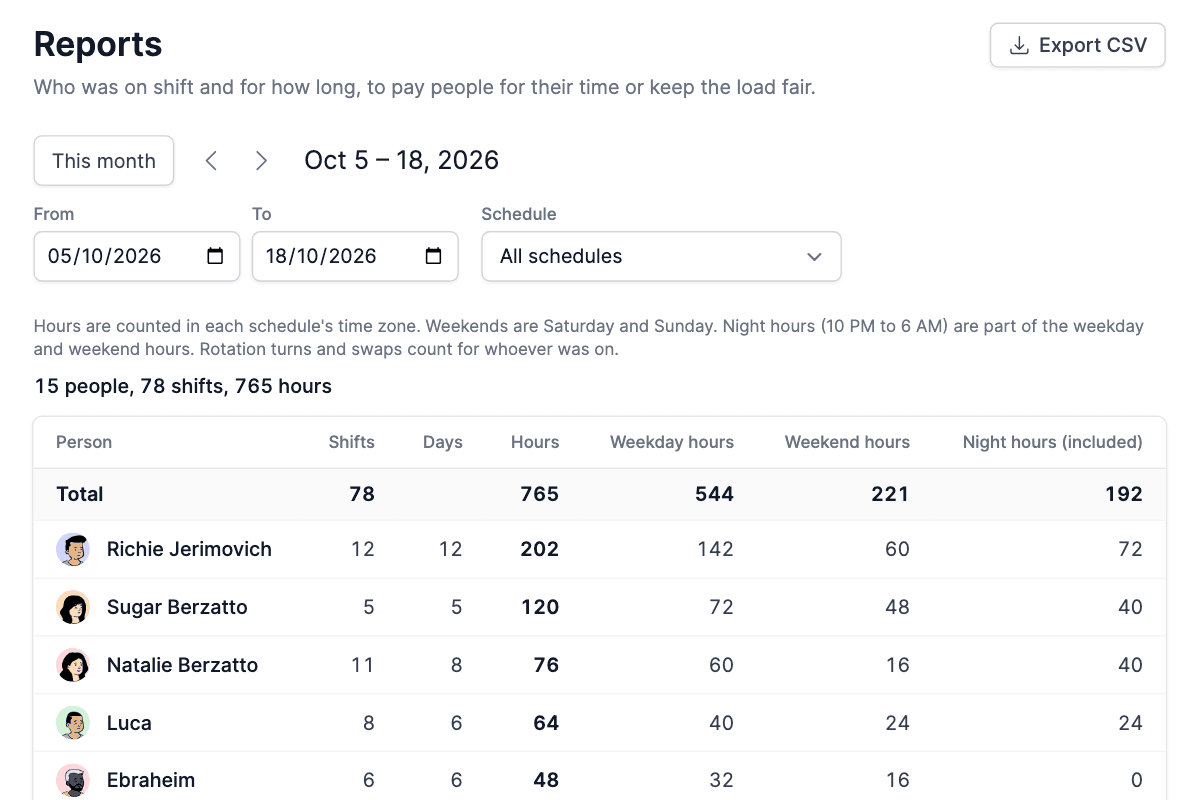
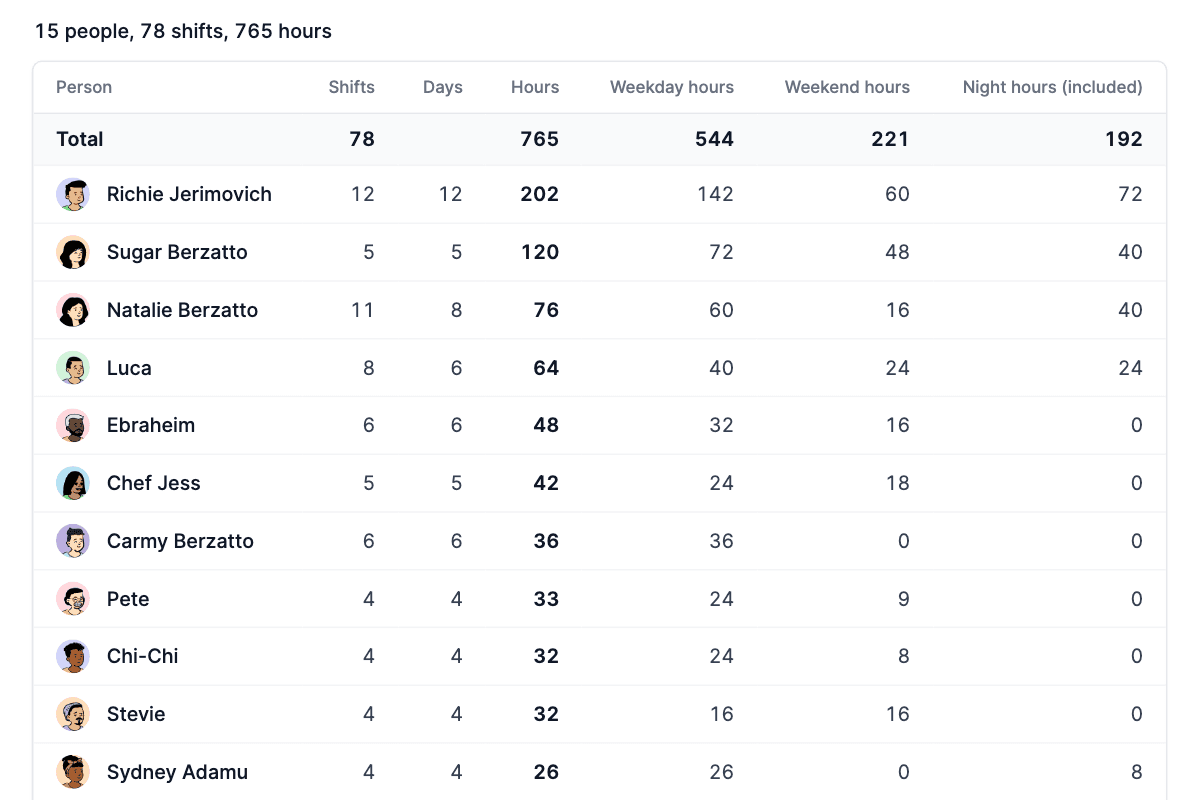
TurnShift reports show how many shifts, days and hours each person did over any period, for one schedule or all of them. Hours are split into weekdays, weekends and nights (10 PM to 6 AM), so you can pay people for their time on call without counting days in a spreadsheet.
Export CSV gives your payroll the same numbers: TurnShift counts the hours, you apply your rates.
14-day free trial. No credit card required.
Weekend and night hours, split out
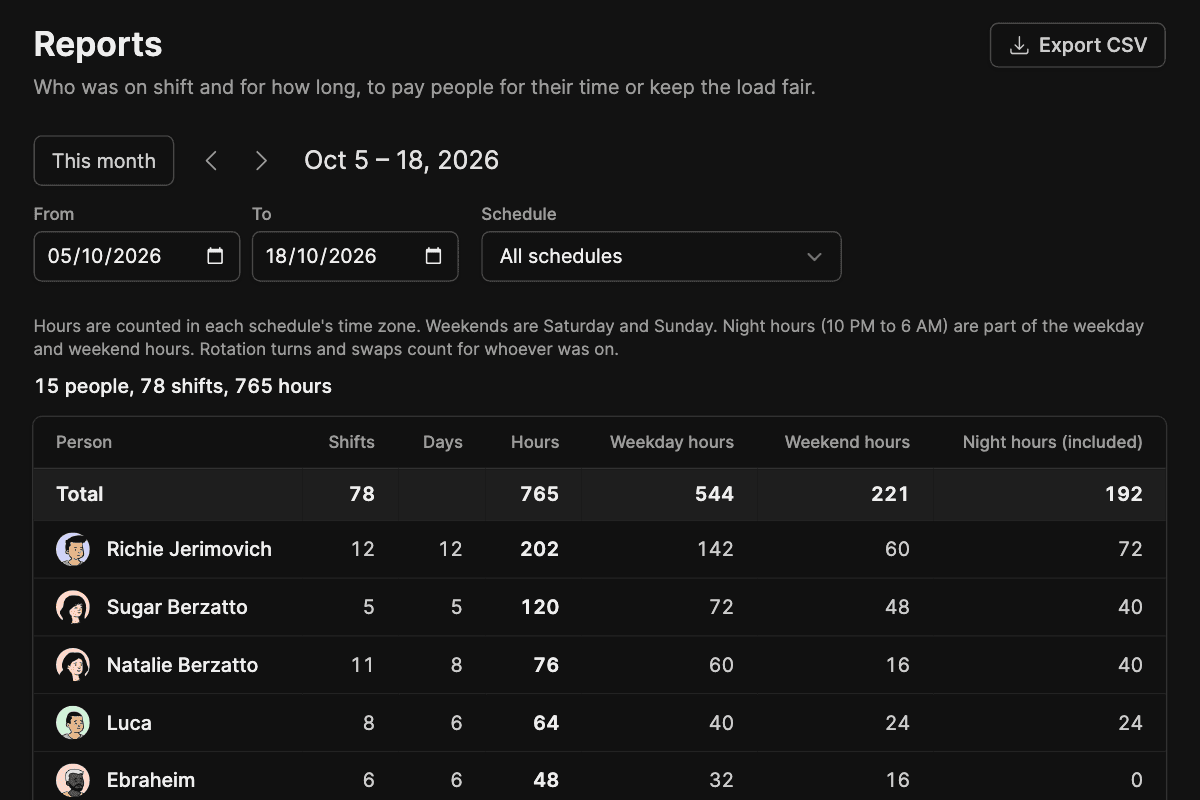
Every hour is counted in the schedule's own time zone: Saturday and Sunday are weekend hours, and 10 PM to 6 AM are night hours, the split on-call pay usually needs. Pick one schedule or all of them, this month in one click, or any two dates up to a year apart.
Swaps count for whoever did the day
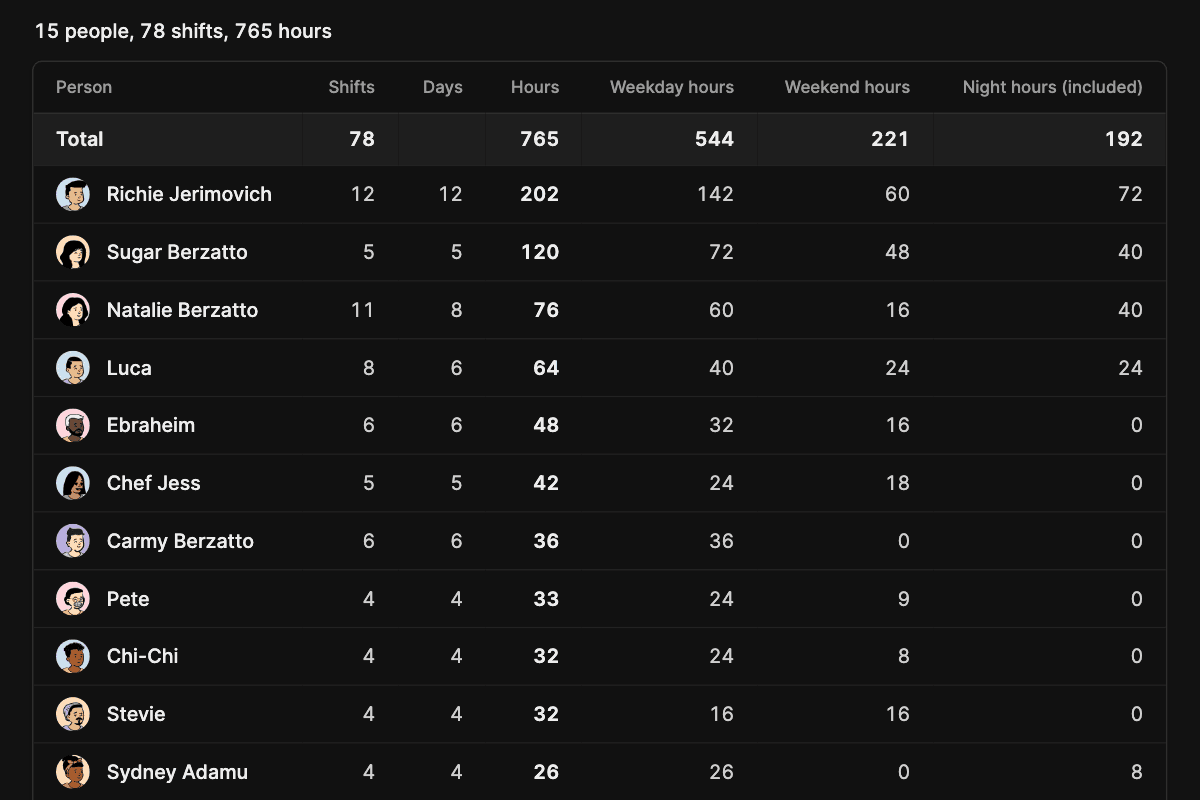
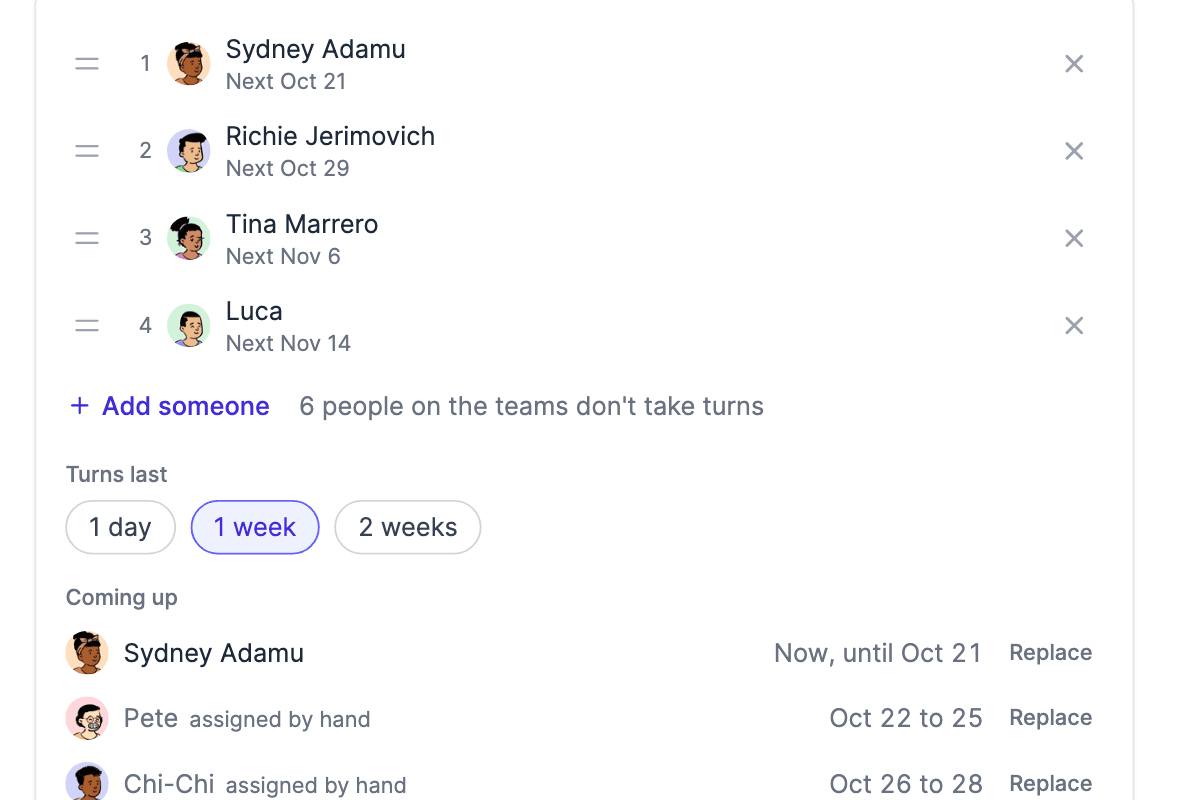
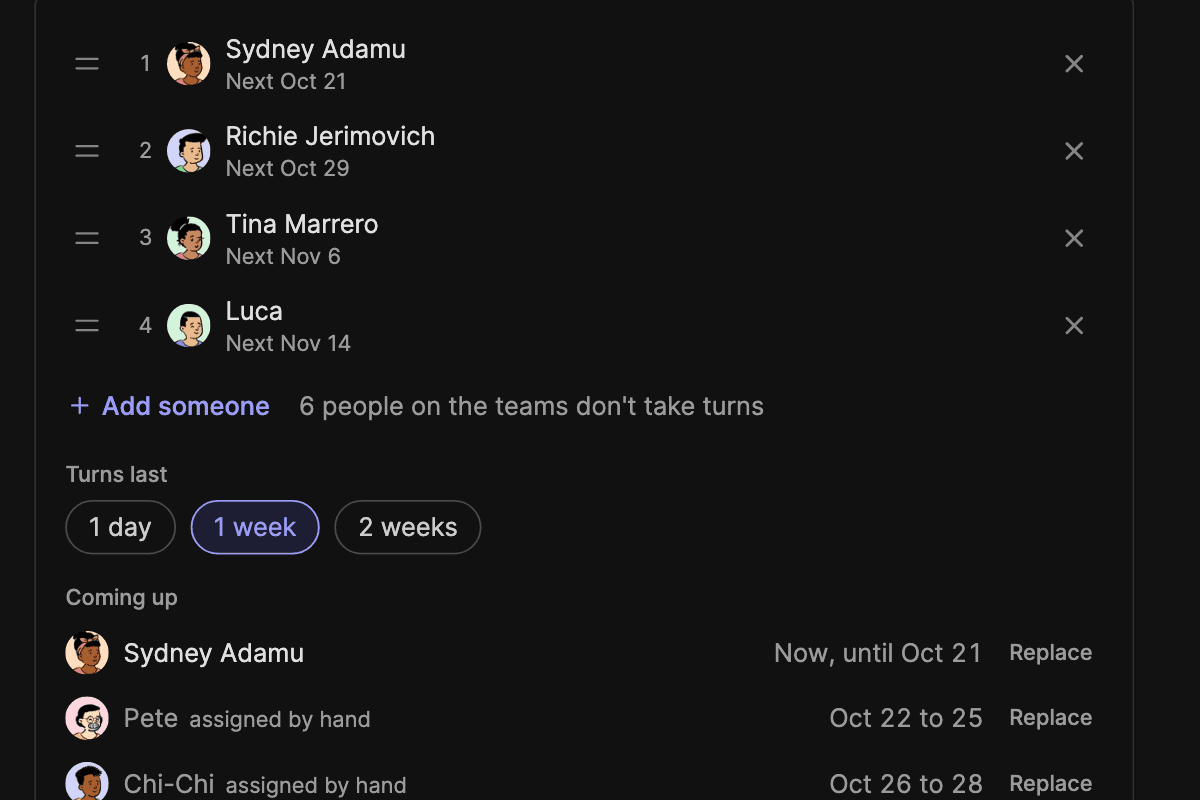
Rotation turns count, and so does a day someone took over: the hours go to the person who was on shift. People who leave your Slack workspace keep their past shifts, so last month's report stays right after someone leaves.
Export CSV, or ask your assistant
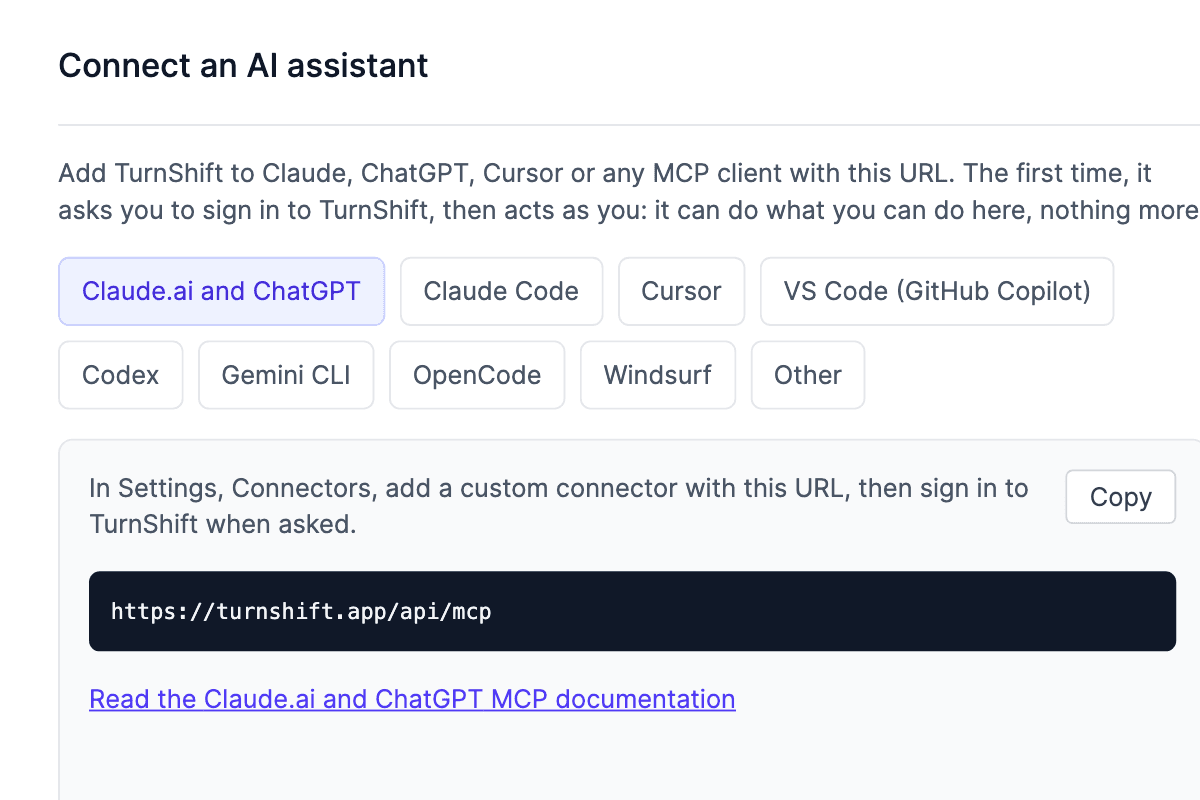
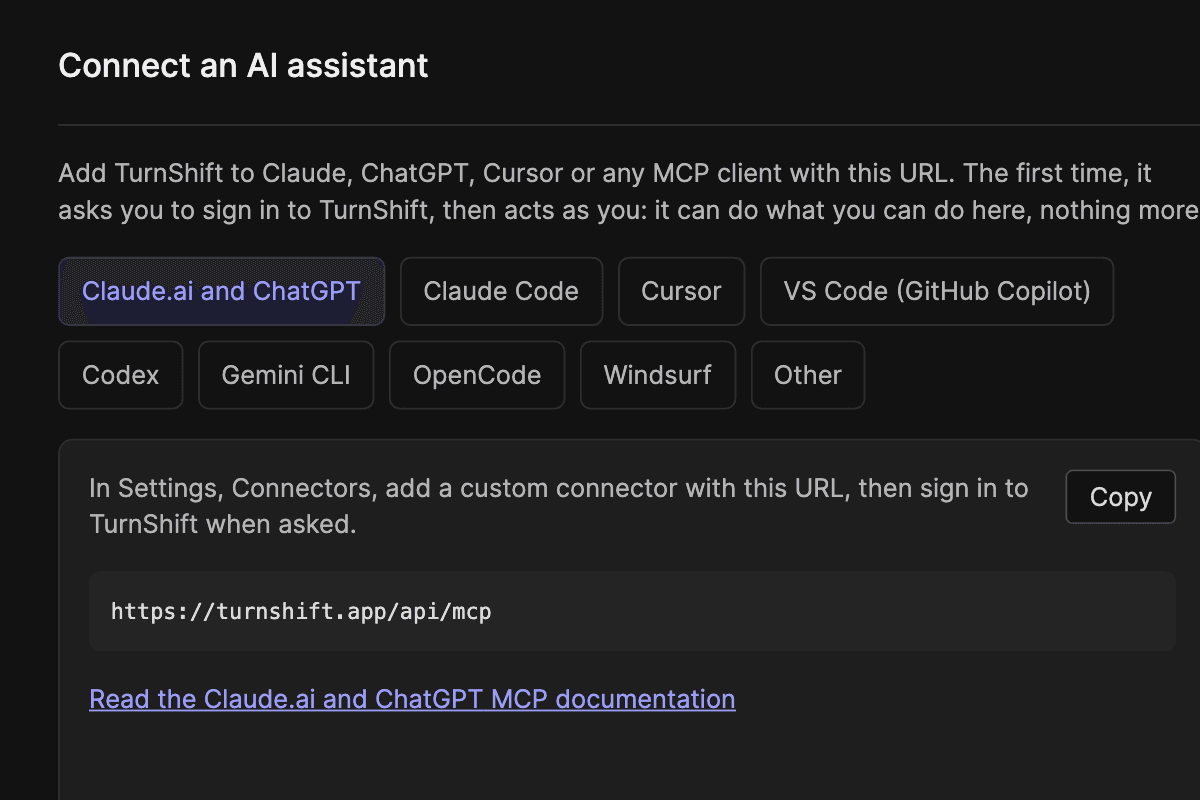
Export CSV opens in Excel or Google Sheets with one row per person. Or ask Claude or ChatGPT "how many night hours did each of us do in October?", and your own tools can read the same report from the API.
Frequently asked questions
More of TurnShift
- RotationsYour team takes turns, a day or a week each, until you stop it.
- Team calendarEvery schedule and who is on it, by day, week or month.
- Shift schedulingPeople book their own days, or you assign a whole month in one drag.
- Slack notificationsStart messages, channel topics and reminders in Slack.
- AI assistants and APIAn MCP server for AI assistants and a REST API.
Try TurnShift with your team
It installs in Slack in a minute, with everyone in your workspace already there. See the pricing.
14-day free trial. No credit card required.