Shift scheduling in Slack
TurnShift is shift scheduling for teams that work in Slack. Create a schedule for each thing that needs covering, then let people book their own days, or select a week on the grid and assign it in one go.
Your people and their pictures come from Slack, and TurnShift reminds whoever still has days to book.
14-day free trial. No credit card required.


One schedule per thing to cover
Give each schedule its days, its hours or All day, its time zone and how many people are on at a time. Then drag across days on its grid: a card opens next to them to assign someone, replace one person, unassign everyone, or auto-assign the empty days evenly across the team, each with an Undo.


Everyone books their share
TurnShift splits the month's shifts evenly between the people on the schedule, or you set a monthly number for each person. The booking plan shows who still has days to book.


Reminders to whoever has days left
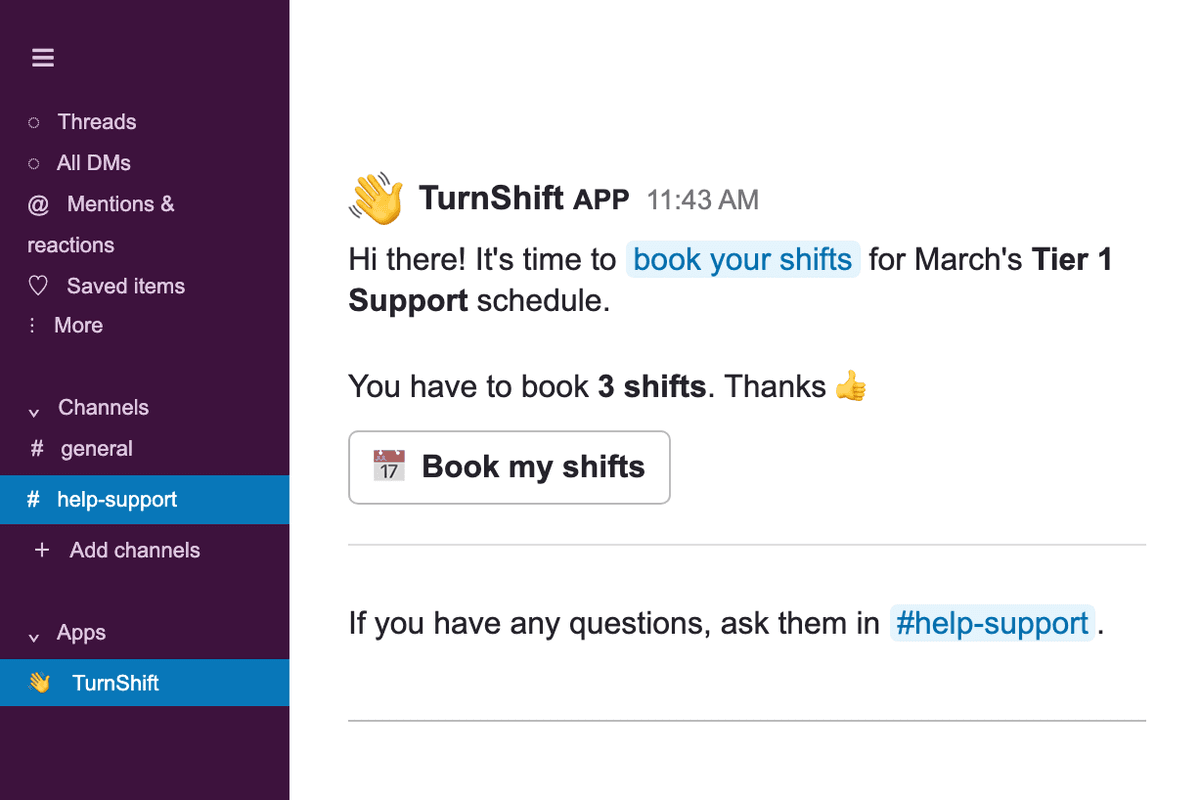
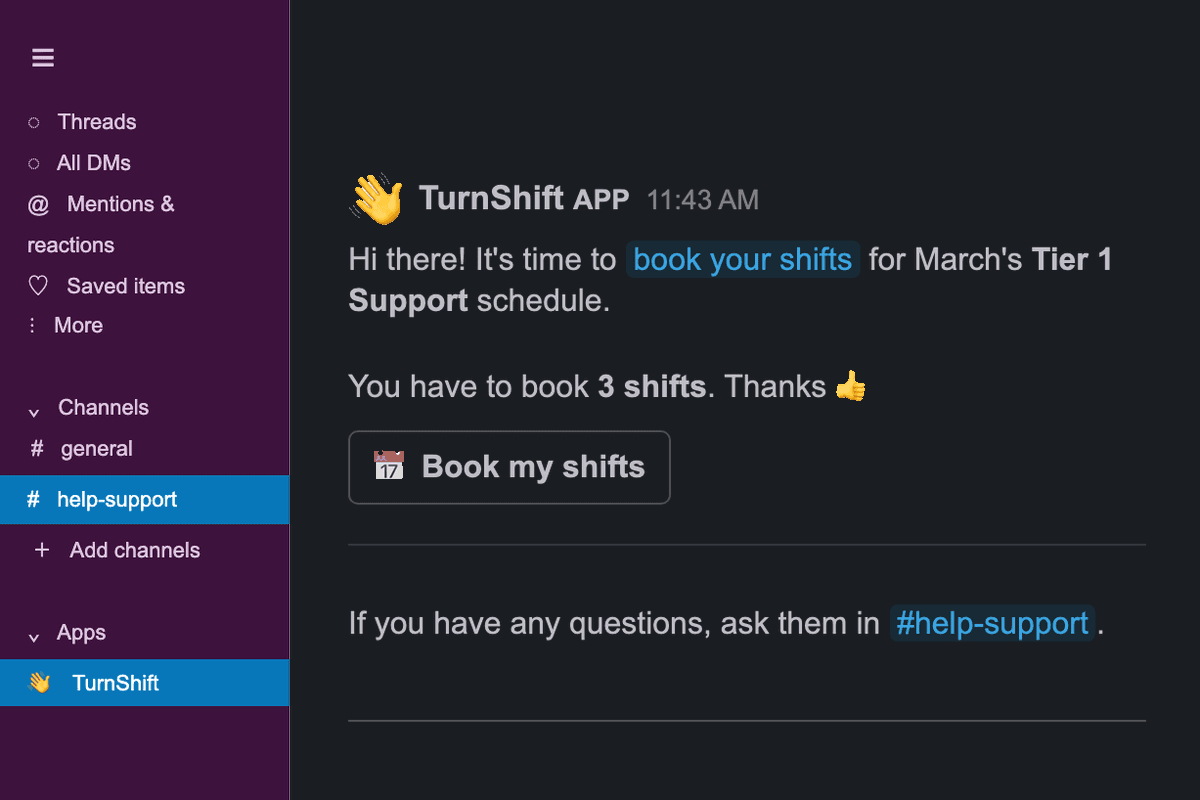
Before the next month starts, TurnShift sends a Slack message to the people who have not booked their share, and only to them. They click Book and land on the schedule, already signed in.
Decide who can change schedules
Admins run the organization, managers create schedules and assign anyone, and members book their own shifts. Admins also handle roles, Slack and billing. A schedule can also let members assign anyone.


Frequently asked questions
More of TurnShift
Try TurnShift with your team
It installs in Slack in a minute, with everyone in your workspace already there. See the pricing.
14-day free trial. No credit card required.