On-call and support rotations in Slack
TurnShift runs your on-call or support rotation in Slack. Everyone on the team takes turns, a day, a week or two weeks each, in the order you drag. TurnShift assigns every turn until you stop the rotation, and tells each person in Slack before their shift starts.
You set it up once in a schedule's settings, and you can still assign someone by hand on any day.
14-day free trial. No credit card required.
Set it up once, swap when you need
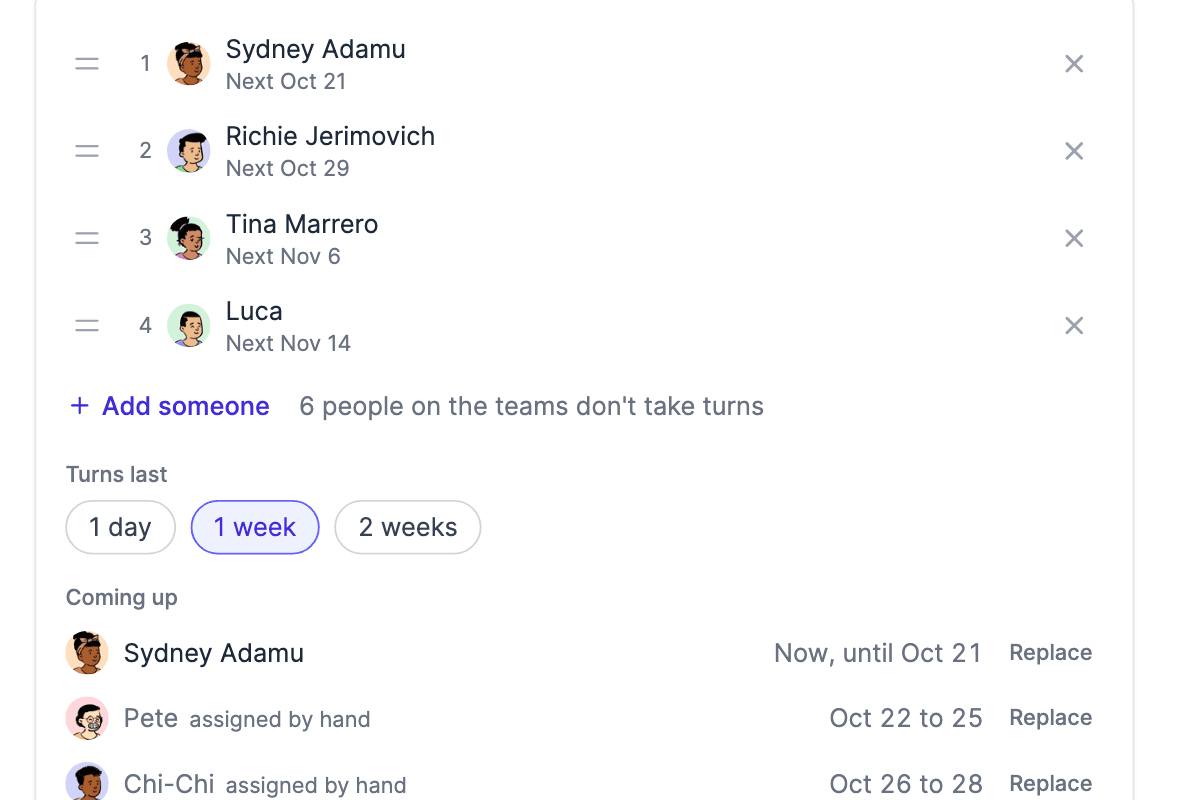
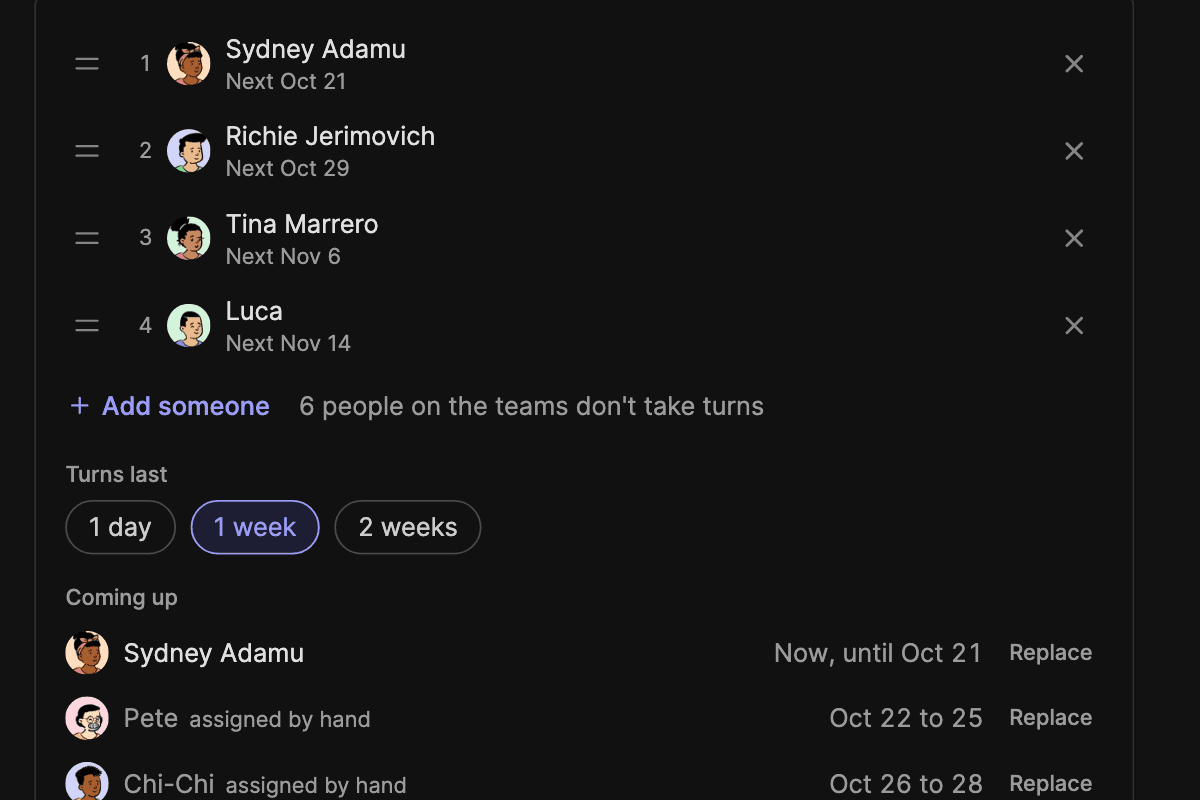
Open a schedule's settings > People, pick Automatic assignments and drag your team into order. Someone is off for their week? Click Replace next to that turn and pick who covers it, and the rest of the rotation stays as it was.


See who is on now, and who is next
The team calendar shows the rotation next to everything else your team covers, with who is on each day. Change the rotation whenever you need: a turn someone already planned around keeps its date.


Who is on call, posted in Slack
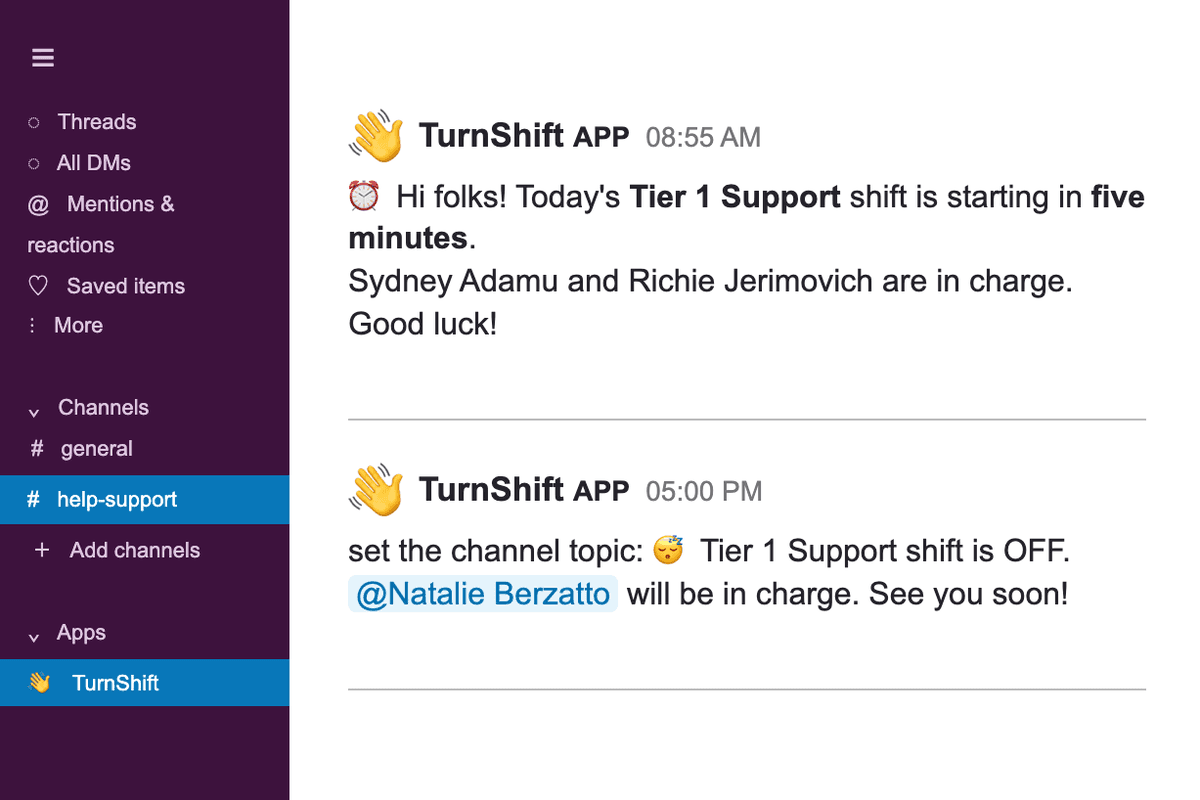
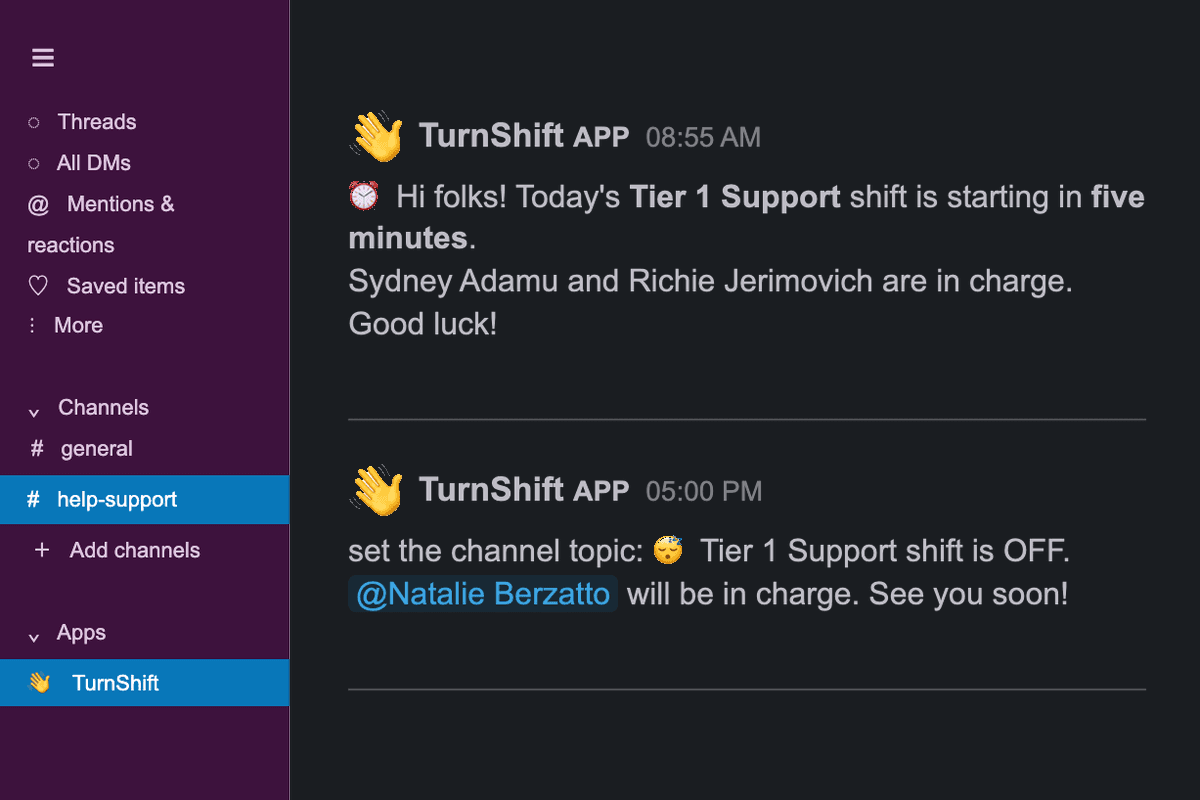
Before each shift starts, TurnShift posts who is on in the schedule's channel, sends them a direct message and can put their name in the channel topic. You choose which messages each schedule sends.
Frequently asked questions
More of TurnShift
Try TurnShift with your team
It installs in Slack in a minute, with everyone in your workspace already there. See the pricing.
14-day free trial. No credit card required.