Slack reminders for a team rotation, and where they stop
To remind a channel every week, type /remind #channel what when in Slack, like /remind #support to check who is on call every Monday. It repeats the same text on the same day until you delete it, which works for a chore and breaks the week the reminder has to name whose turn it is.
Set a recurring reminder for a channel
Type it in any message field and send it. Slack's Set a reminder page gives the format as /remind [#channel] [what] [when], with the example /remind #marketing-team to submit expenses every Thursday. When it fires, Slack posts the description in the channel.
A few things that page says, checked November 23, 2026:
- Reminders repeat by the day, like every Monday, but not by the hour.
- A reminder for a day with no time comes at 9 a.m. in your time zone.
- Guests can't create channel reminders.
/remind listsends you a private list of the reminders you can delete. A channel reminder can't be edited: delete it and make it again.
For yourself, hover over a message and pick Remind me about this. For a message with more to it, the same page points to Workflow Builder's scheduled message template.
Where it stops for a rotation
/remind #support Ana is on call this week every Monday is right once. The next Monday it should say Ben, and Slack has no way to know that. Most teams then write a vaguer reminder ("check the pinned message") and keep the pinned message current by hand, or set one reminder per week with the right name and redo them all when someone swaps.
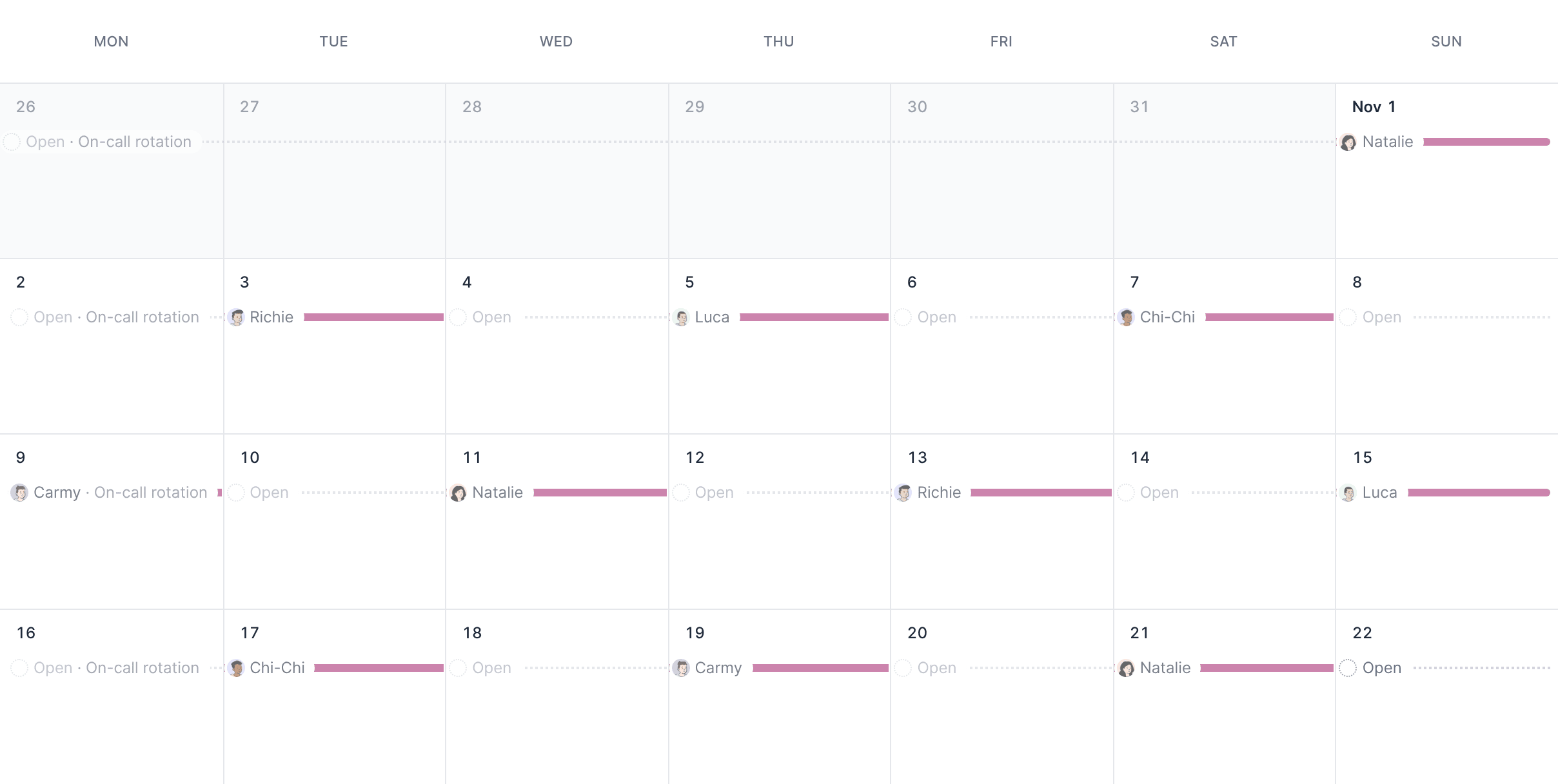
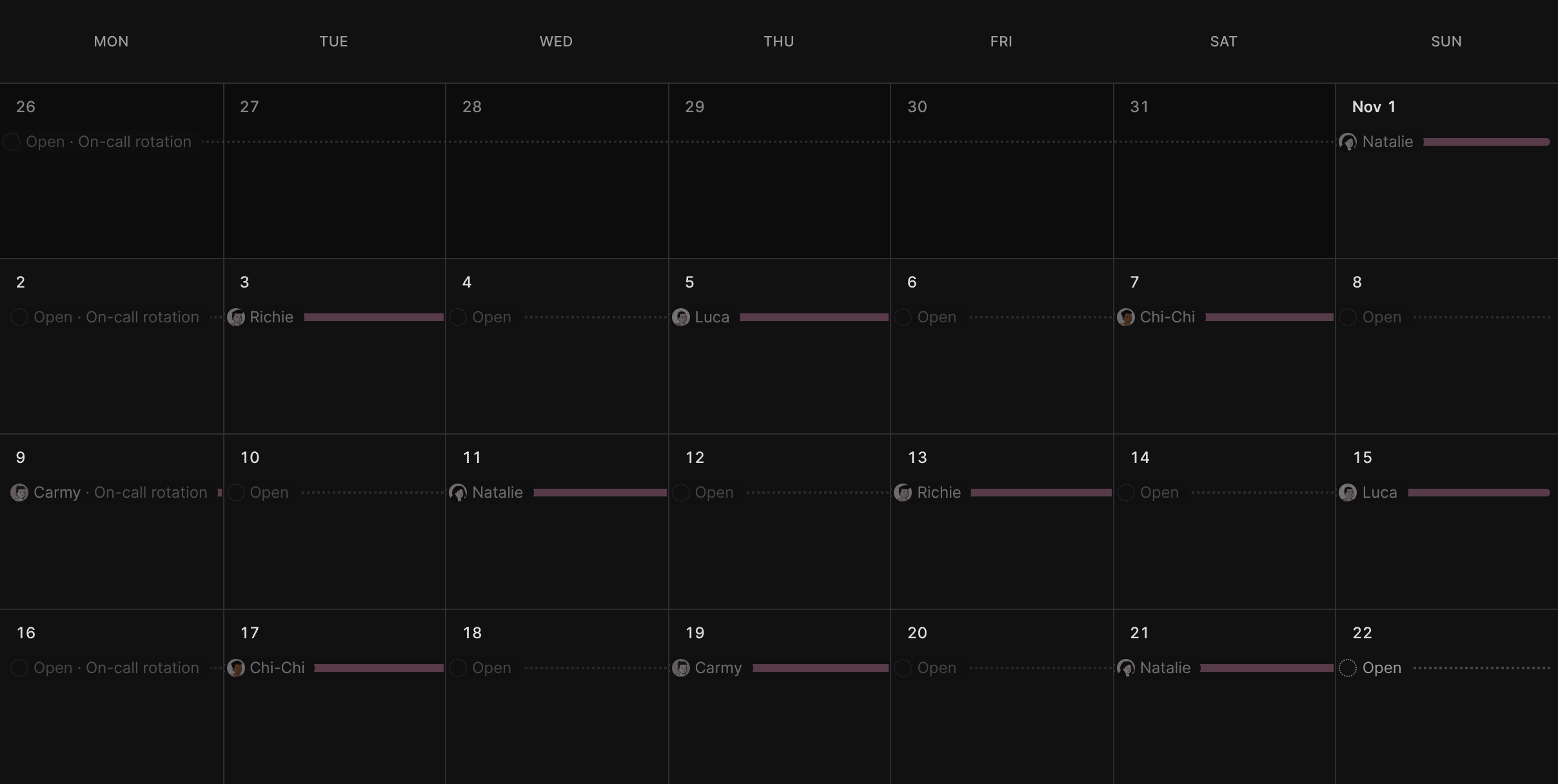
On TurnShift, a schedule filled by hand with three people or more has a median of 5 people taking shifts, so a weekly turn comes back to each person about every five weeks. That is five reminders to keep right, and one holiday swap makes every one after it wrong.
What to use instead
Keep /remind for chores that read the same every time, like posting the weekly numbers. When the reminder depends on who is on, the order has to live somewhere that can work out whose turn it is.
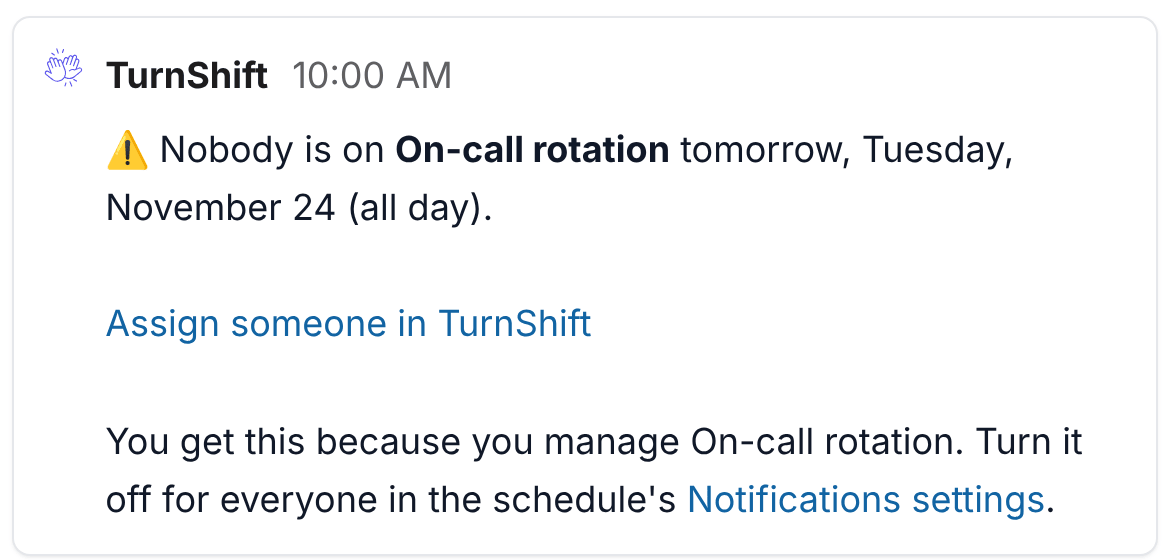
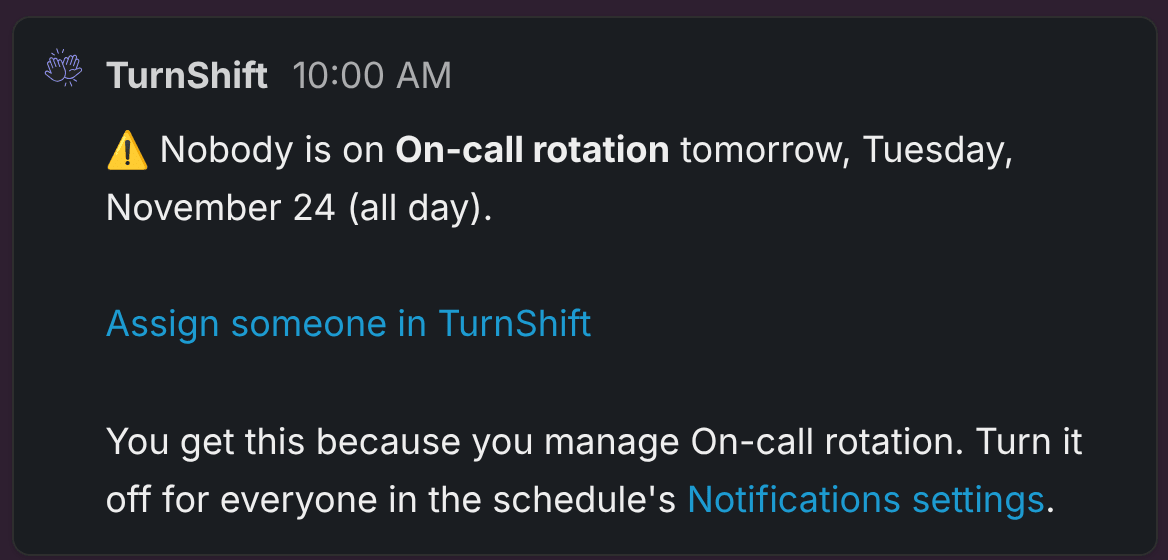
That is what TurnShift does in Slack. The reminders it sends name the person, because they come from the schedule: the person on hears the day before and 10 minutes before their shift, and the channel hears 5 minutes before it starts. And one thing /remind cannot do at all: managers can turn on a message at 10 a.m. when tomorrow still needs people.
When two people swap, only their day changes and the reminders follow it. Setting up the order is covered step by step in how to run a support rotation in Slack.
Which one you need
If the text never changes, use /remind: it is free and already in Slack. If somebody edits a reminder every week to change the name, try TurnShift on that one schedule. The trial is 14 days and needs no card, then it is €3.50 a person a month on the yearly plan.