How to run a support rotation in Slack
To run a support or on-call rotation in Slack, put the people in an order, pick how long a turn lasts, and let a tool hand over the turns and say in the channel who is on. Slack has no rotation of its own, so most teams start with a pinned message and end up with one person who keeps it current.
Why rotations drift when someone fills them by hand
We looked at the schedules teams fill by hand in TurnShift: 35 schedules with three or more people, across 20 teams, 2,348 shifts over the last 90 days. In the typical one, the busiest person did 3 times as many shifts as the least busy. In 23 of the 35, it was at least twice as many.
Some of that is on purpose: a part-timer, someone new, someone who likes nights. Our guess for the rest: the person filling the schedule asks whoever answered last time. A rotation fixes the order once, and the next turn goes to the next name on the list.
What a support rotation needs
Four things decide whether a rotation still holds after a month, whatever tool runs it:
- An order everyone can see: who is on this week, who is next, and who comes after.
- A turn length that fits the work. A day for a front desk, a week for on-call so nobody gets paged two nights in a row by surprise.
- A handover nobody has to remember. The person coming on hears before their turn, and the channel knows who to ask.
- Swaps that leave the order alone. Someone is off on Tuesday, somebody covers, and the rotation picks up where it was.
Set it up in TurnShift
In TurnShift a schedule posts to a Slack channel, and a rotation decides who is on each day.
- Add TurnShift to Slack.
- Create a schedule: its name, the days and hours someone must be on, and the Slack channel it posts to. For on-call, pick All day.
- Open the schedule's Settings, then People, and pick Automatic assignments.
- Drag people into the order they take turns, then pick Turns last: 1 day, 1 week, 2 weeks, or Other for 1 to 8 days or weeks.
- Pick the first turn and check Coming up, which shows who takes which dates before anything changes. Then click Start rotation.
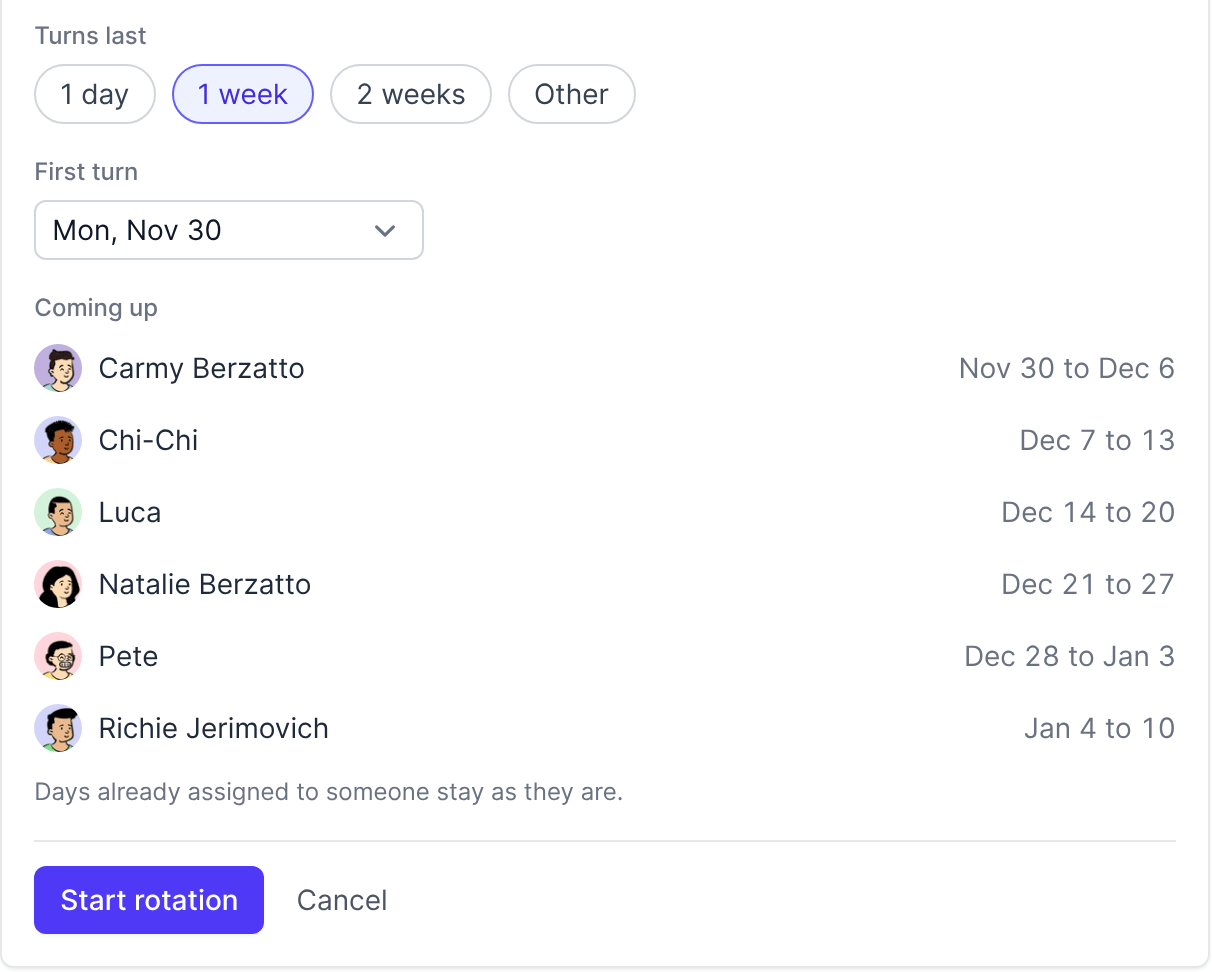
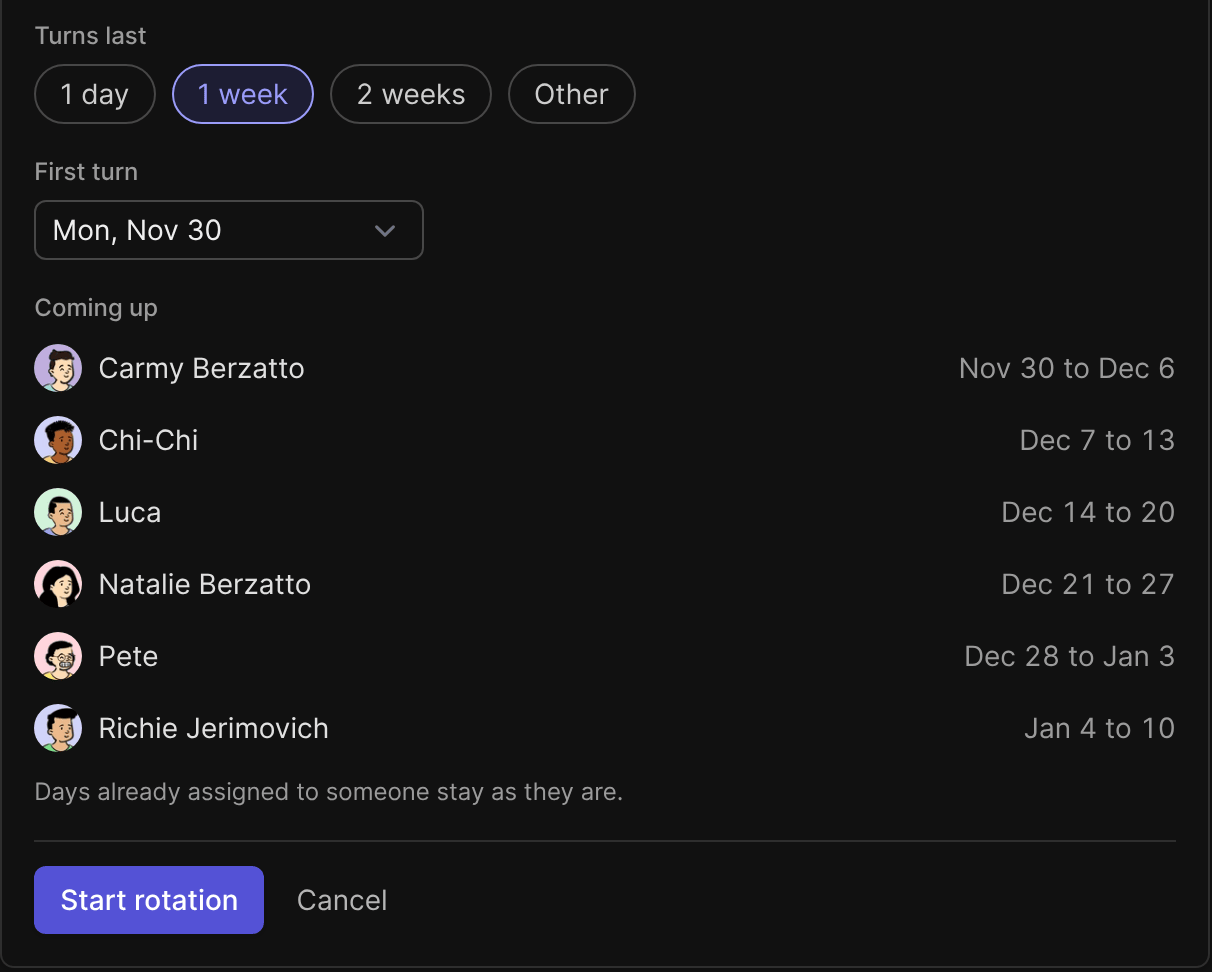
Day turns only count the days the schedule runs, so a weekday schedule skips weekends without anyone moving the order. Week turns hand over on the weekday the rotation started. If the schedule needs two people at a time, each turn puts two on, which covers a primary and a backup.
What the channel sees
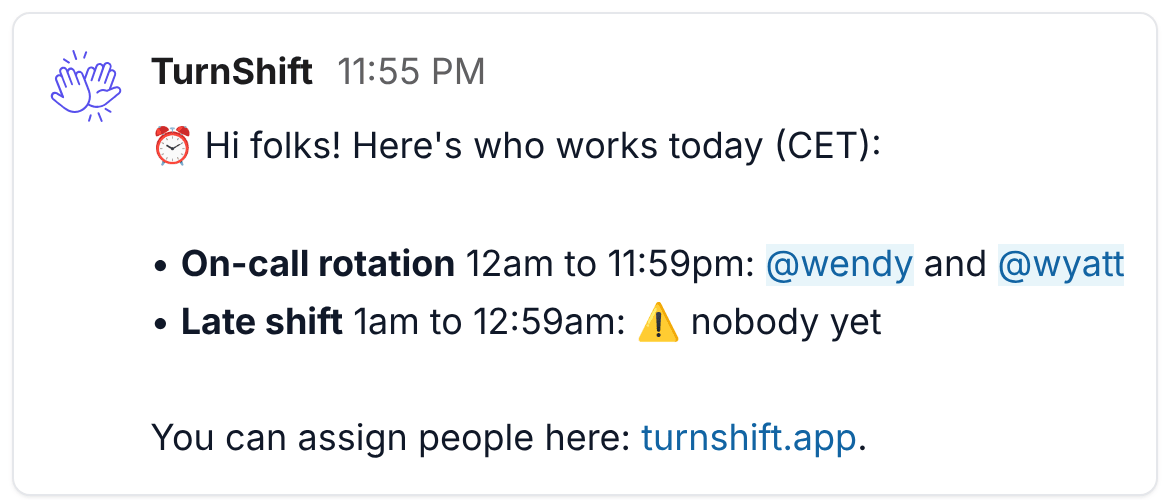
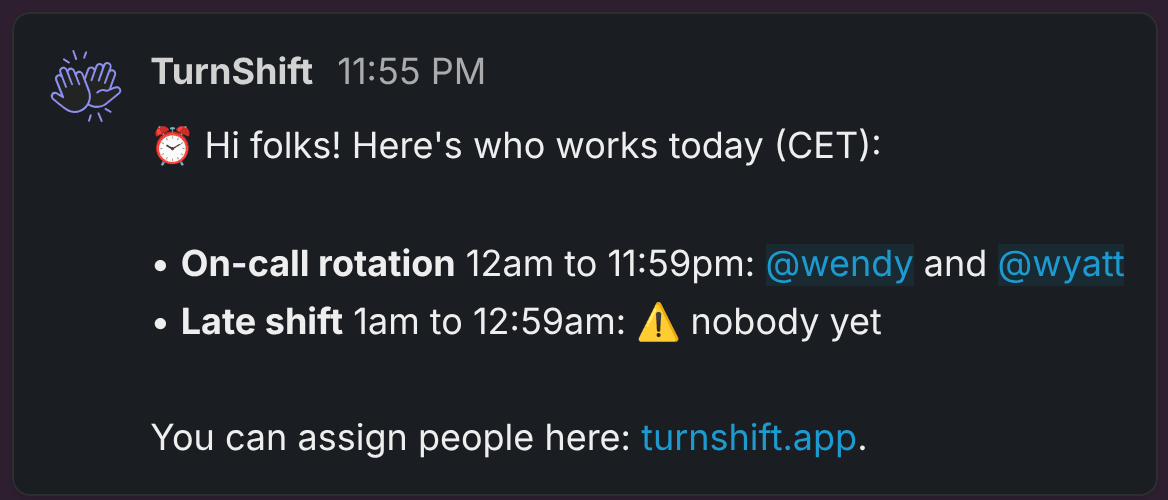
Once the rotation runs, TurnShift keeps Slack up to date on its own:
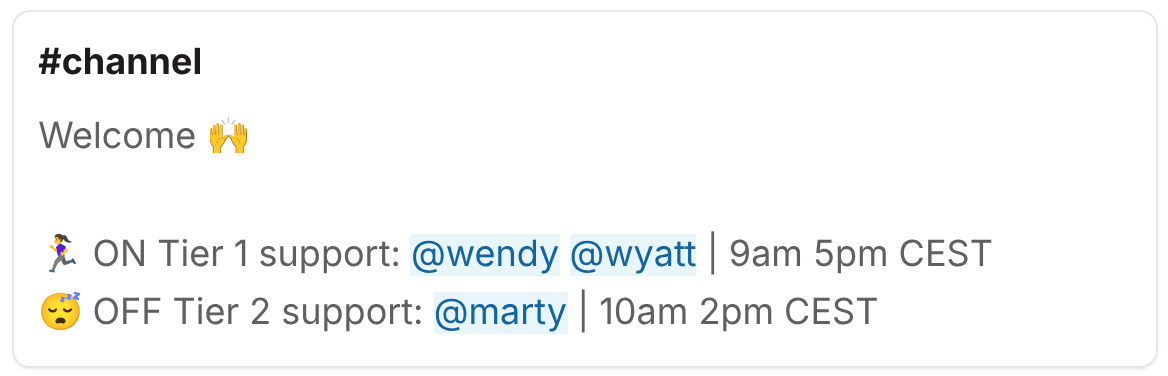
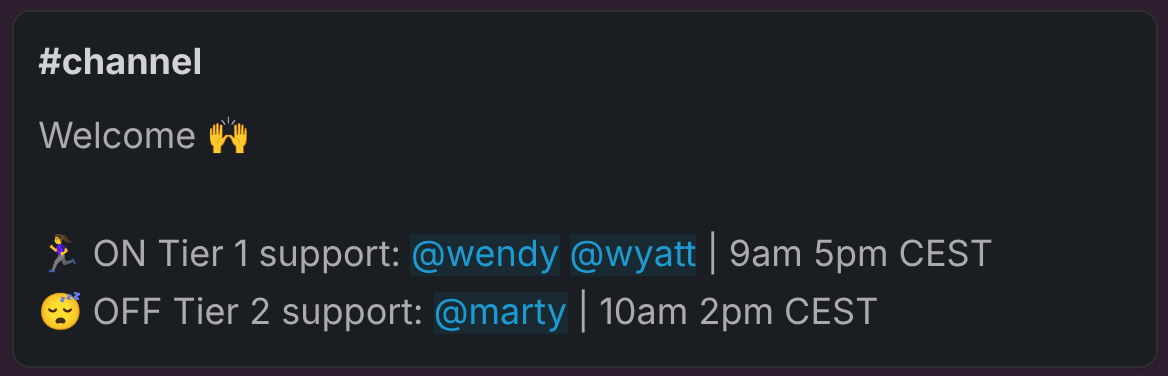
- The channel topic shows who is on right now, and changes when a shift starts or ends.
- The channel gets a message 5 minutes before a shift starts, with who is in charge.
- The person on gets a direct message 10 minutes before their shift, one the day before, and their next week's shifts every Friday afternoon.
Swaps, new people and people who leave
Hand-made rotations usually break on one of these:
- For a one-off swap, each coming turn has Replace, and you can still assign someone by hand on any day. The rotation keeps its order and nobody else's turn moves.
- Someone who joins the team shows as not taking turns until a manager adds them to the order.
- When someone leaves, their past turns stay as they were. Their coming turns show as Open, with a suggested cover: whoever has done the fewest days and is not on right before or after.
- A new order or turn length starts after everyone's next turn, so no planned turn moves. Someone you add can also take the next turn instead, and the others move back one. Only the people whose turn changes, and whoever covers an open turn, get a Slack message.
Each person's days done, swaps included, sit next to their name, with a History of every change.
What it doesn't do
TurnShift does not page anyone when something breaks, and it has no escalations. If your monitoring needs to wake someone up by phone, keep an incident tool for that part and use the rotation for who answers in the channel.
A rotation is the same for everyone: no "every other week" for one person, and one rotation per schedule. A handover at a time of day inside a 24/7 schedule, like Monday 5 PM to Monday 5 PM, is not supported yet.
Try it
TurnShift costs €4.20 a person a month, or €3.50 billed yearly, only for people on an active schedule, with a 14 day free trial. If you just want the order on paper first, the free rotation maker turns a list of names and a turn length into who is on call when. The rotations page shows the rest.