Manage your team schedule from Claude or ChatGPT
Yes, you can. TurnShift is a team schedule that lives in Slack, and Claude or ChatGPT can use it for you. Ask "who is on call this weekend?", "put Natalie on Sunday" or "start a weekly rotation", and it's done, in the same schedule your team sees in Slack.
What you can ask
Here is a real week from our demo team. Weekend support has Stevie on Saturday and nobody on Sunday:
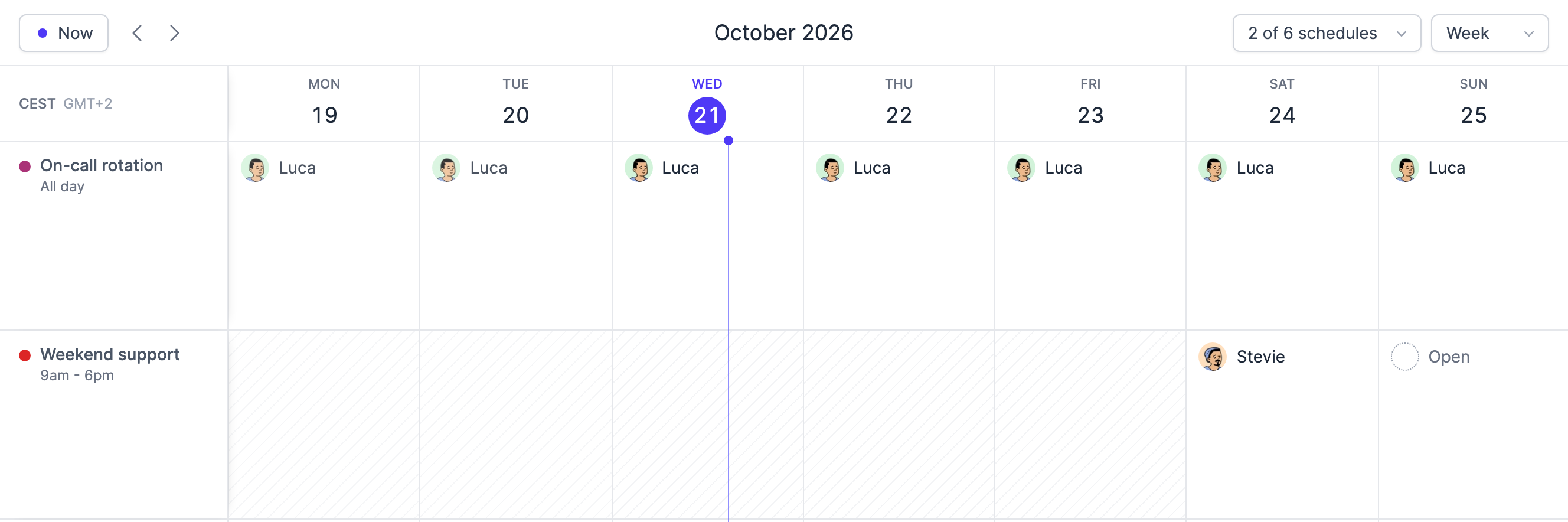
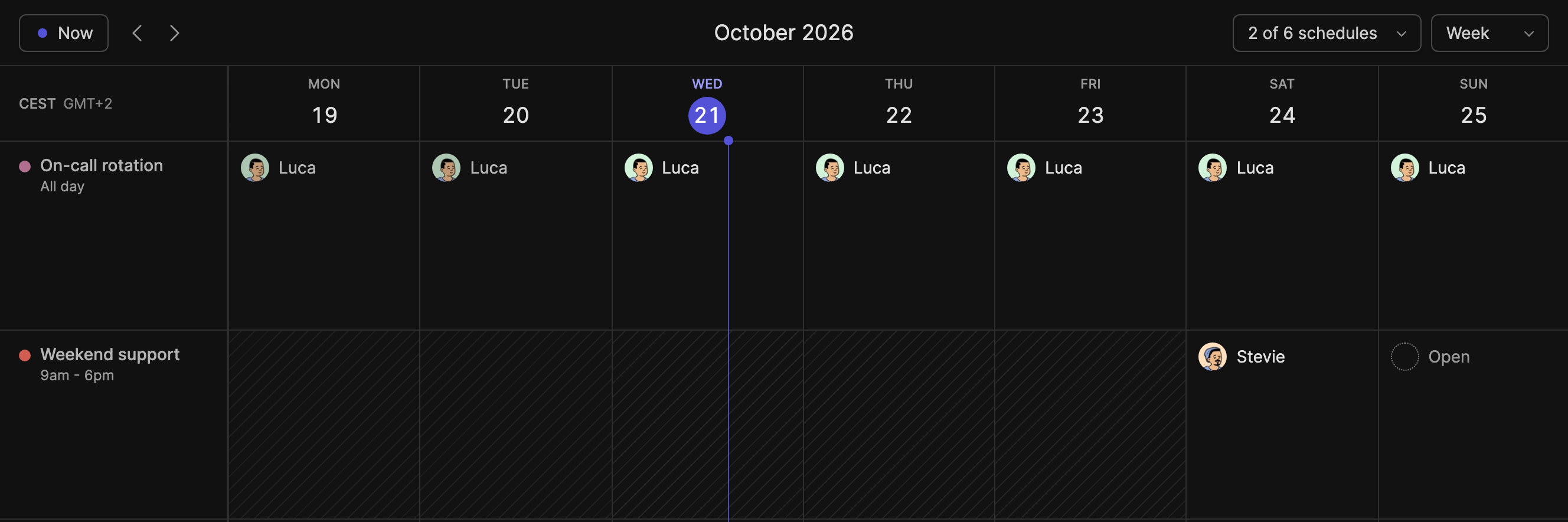
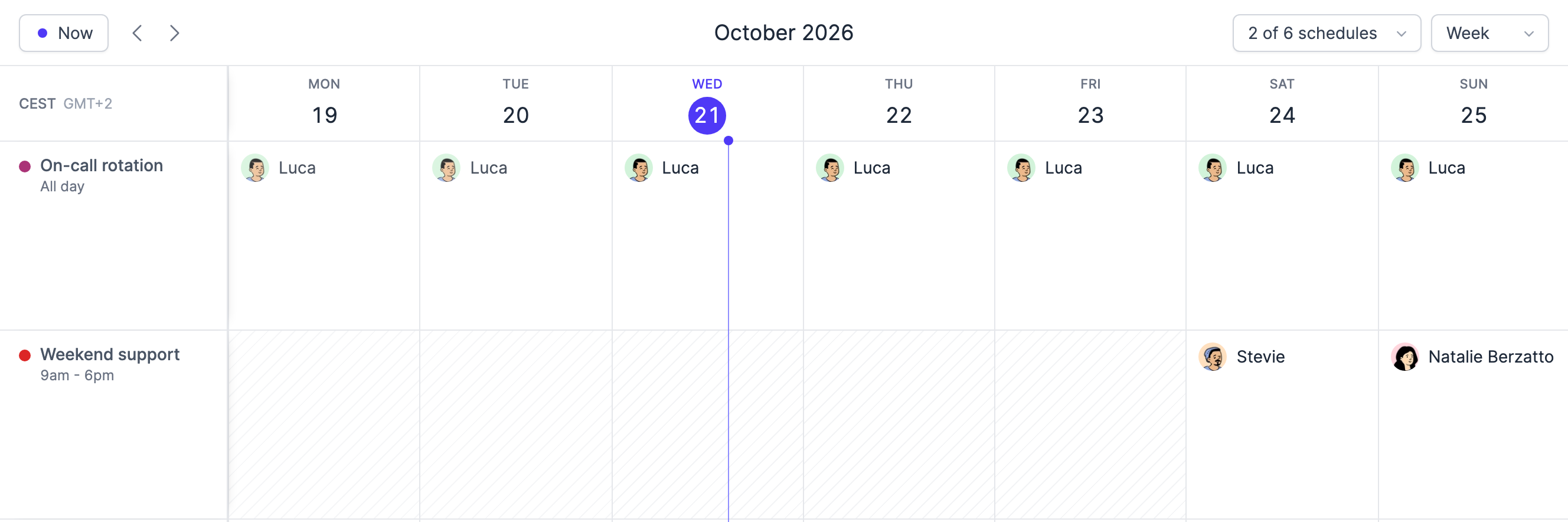
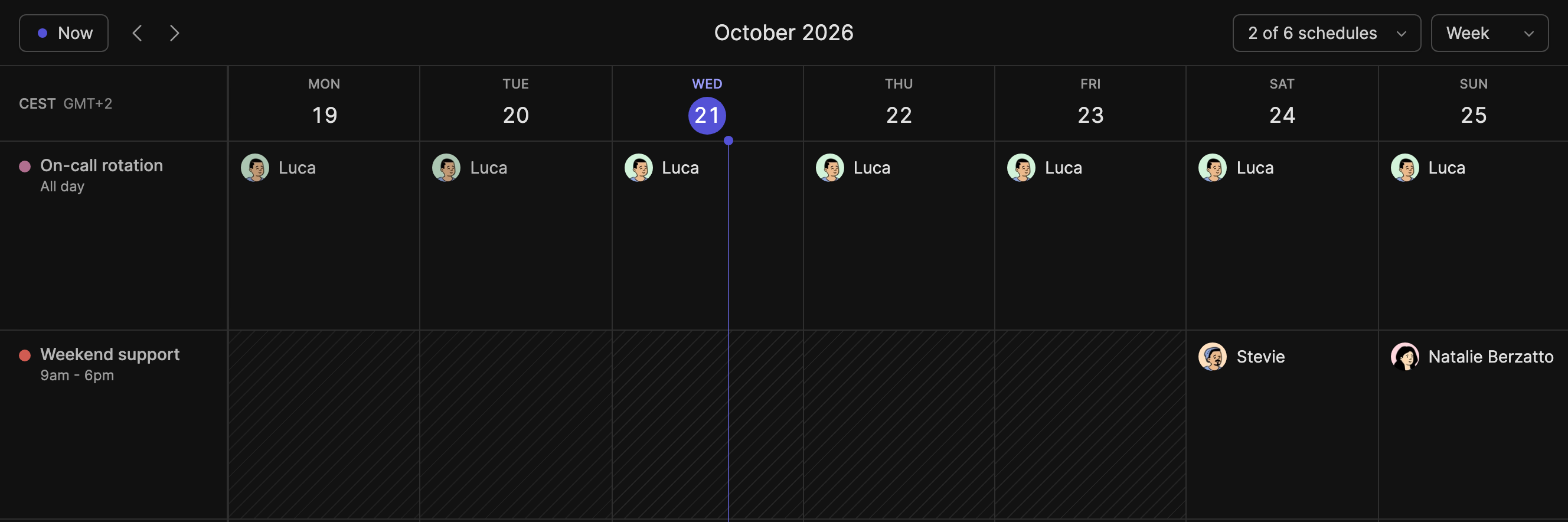
Ask "who is on call this weekend?" and the assistant answers Luca, from the On-call rotation. Ask "who is on Weekend support on Sunday?" and it says nobody yet. Then "put Natalie on Sunday", and the calendar shows her right away:
More you can ask:
- "Who is on shift right now?" It knows each schedule's time zone and the ones that run overnight.
- "Put Marie on Support every Monday and Tuesday in November."
- "Take Paul off Friday, he's sick."
- "Fill the open days of Support for next month, fairly."
- "Make Marie, Paul and Lea take turns on On-call, a week each, from Monday." Everyone gets a Slack message with their next turns.
- "Add Tom to the rotation, but show me first whose turns move."
- "How many hours did each person do last month?" Weekend and night hours come apart, handy for on-call pay.
- "Create a Front desk schedule, 8:30 to 12:30 on weekdays, with Marie and Paul."
It also manages teams and roles, changes a schedule's hours and Slack messages, and tells you what's new in TurnShift.
I built TurnShift's MCP server because I do more and more of my work from agents, or straight from my terminal. For every tool I use, I look for an MCP server, an API or a CLI. I even pick my tools on whether they have one.
Vincent, who makes TurnShift
What it can't do
The assistant has your rights in TurnShift, no more. A member books themselves, and managers and admins assign anyone, like in the app.
Billing stays in the app: it can list your invoices, but it can't add a card or cancel. And it doesn't page anyone. For alerts that wake someone up at night, keep an incident tool.
Get started
- Add TurnShift to Slack. The 14-day trial needs no card, and you don't need to set anything up: the assistant can create your first schedule.
- Connect it to your assistant, below. You sign in to TurnShift with Slack once, and the assistant acts as you.
Claude
Claude calls these custom connectors. They work on every plan, the free one included (one custom connector there).
- Open Customize > Connectors.
- Click + Add, then Add custom connector.
- Name it TurnShift and paste
https://turnshift.app/api/mcpas the URL. Click Continue, then Add. - Sign in to TurnShift with Slack when Claude asks.
On a Team or Enterprise plan, an owner adds it once in Organization settings > Connectors, then each person clicks Connect.
ChatGPT
ChatGPT can change your schedule in Business, Enterprise and Edu workspaces, on the web. On Business, an admin or owner adds it. On Pro, OpenAI lets it read only.
- Open Plugins, click +, then Add custom MCP server.
- Name it TurnShift, paste
https://turnshift.app/api/mcp, choose OAuth, check the risk box and click Create as a plugin. - Sign in to TurnShift when ChatGPT asks, then type @ in a new chat and pick TurnShift.
We checked these menus on October 23, 2026. Claude and OpenAI move them often: if a name changed, search their help for "custom connector".
Claude Code, Cursor and the others
In Claude Code, run this, then type /mcp to sign in:
claude mcp add --transport http turnshift https://turnshift.app/api/mcp
Cursor, VS Code, Codex, Gemini CLI, OpenCode and Windsurf have their setup ready to copy in TurnShift under Settings > API, and in the API documentation.
Lost a laptop, or connected the wrong app? Click Sign out all assistants in Settings > API.