TurnShift now works with Microsoft Teams, in beta
TurnShift now works with Microsoft Teams, in beta. Each schedule can post in a Teams channel when a shift starts and ends, with the people on shift mentioned, and everyone gets their shifts in a chat with TurnShift.
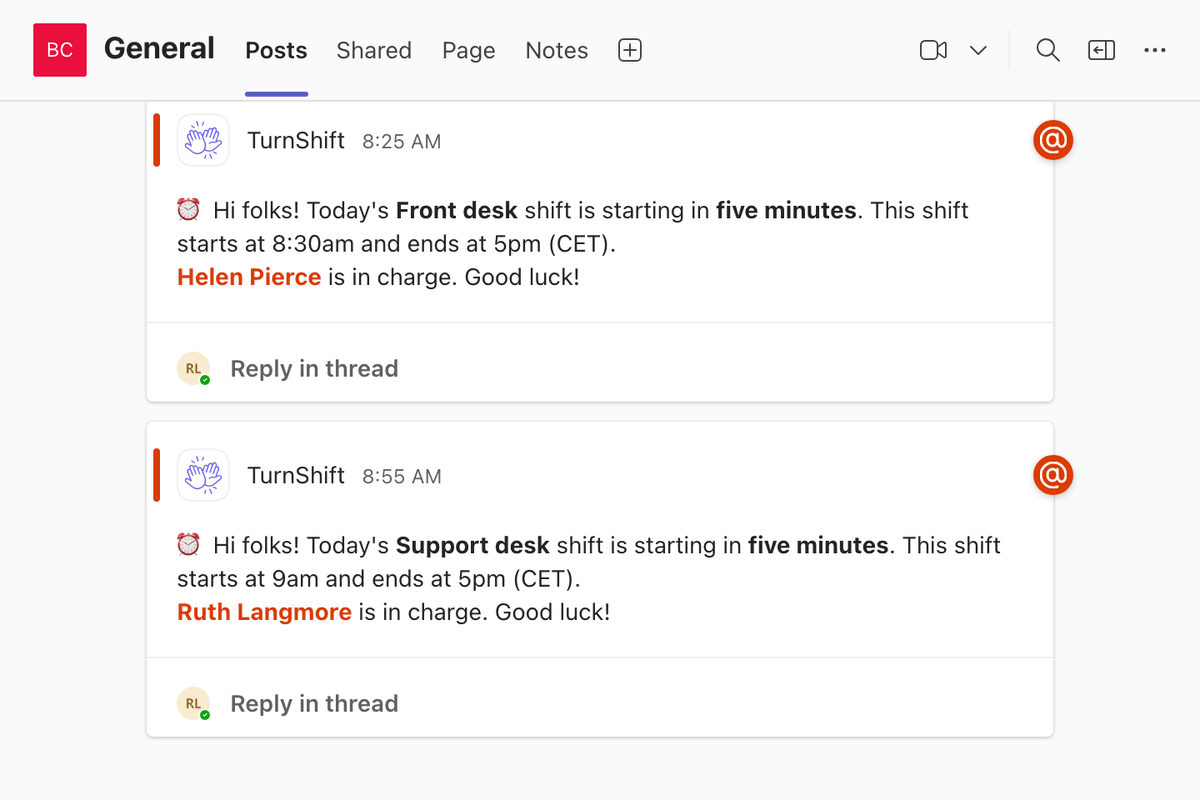
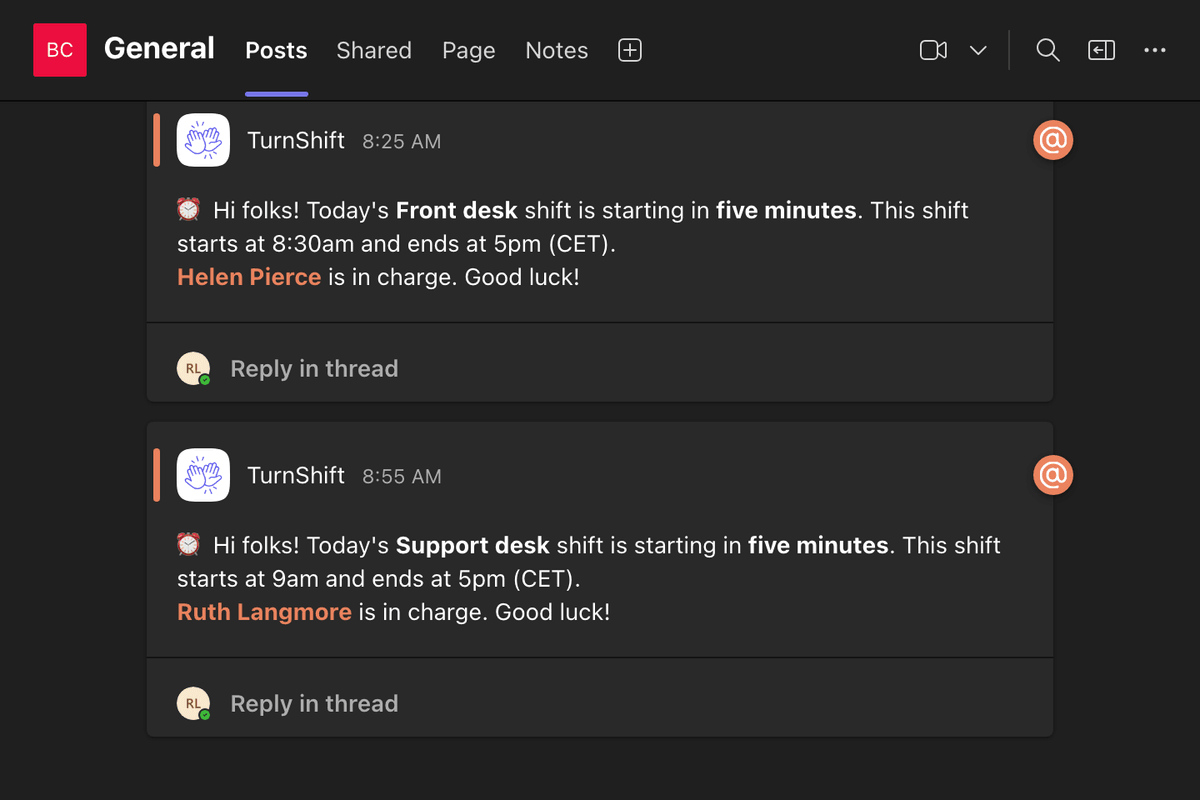
It's a beta while Microsoft reviews TurnShift for the Teams Store, which takes a few weeks. Until then, your Teams admin adds it by hand: download the app, then in Teams open Apps > Manage your apps > Upload an app > Upload an app to your org's app catalog. Once TurnShift is in the Store, we'll email the admins the one step to move to it. Your schedules, people and channels stay as they are.
Then an admin opens Settings > Connections, clicks Connect next to Microsoft Teams, signs in with their work Microsoft account and adds TurnShift to a team. Its people and channels show up a minute later.
Each person adds TurnShift for themselves in Teams to get their own messages there. Until they do, those come by email.
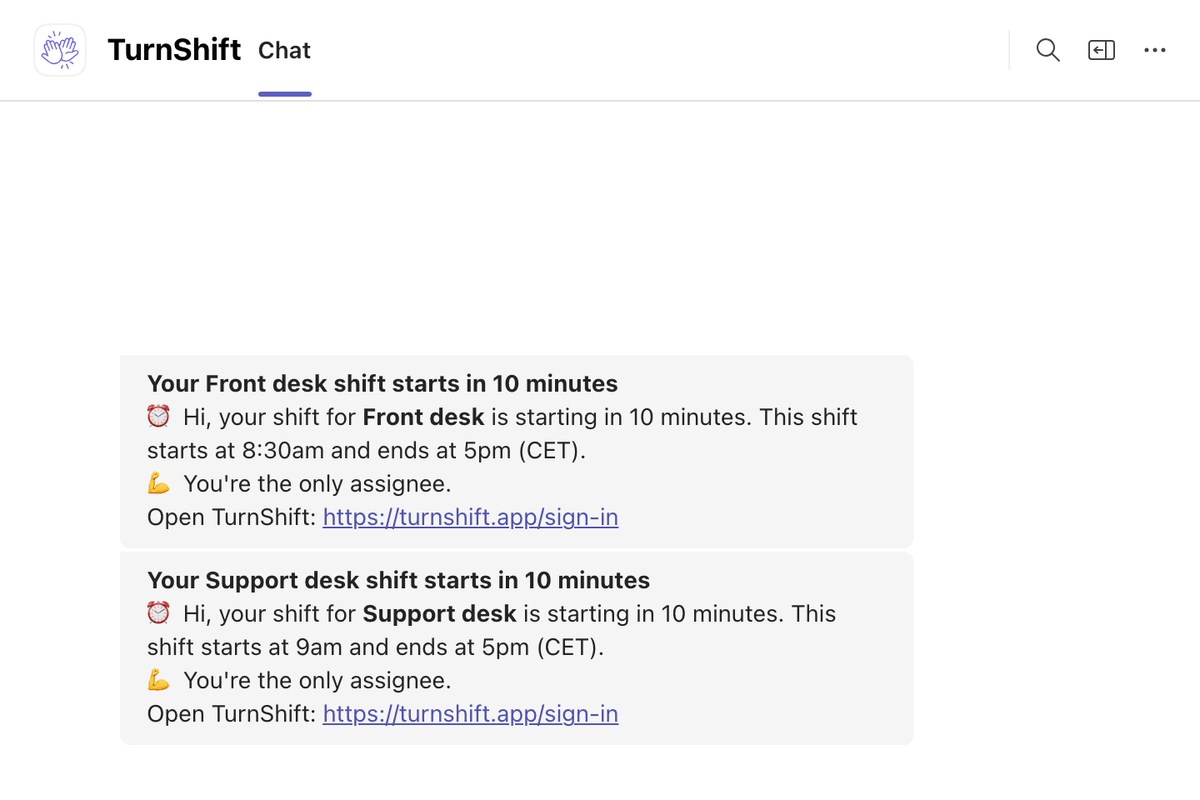
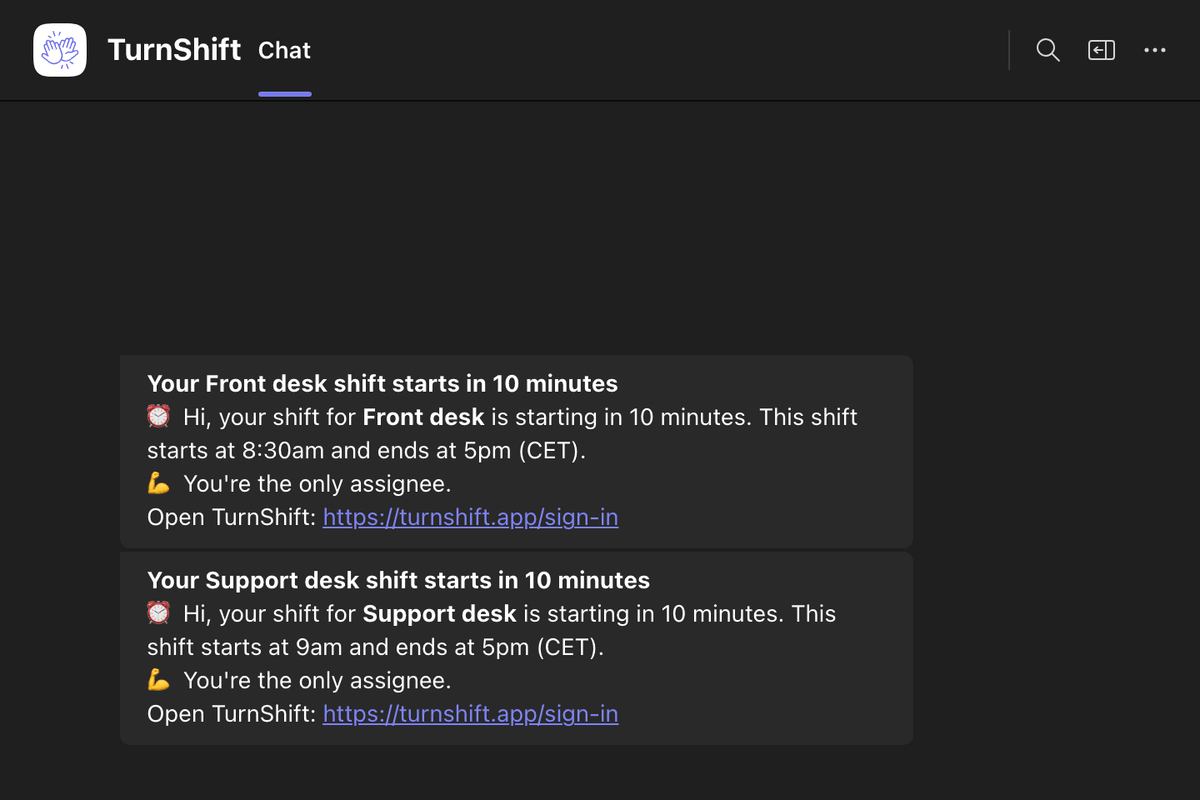
A company on Slack and Teams can keep both, and you can sign in to TurnShift with Microsoft too.