Free shift schedule makers, compared (2026)
You give a free shift schedule maker your rotation (DuPont, 2-2-3, 24/48), your crew and a start date, and it shows your shift calendar for the year. If you work the rotation and want it on your phone, use ShiftsAhead or ShiftRotations. If you plan the schedule for a team, use TurnShift's free team calendar. ShiftScheduleUP and ShiftScheduleMaker.co are fine too, but some exports cost money.
I make TurnShift, so I'm biased.
Five free shift schedule makers, side by side
| Maker | Patterns | Shifts on your phone | The whole team on one calendar | Price |
|---|---|---|---|---|
| ShiftsAhead | 20 | Free for up to 3 years | Yes crews by letter | Free |
| ShiftRotations | 12 | Free added once, it repeats | Yes teams A to D | Free |
| ShiftScheduleUP | 16 | Pro | Pro up to 50 people | Free with ads, Pro $5 a month |
| ShiftScheduleMaker.co | 15+ | Free once, a live feed is Pro | Yes in one browser | Free with ads, Pro $9 a month |
| TurnShift | 9 | Free follows every change | Yes real names, shared editing | Free |
Prices checked in November 2026. All five work in the browser, with no account.
ShiftsAhead
ShiftsAhead is the biggest toolbox here. It has 20 shift patterns, a custom rotation maker, and timesheet, overtime and pay period calculators next to the calendars. On its DuPont schedule page you pick your crew and the day crew A starts, and you get the year with shifts worked, days off and full weekends off. Tap a day to mark vacation or a swap.
- Good: everything is free, and it says your schedule stays on your device.
- Good: pay and overtime math, with the US federal and California rules.
- Less good: it's made for one worker. You can see all crews, but as letters, and nobody else can edit your calendar.
ShiftRotations
ShiftRotations is the plainest of the five, and I like that. It has 12 rotations: firefighter shift calendars (24/48, 48/96, Kelly, 24/72), 12 hour rotations, and 8 or 10 hour ones. You pick your team, enter a date you worked and which day of the cycle it was.
- Good: the phone calendar file "repeats your rotation, so you add it once".
- Good: free, no sign-up, and it says your schedule isn't stored on its servers.
- Less good: fewer patterns than ShiftsAhead, and no pay tools on the calendar.
ShiftScheduleUP
ShiftScheduleUP has 16 patterns, public holidays for 25+ countries, a salary calculator and six languages. The free version shows up to 12 months, and you can save a PDF or a picture, print it, or share a link.
- Good: public holidays for 25+ countries, and six languages.
- Good: Pro can be paid once, $45 for life. It adds a team roster for up to 50 people.
- Less good: the home page says "export to Google Calendar", but the pricing page lists the free plan with "No calendar, email, CSV or full-year export". That's Pro, $5 a month or $25 a year.
- Less good: the free plan has ads, one saved schedule and a watermark on the PDF.
ShiftScheduleMaker.co
ShiftScheduleMaker.co tells you its prices in the second paragraph of the home page. I wish more tools did that. The calendar, a print with a small footer, a raw CSV and a one-time calendar file are free.
- Good: $4.90 once for a clean PDF and an Excel file, with no subscription.
- Good: a free team schedule maker with names and roles, that a rotation can fill.
- Less good: a phone calendar that keeps going is Pro, $9 a month or $89 a year.
- Less good: the team schedule saves in one browser, so one person keeps it and sends the others a link or a print.
TurnShift's free shift patterns
Our shift patterns open on a calendar with every crew on it, so whoever plans the schedule sees who covers each day and each night.
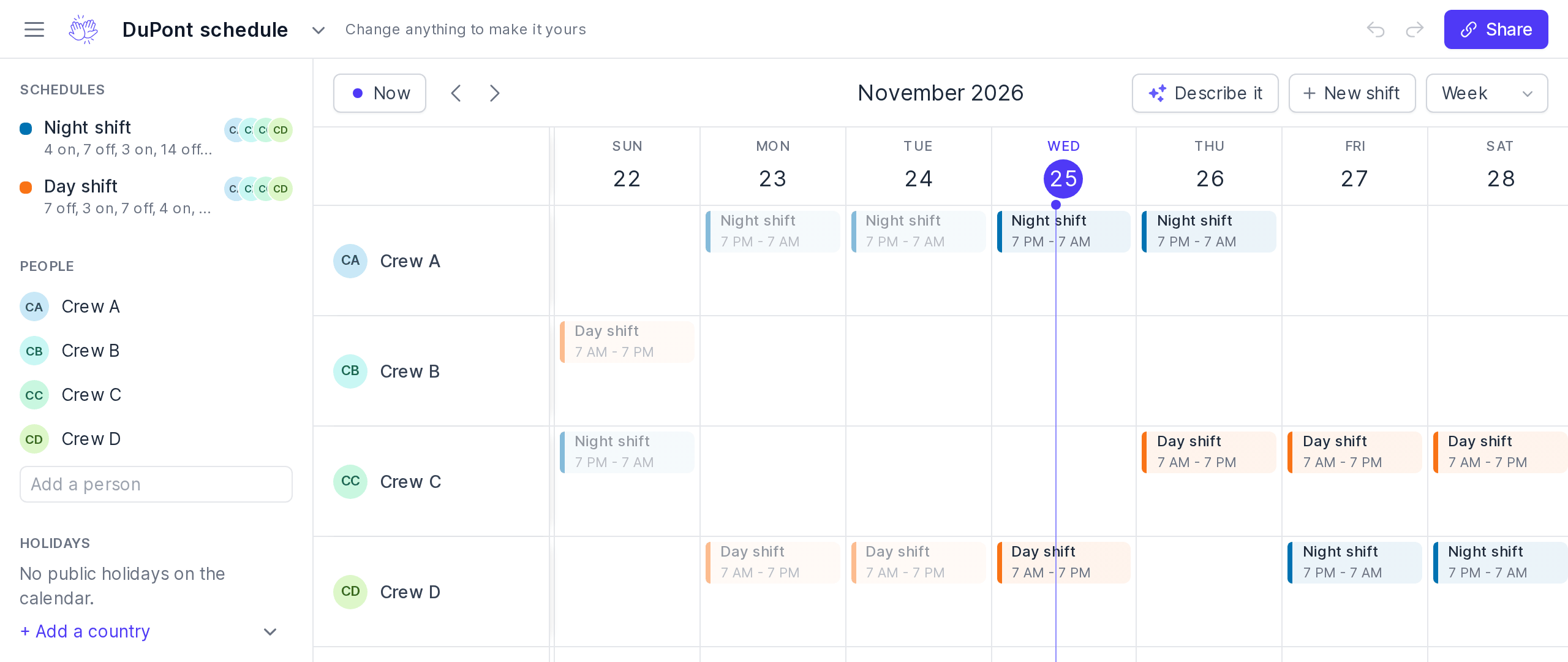
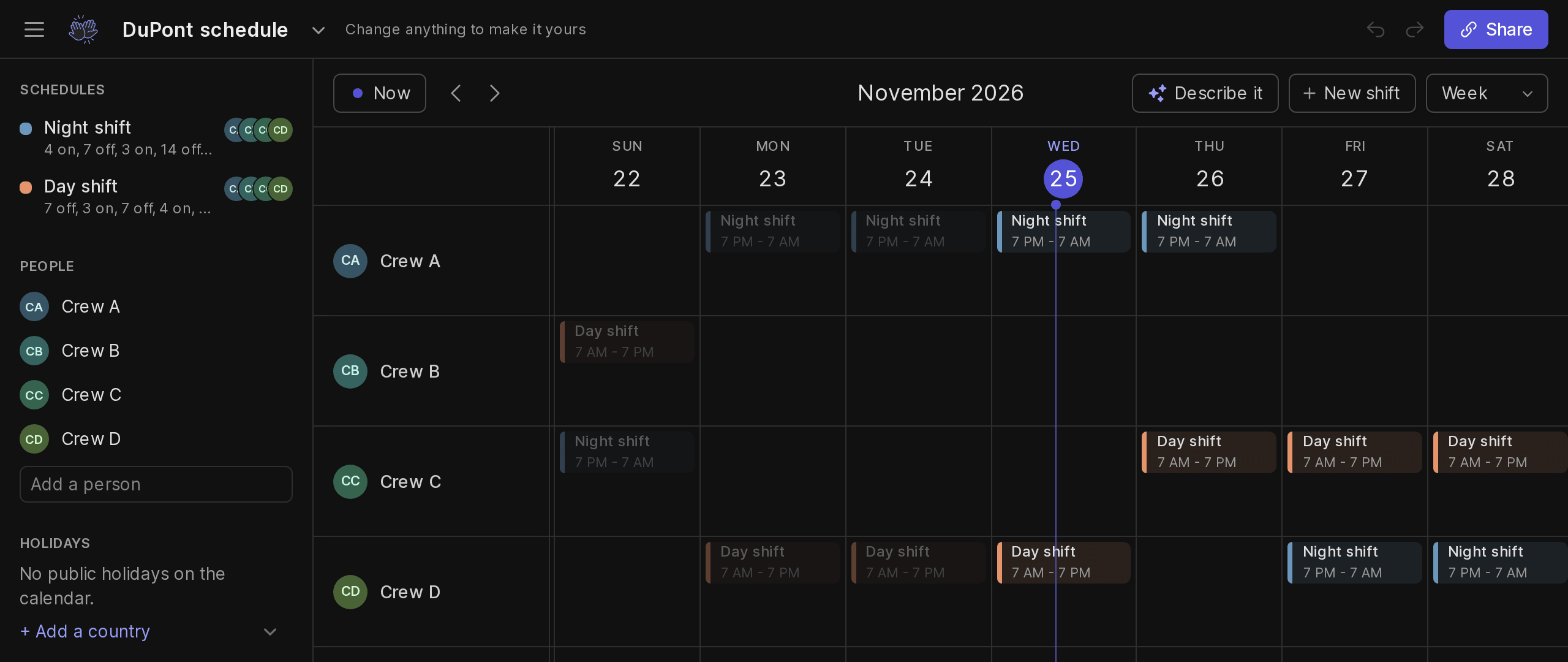
- Good: click "Crew A" and type a name. After that it's a normal calendar. You can swap who is on one day, or add people and other schedules.
- Good: one link to view and one to edit, so the team changes the same calendar. Each person adds their own shifts to Google Calendar, Apple Calendar or Outlook, and every change shows up there.
- Good: free, no ads, and it opens in Excel or stays live in Google Sheets.
- Less good: 9 patterns. The firefighter 24/48 and 48/96 aren't there yet (Kelly is).
- Less good: no pay math on the calendar. Our work hours calculator is a separate page.
Which shift schedule generator to pick
I searched Reddit for the four other makers and found no thread about them, so there's nobody's opinion to pass on but mine. Each one takes a minute to try with your own rotation.
- You work the rotation and want your year on your phone: ShiftsAhead or ShiftRotations.
- You're a firefighter on 24/48 or 48/96: ShiftRotations.
- You want overtime and timesheet math: ShiftsAhead.
- You want a clean PDF for the break room wall: ShiftsAhead, or ShiftScheduleMaker.co's $4.90 pack.
- You make the schedule for a team, and people need to see changes: open the DuPont schedule or start an empty team calendar.
If your team is in Slack or Microsoft Teams (in beta) and you want people reminded before their shift, that's the paid TurnShift: €4.20 per person a month, €3.50 billed yearly, with a 14 day free trial. You can keep using the free tools without it.
Something changed on one of these? Tell me and I'll fix it.