Create a schedule without a Slack channel
You can now create a schedule without picking a Slack channel. In Schedules > New schedule, the Slack channel is optional: name the schedule, click Create schedule, and it opens on your calendar.
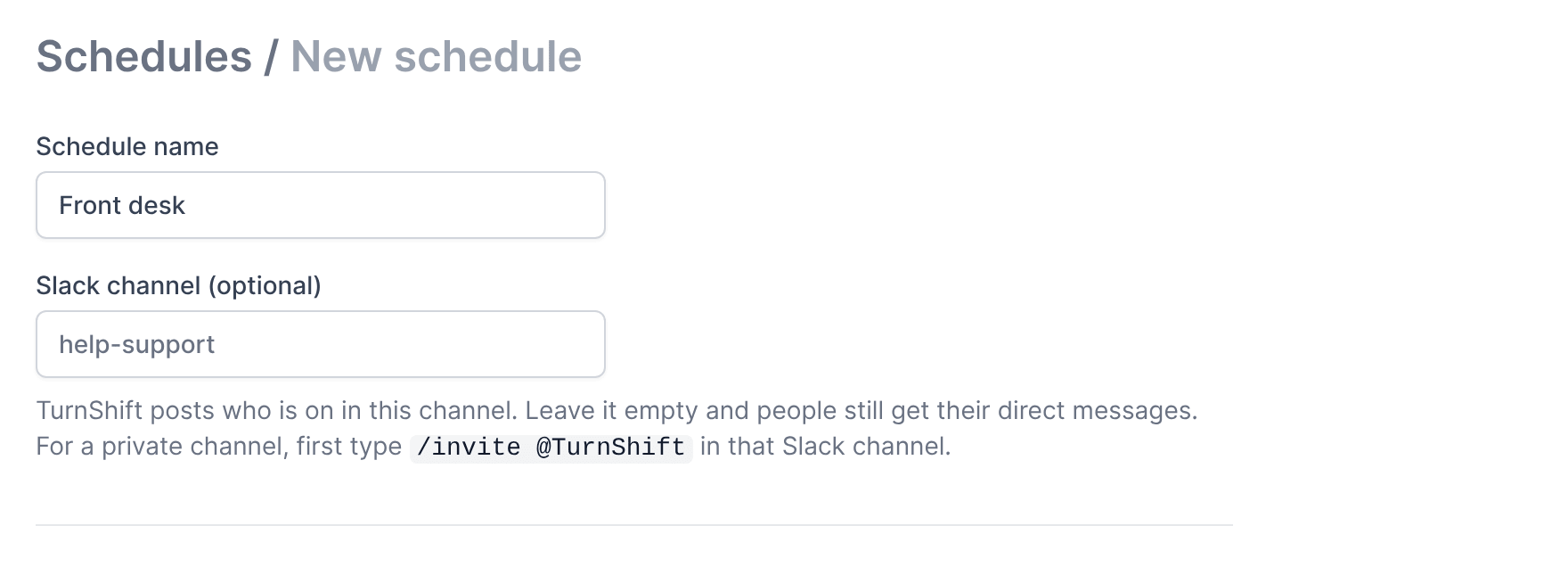
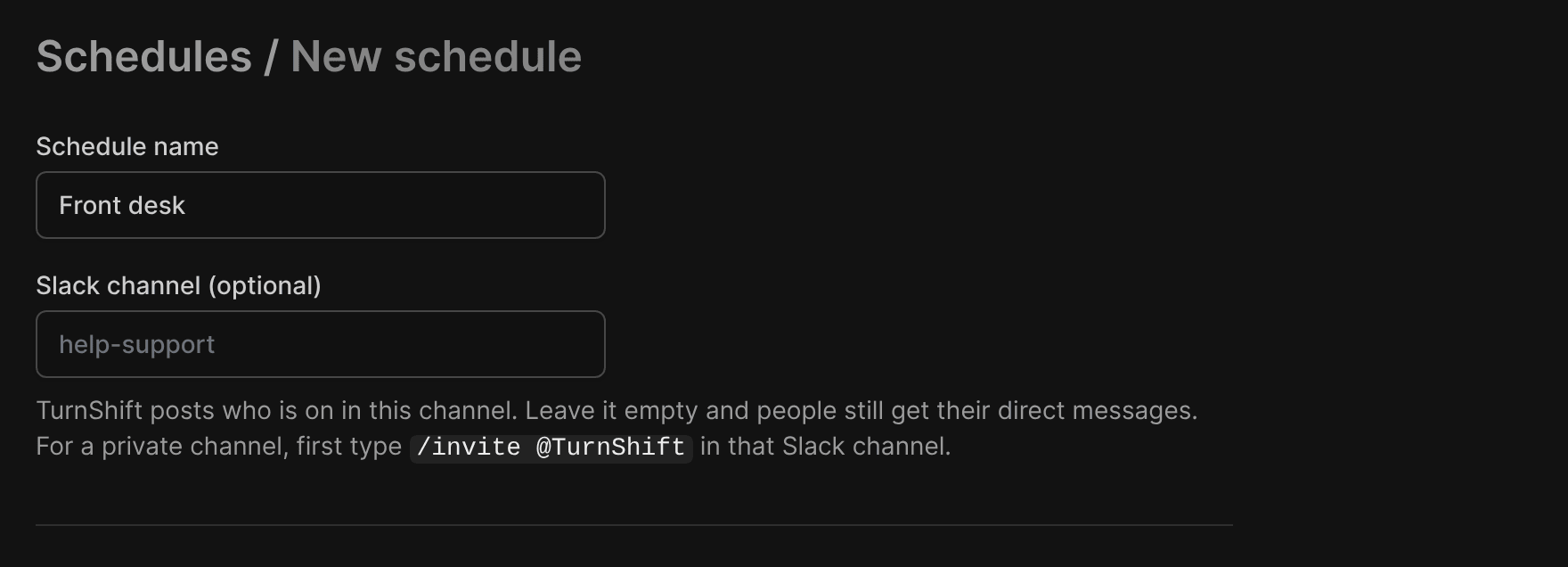
A schedule with no channel posts nothing in a channel. Its people still get their direct messages: when their shift starts, the reminders, and when someone assigns them. To post who is on in a channel later, open the schedule's Settings and type the channel's name. Empty the field to stop posting there.
The API and your AI assistant can leave the channel out too.
The message admins and managers get when a trial ends now says what TurnShift would cost for the people on your schedules, so nobody has to open Billing to find out.