A heads up when someone is on two schedules in one day
When you assign someone who is already on another schedule that day, TurnShift now tells you. The note shows up under "Assigned", with the other schedule's name and the days.
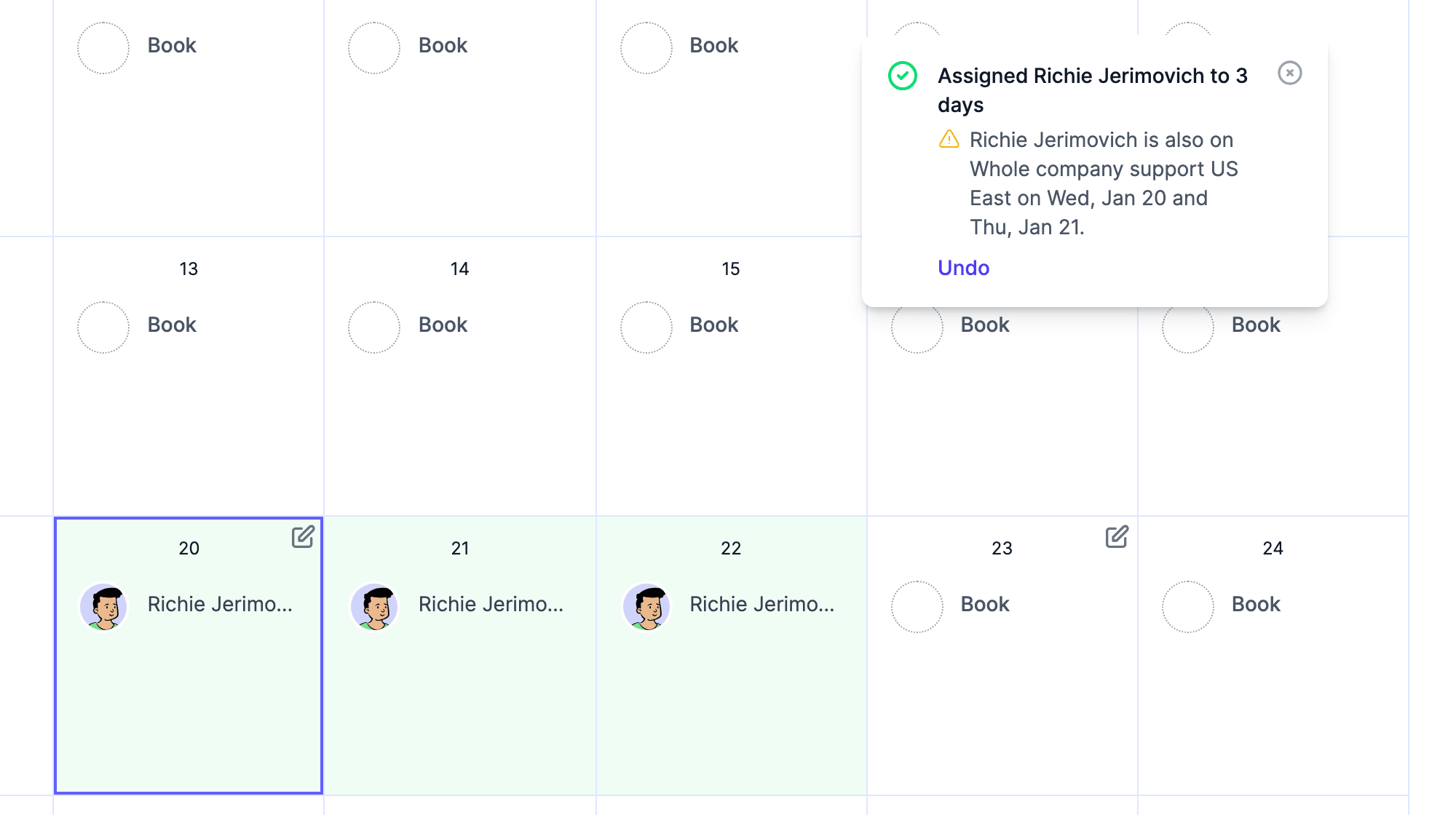
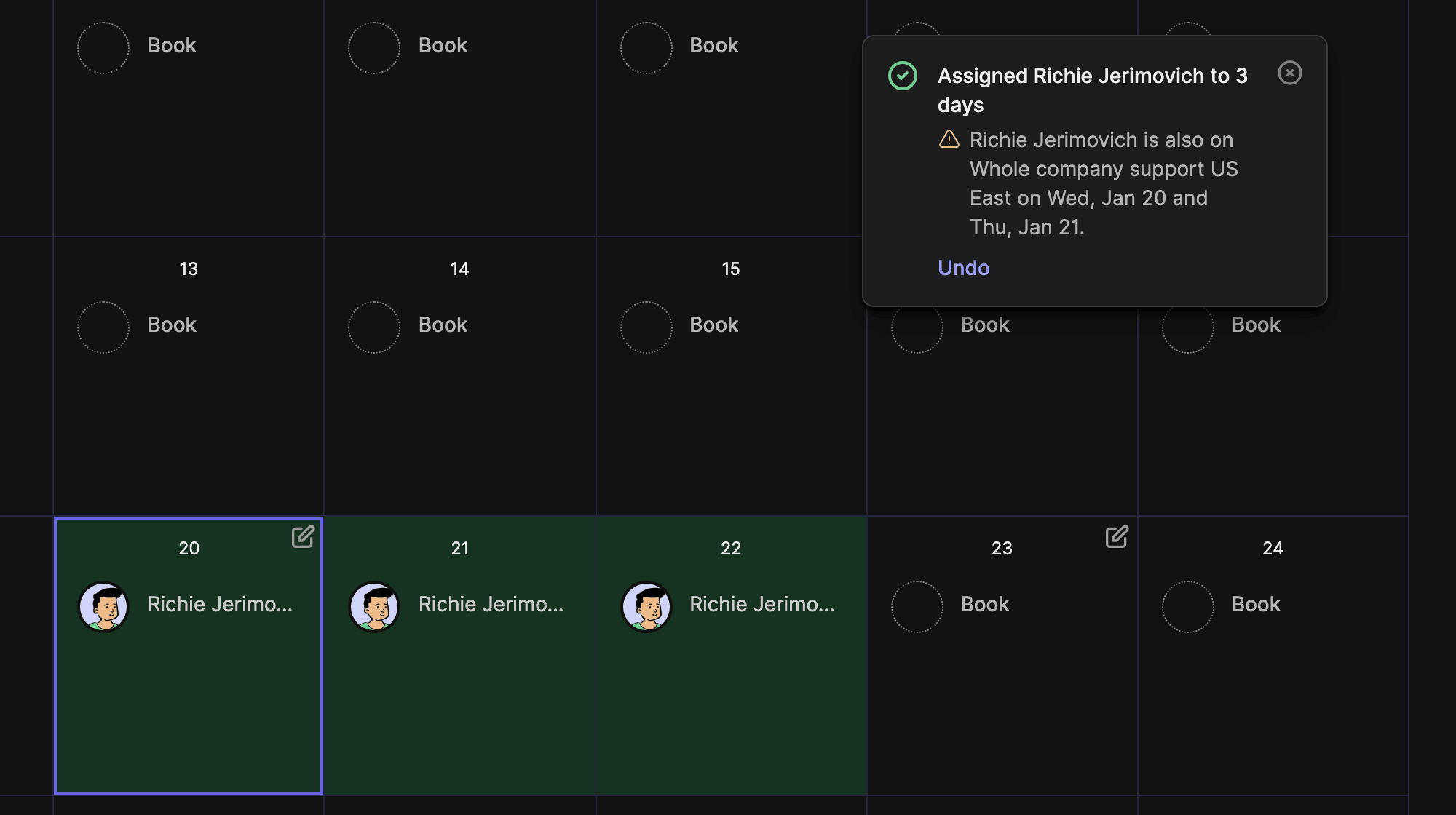
Once you have a few schedules, putting someone on two shifts the same day is easy to miss. Now you see it right away, without going back and forth between pages.
The assignment still goes through, since some teams want double shifts. If it was a mistake, click Undo.
You get it when you assign one day, a range of days, replace someone or use Auto-assign. Your AI assistant gets it too when it assigns someone through TurnShift's MCP server.
See ya!