Turn several schedules on at once
You can now turn schedules on and off right from the Schedules list. Teams that make one schedule per start time, like a 7:30am, an 8am and a 9am shift for each crew, used to open every schedule to switch it on.
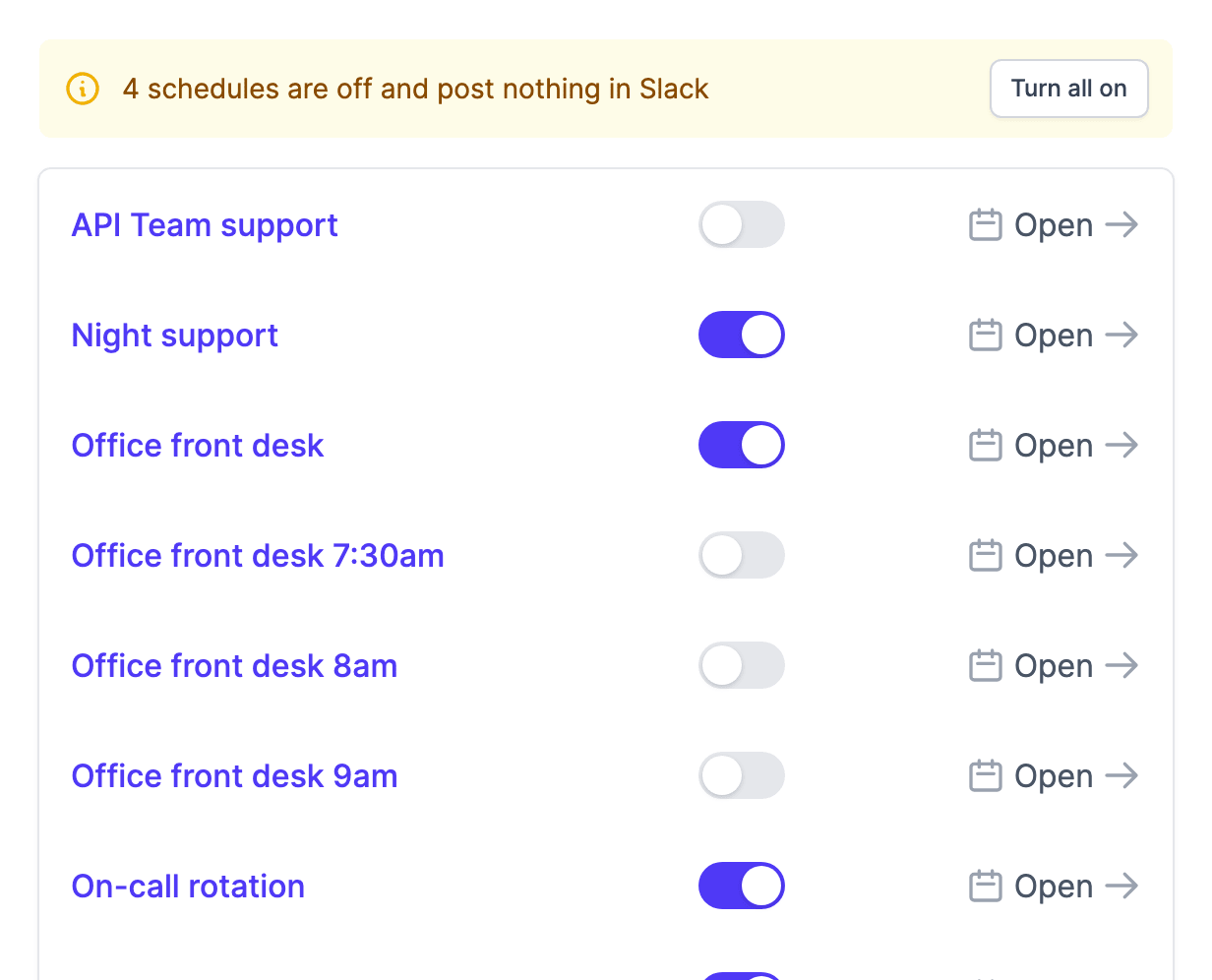
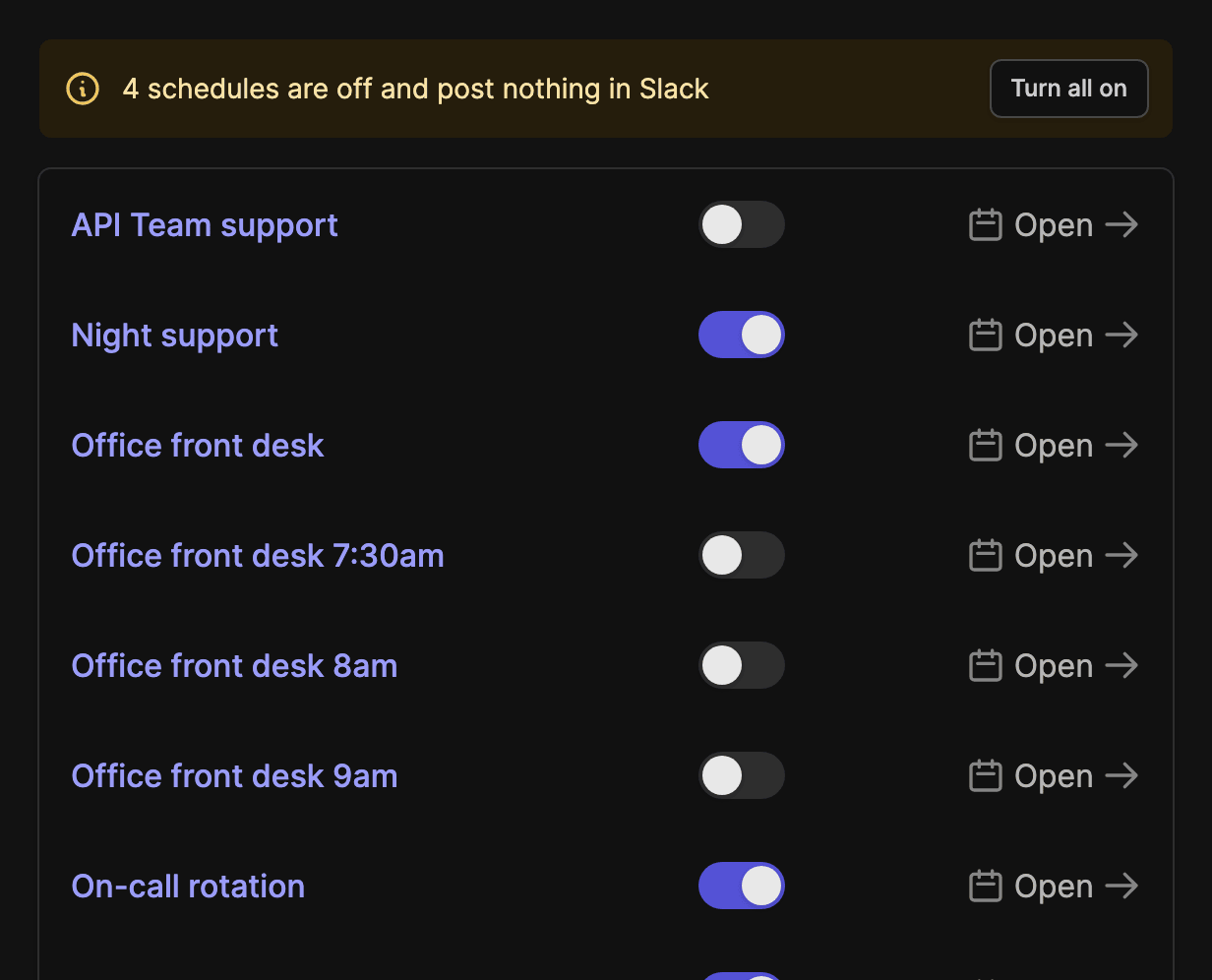
Each schedule has a switch next to its name. When two or more of yours are off, a banner above the list says so, and "Turn all on" switches them on in one click. Changed your mind? Click "Undo" on the message that follows.
A schedule that is off keeps its assignments and posts nothing to Slack, so you can set up every schedule first and turn them all on when they are ready.
Managers and admins can do it from the app, the API (POST /api/v1/shifts/active) and your AI assistant (set_schedules_active).