Choose Slack or email for each notification
Each TurnShift notification can now go to Slack, to your email or to both. You pick, one kind at a time.
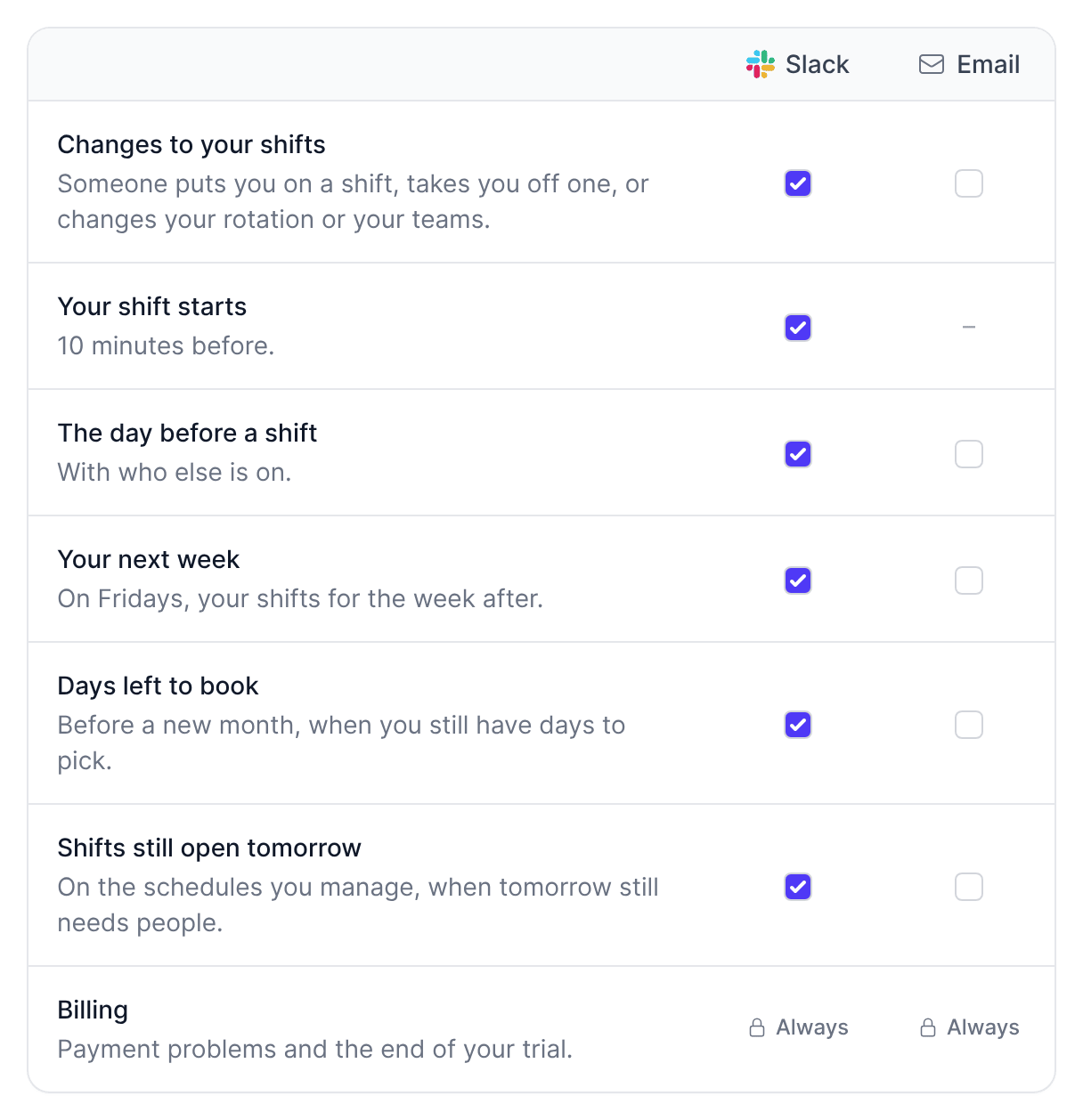
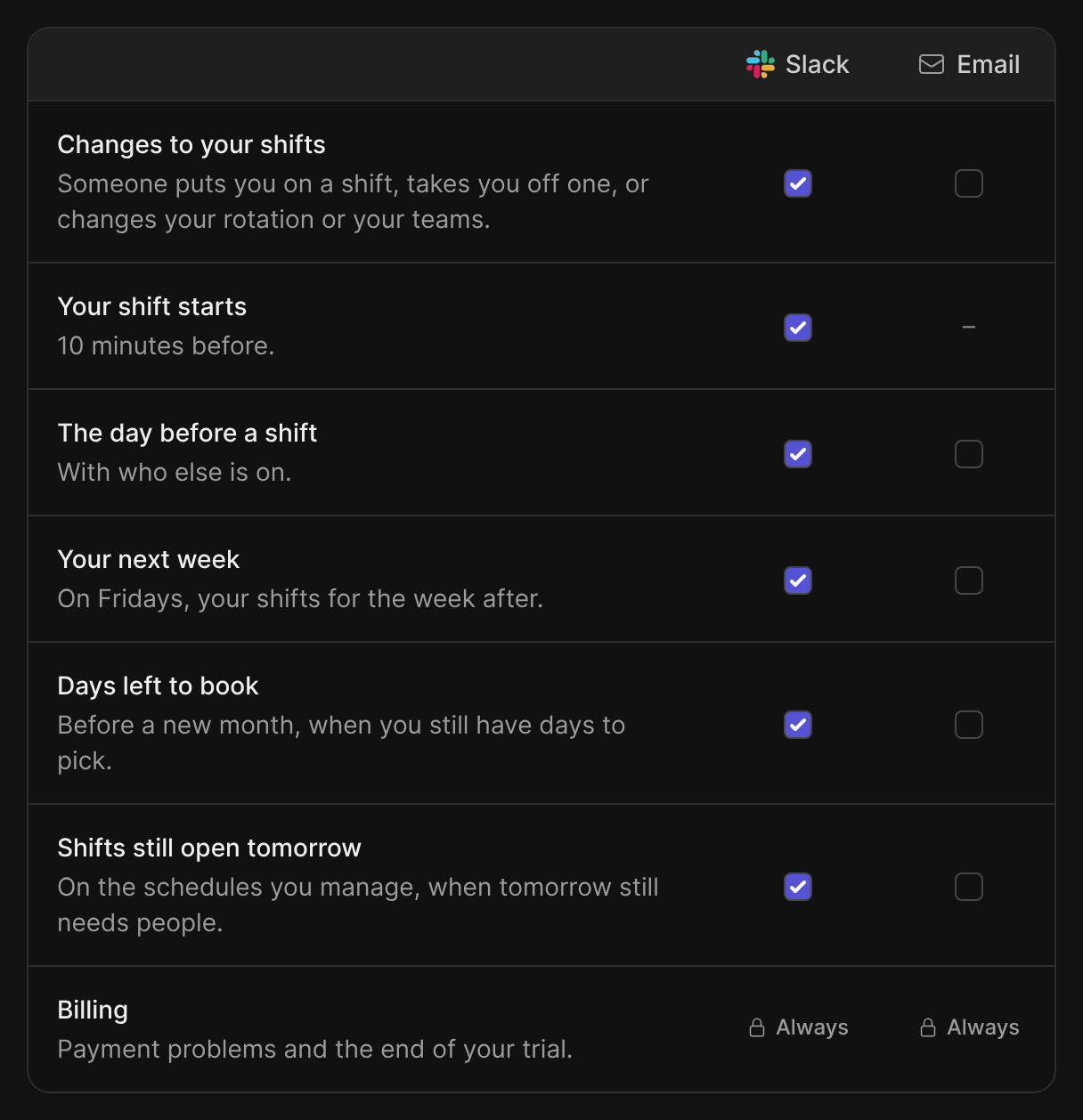
Open Your settings > Notifications from the menu under your picture. Each row is one kind of notification: changes to your shifts, the message 10 minutes before a shift, the day before, your next week, days left to book, and for managers, shifts still open tomorrow.
Handy if you'd like your next week in your inbox on Friday and everything else in Slack.
Nothing changes until you change it. People on Slack keep their Slack messages, people you added by email keep their emails, and each schedule's managers still choose which notifications the schedule sends. Billing emails always go out.
Every TurnShift email now links to this page, next to the unsubscribe link.