Add an organization and switch between them
Your TurnShift account can now hold several organizations, one per team you schedule, and you switch between them from the menu under your picture.
Pick Add an organization in that menu. Start one from scratch with just a name, or from a Slack workspace: if that workspace is already on TurnShift, you join its organization. Nothing changes for the one you're in.
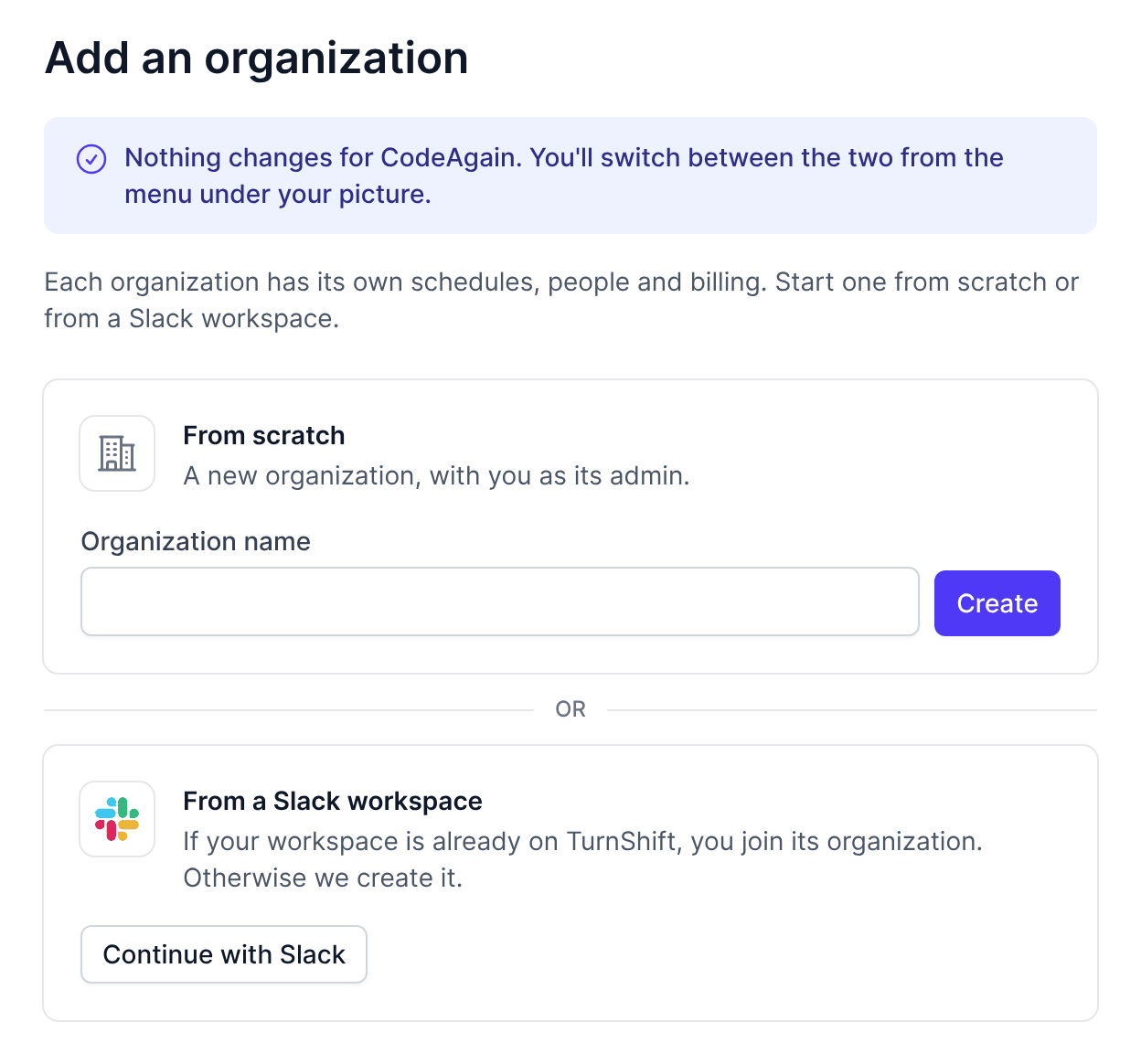
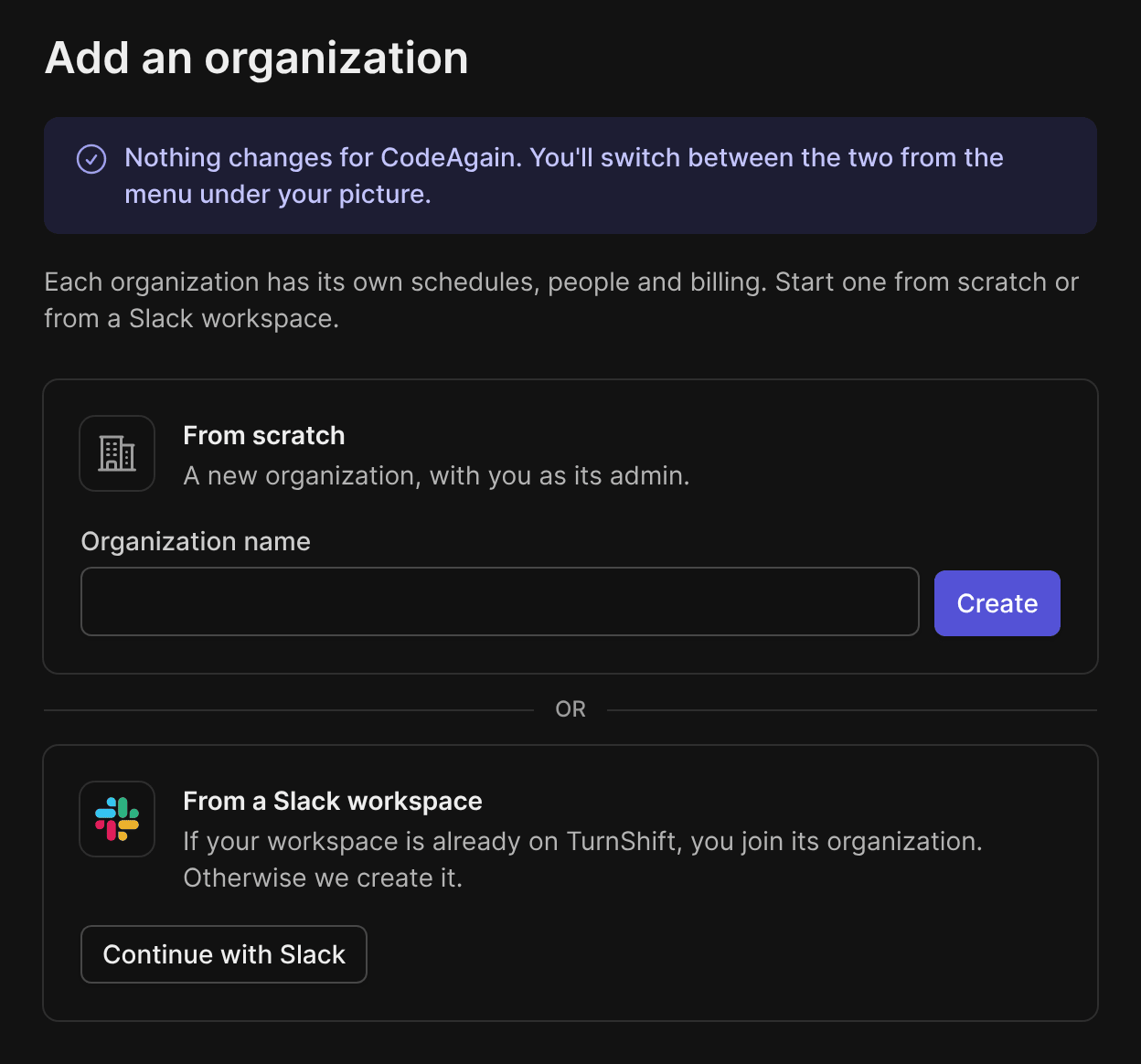
Each organization keeps its own schedules, people and billing. Someone added to a second team by email finds it in the same menu, and signing in takes you back to the organization you used last.
Also in Your settings > Sign in:
- Remove a way to sign in you stopped using, as long as one is left. It shows Off, with Turn back on if you change your mind.
- Signed in with Slack? We ask once for a code sent to your email before you add or remove one, because a Slack account can carry any email.