Keyboard shortcuts now open from the calendar
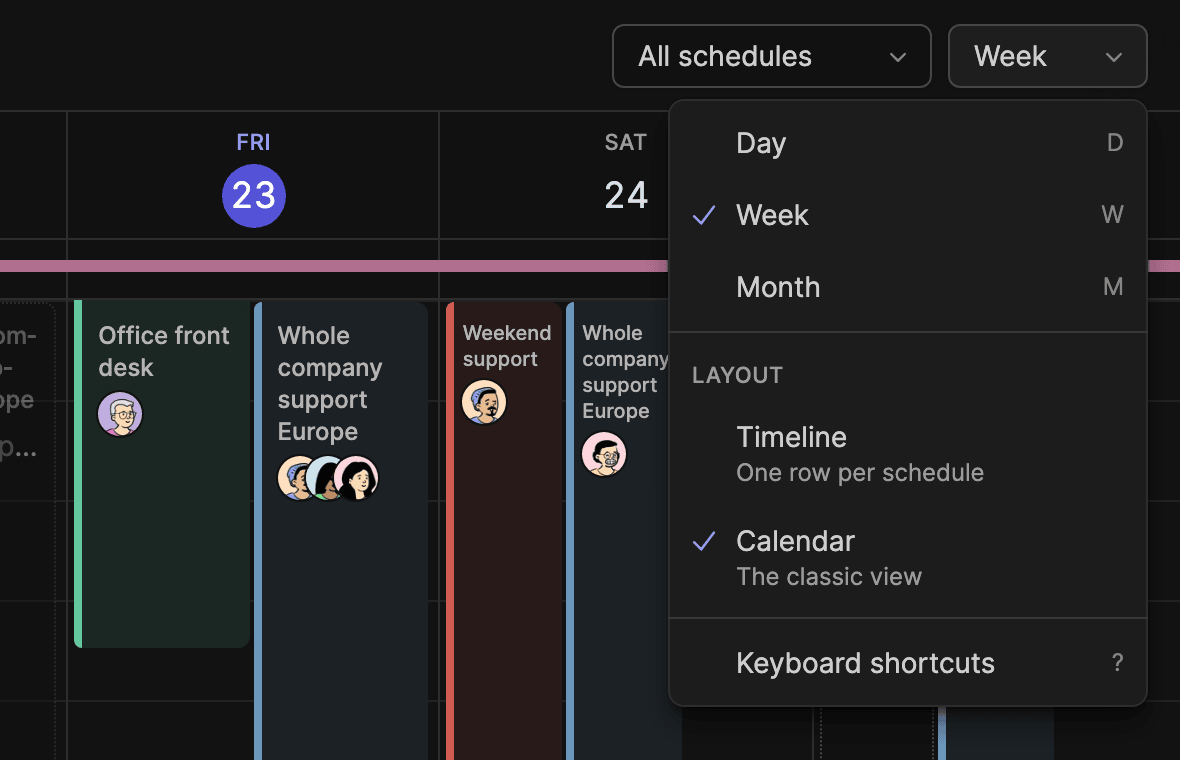
You can now open the list of keyboard shortcuts from the calendar's view menu: click Week (or Day, or Month) at the top right, then Keyboard shortcuts. It's the same list ? opens, a key that's pretty hard to guess.
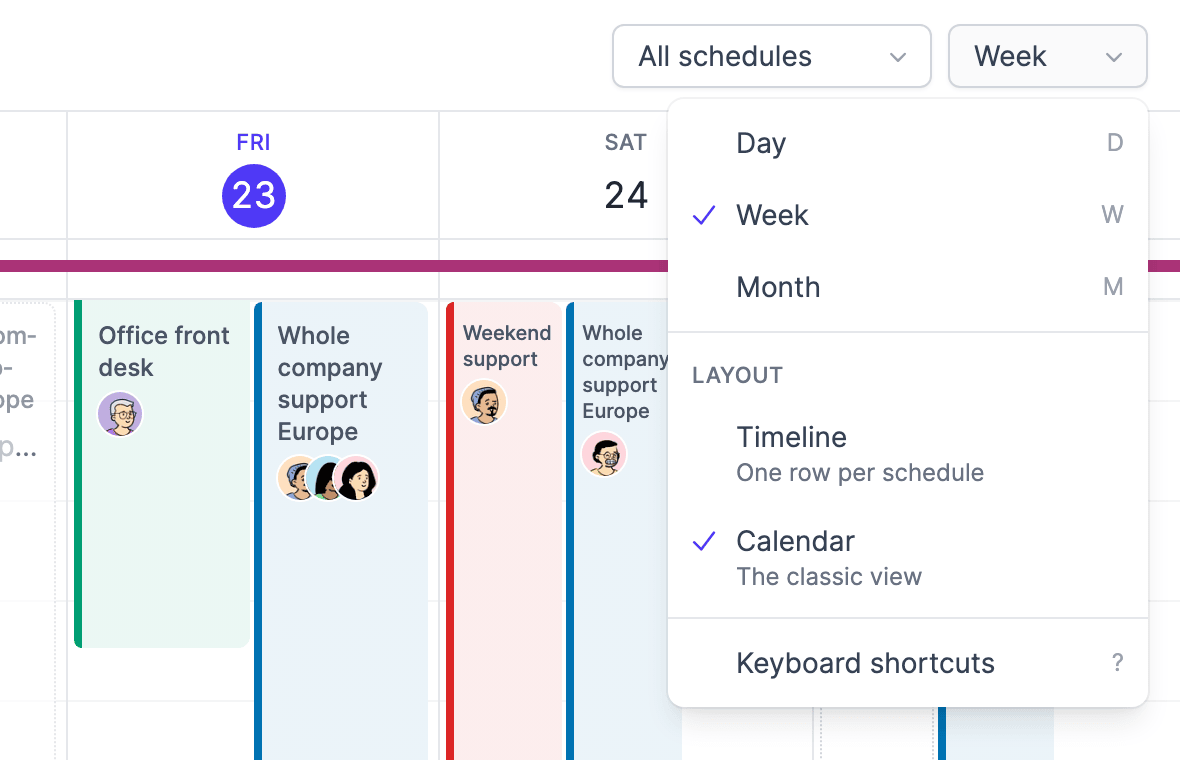
On a schedule, the ? in the line above the days opens it too.
New in the list: O. Open the schedule filter, move to a schedule with the arrow keys and press O to show only that one.
See you on the calendar!