A free team calendar, no sign up
Hey there! You can now make a team calendar on turnshift.app/tools/team-calendar without an account. Drag on the week to add a shift, type who is on it, and send the link to your team.
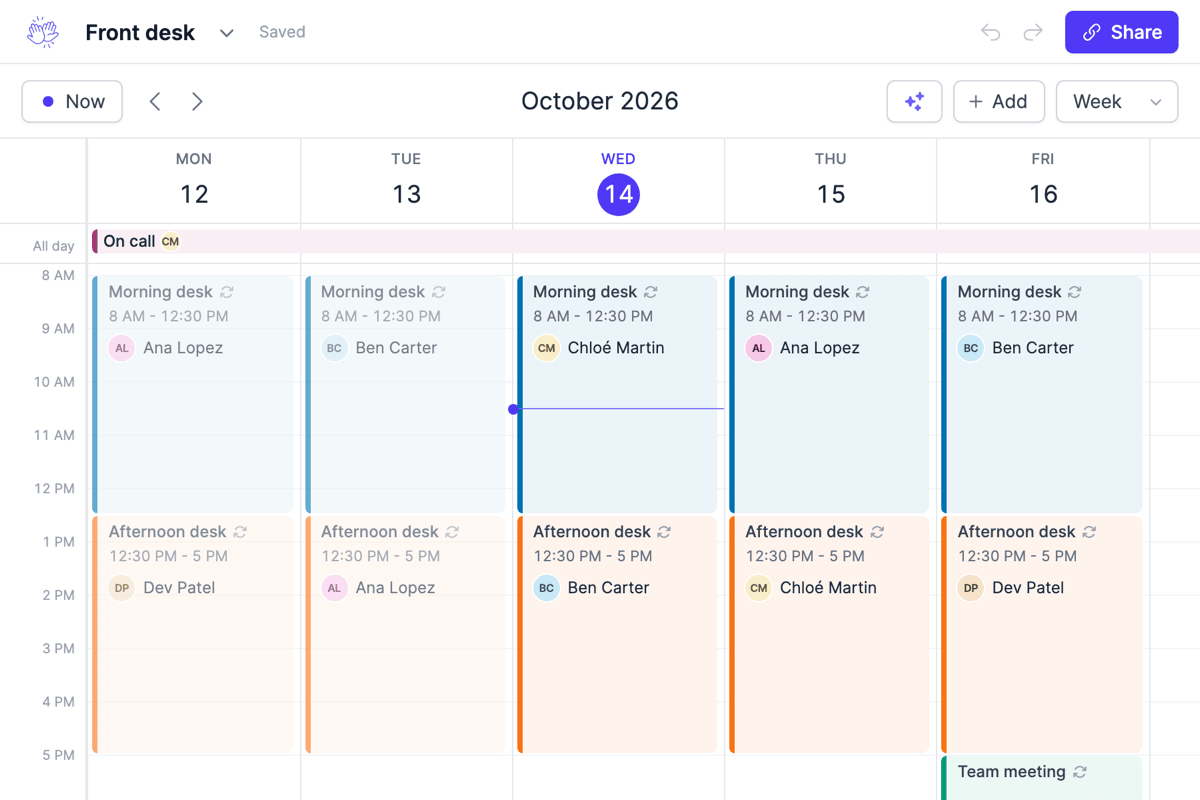
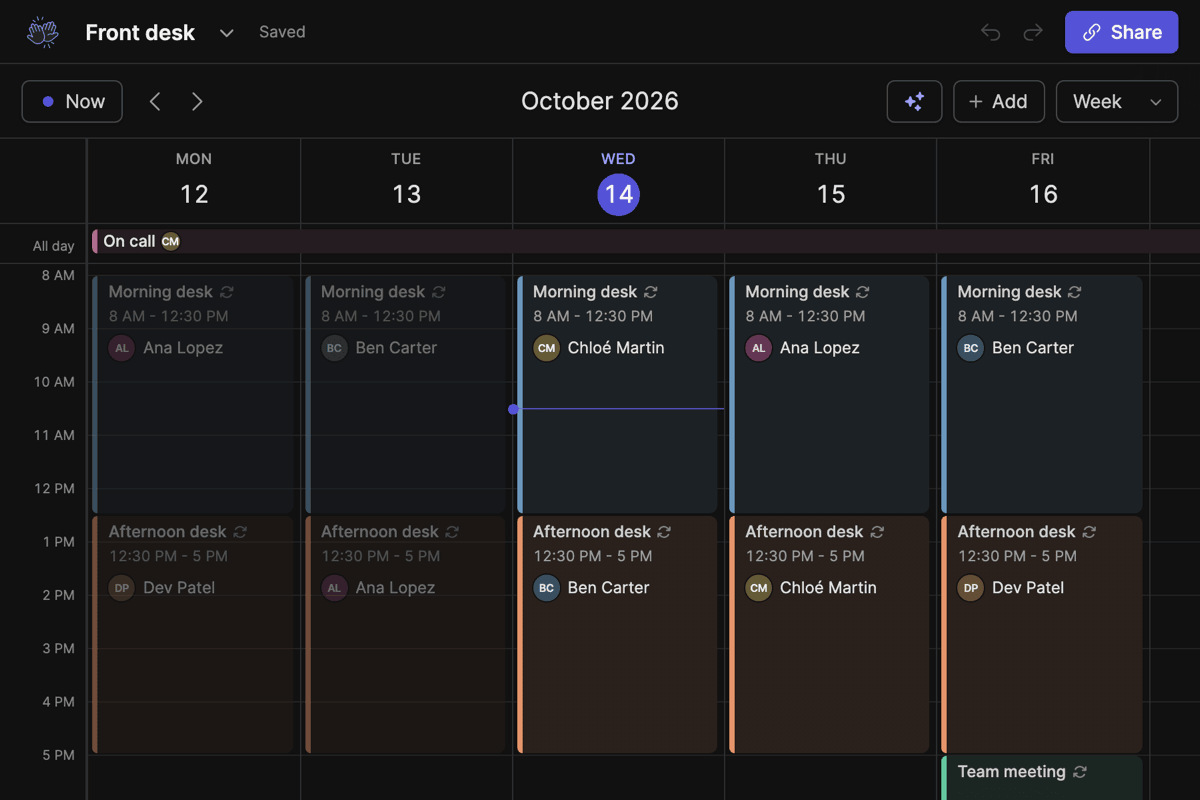
It runs on the same calendar as TurnShift, so you get the week, the day, the month, or a timeline with one row per schedule or per person. Use it for a front desk rota, who is on call each week, volunteers for a three day festival or a club's weekend duties.
- Make a shift repeat every day, every 2 days, every weekday, every week on the days you pick, or every month. With several people, pick Take turns: one or more at a time, each time or each week. Next week is already filled when you scroll there.
- Swap who is on one day without touching the others, under More options.
- The list on the left shows your schedules and people. Click a name to rename it, take someone off, or clear the calendar.
- Get the calendar's link by email, from the menu next to its name, to open it again on any device.
- Shifts can repeat on a cycle of days too, like 4 on 4 off. The shift patterns open the 2-2-3, Pitman, DuPont, 4 on 4 off, Kelly and 9/80 schedules with their crews already on, ready for your people's names.
- Or describe it in words: "one person every two days for the kitchen, Sam and Lea take turns".
- Public holidays are on the calendar, for your country to start with. Add up to five countries from the list on the left, or hide them.
- Share a link to view or to edit, email it, or print a week or a month.
- Add it to Google Calendar, Apple Calendar or Outlook from Share: everyone's shifts, or only one person's. Every change shows up there.
- Open it in Excel, or keep it live in Google Sheets with one formula.
- Send the week as a picture, straight to a WhatsApp group from your phone.
If you want people reminded in Slack before their shift, that's what TurnShift does. Hope you like it!