Create a schedule on one page
Creating a schedule takes a single page now: its name and Slack channel, when someone must be on, and who covers it. Click Create schedule and your calendar opens on that schedule only, with its first turns or its open days already there.
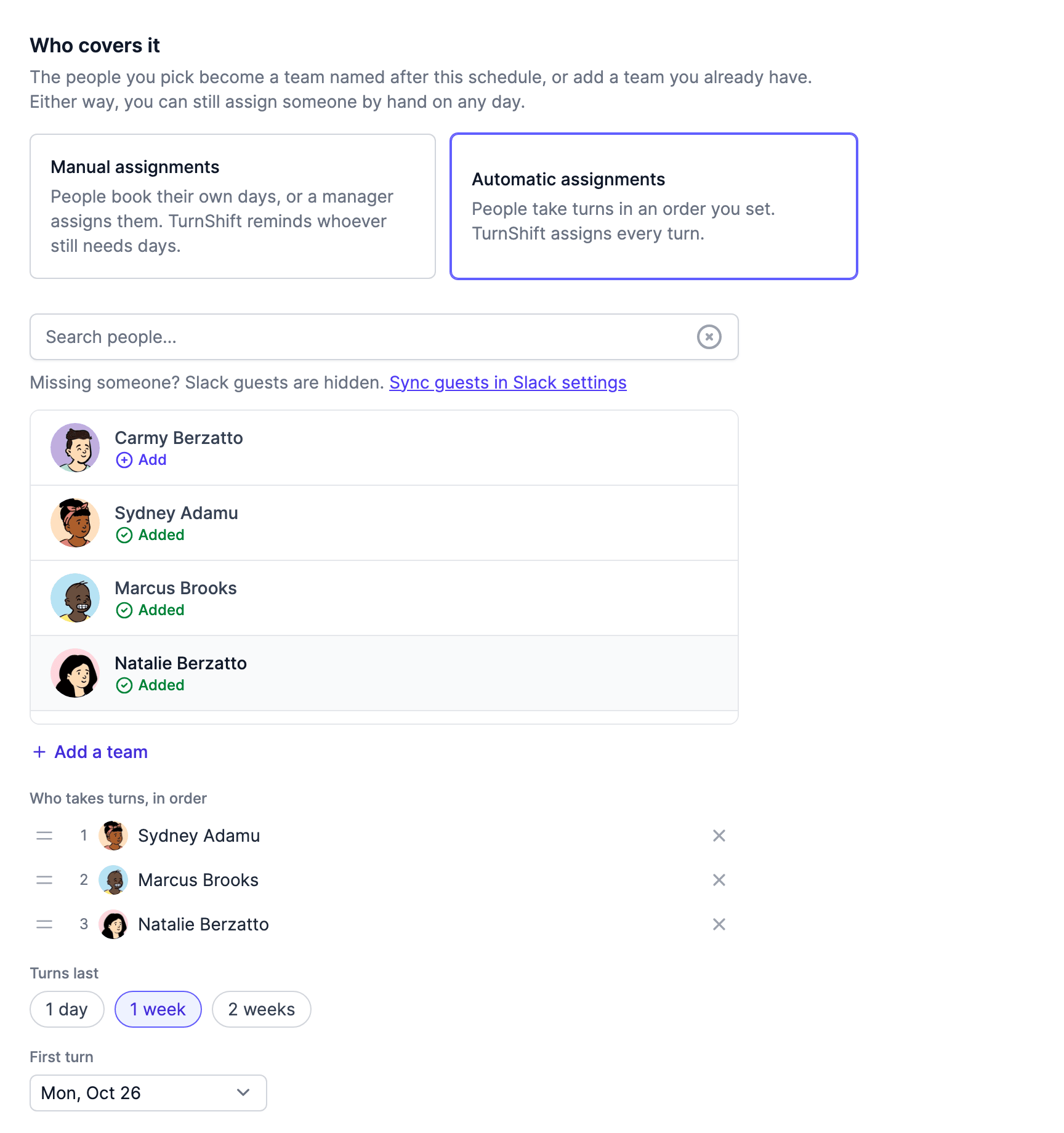
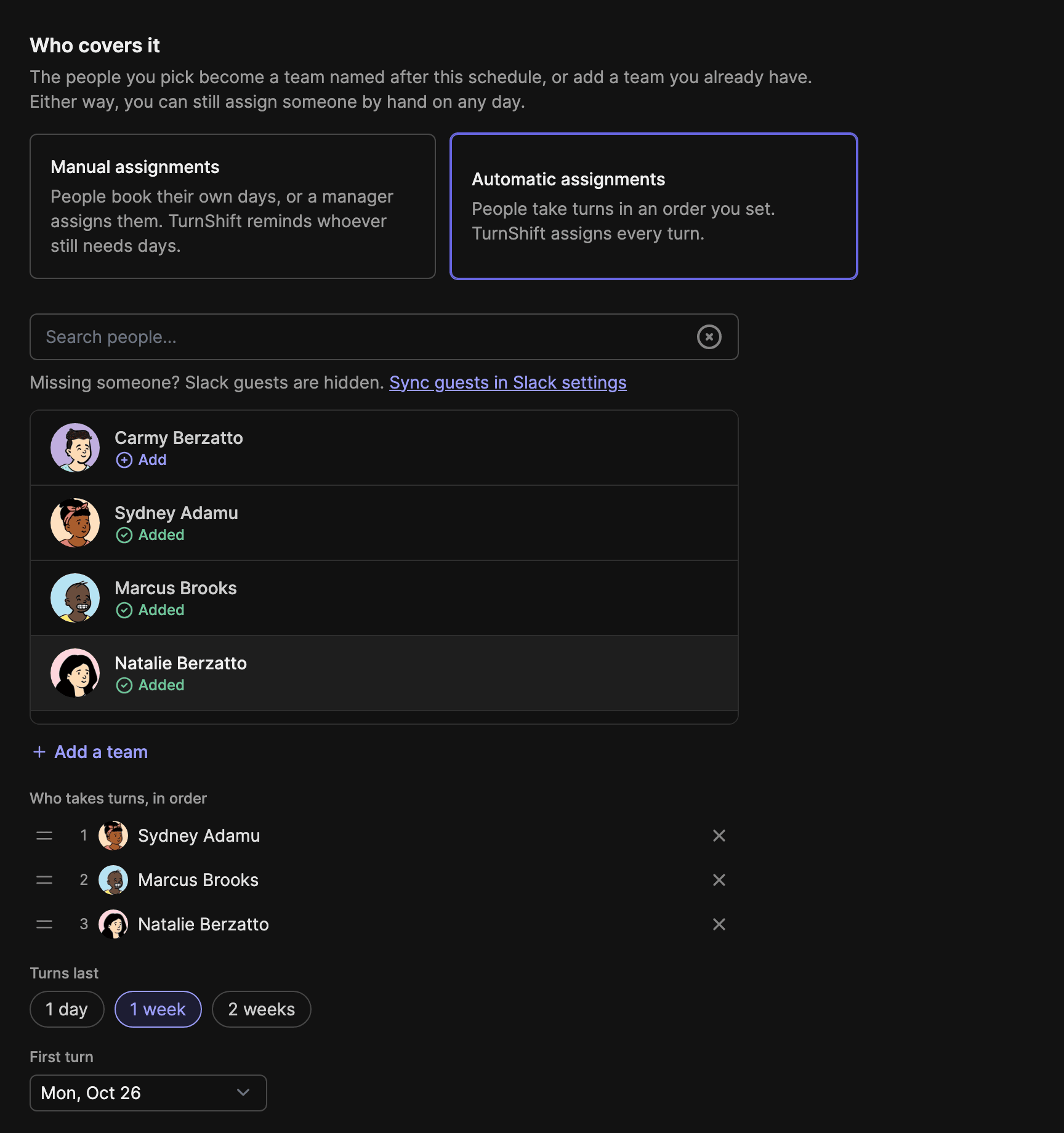
Pick people with the same search as everywhere else, and TurnShift makes a team named after the schedule with them in it. Got a team already? Add it too. Manual assignments stay the default, and Automatic assignments is one click away if people should take turns in an order you drag.
This used to be two pages, and a team you created from the second one started empty, so your new schedule had nobody on it until you went to Teams to fill it.
- Right after installing TurnShift from Slack, you land on this page instead of a list of steps.
- Weekly turns start on a Monday, and the calendar opens on the week of the first turn.
- Click Show all on the calendar to see your other schedules again. Your saved calendar filter stays as it was.