The new calendar, dark mode, and your AI assistant
A new calendar for your whole team
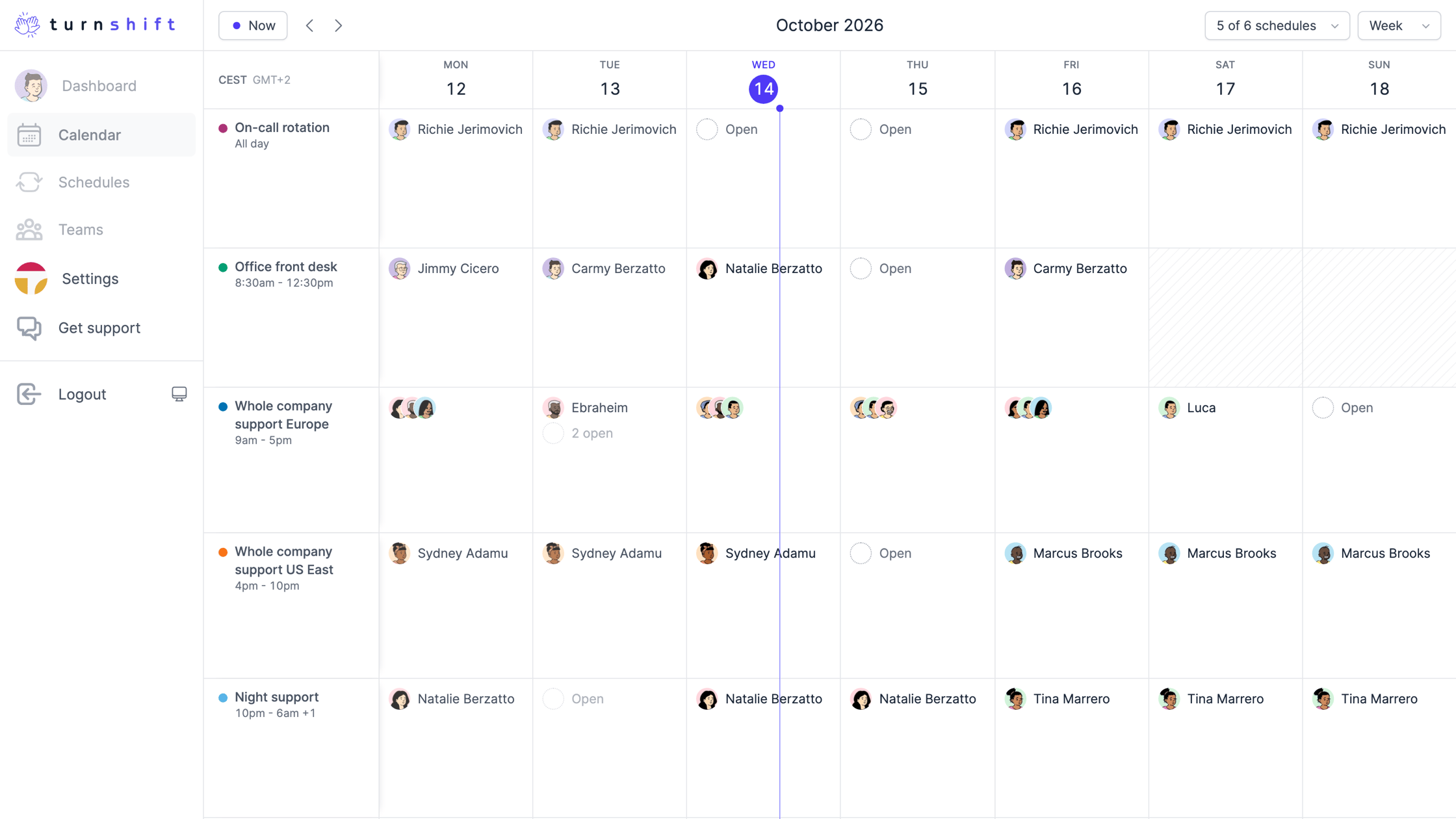
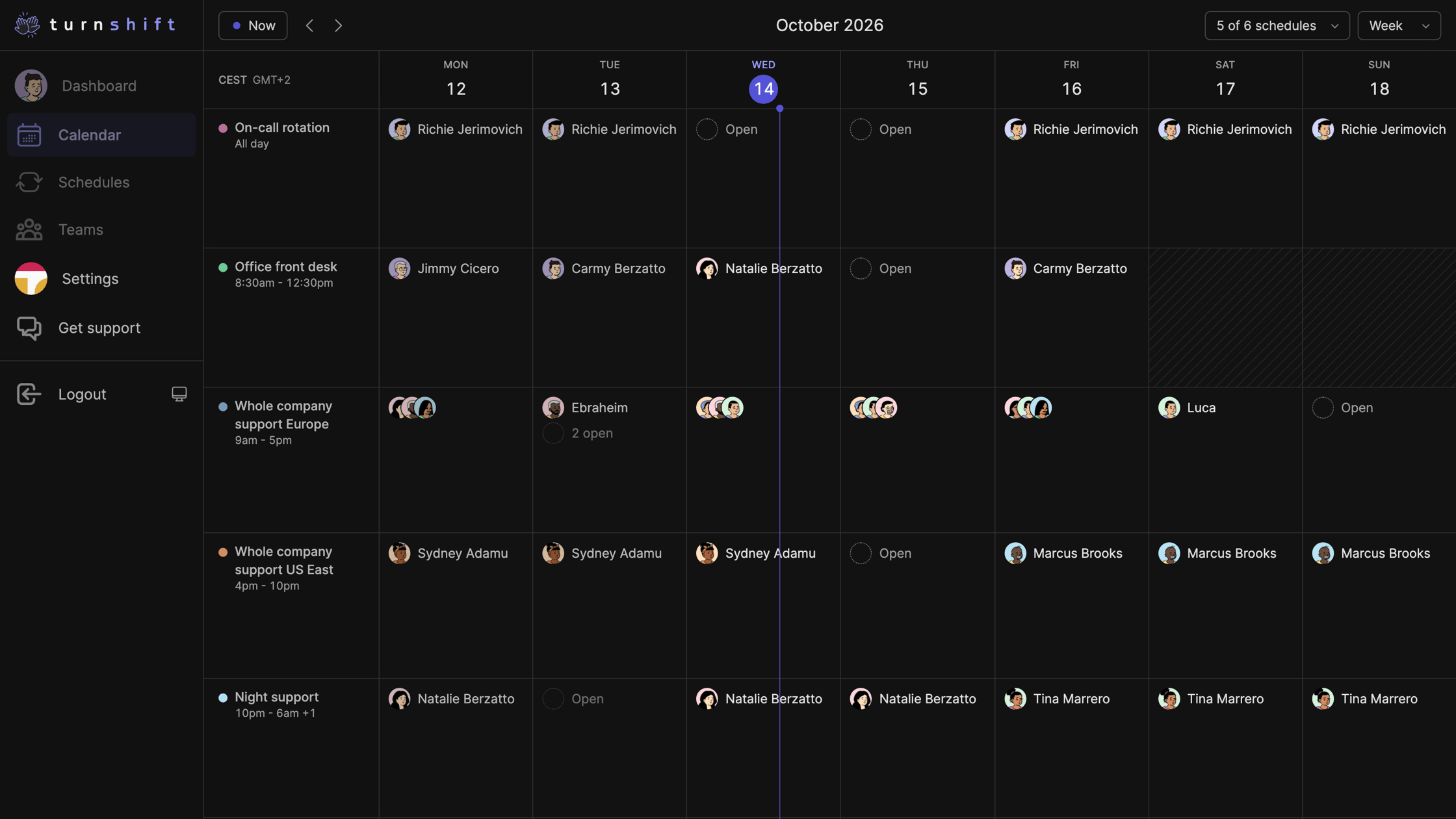
The calendar is out of beta. Each schedule gets its own row, so you see who is on this week and which days are still open. Zoom into a day and a line shows who is on right now.
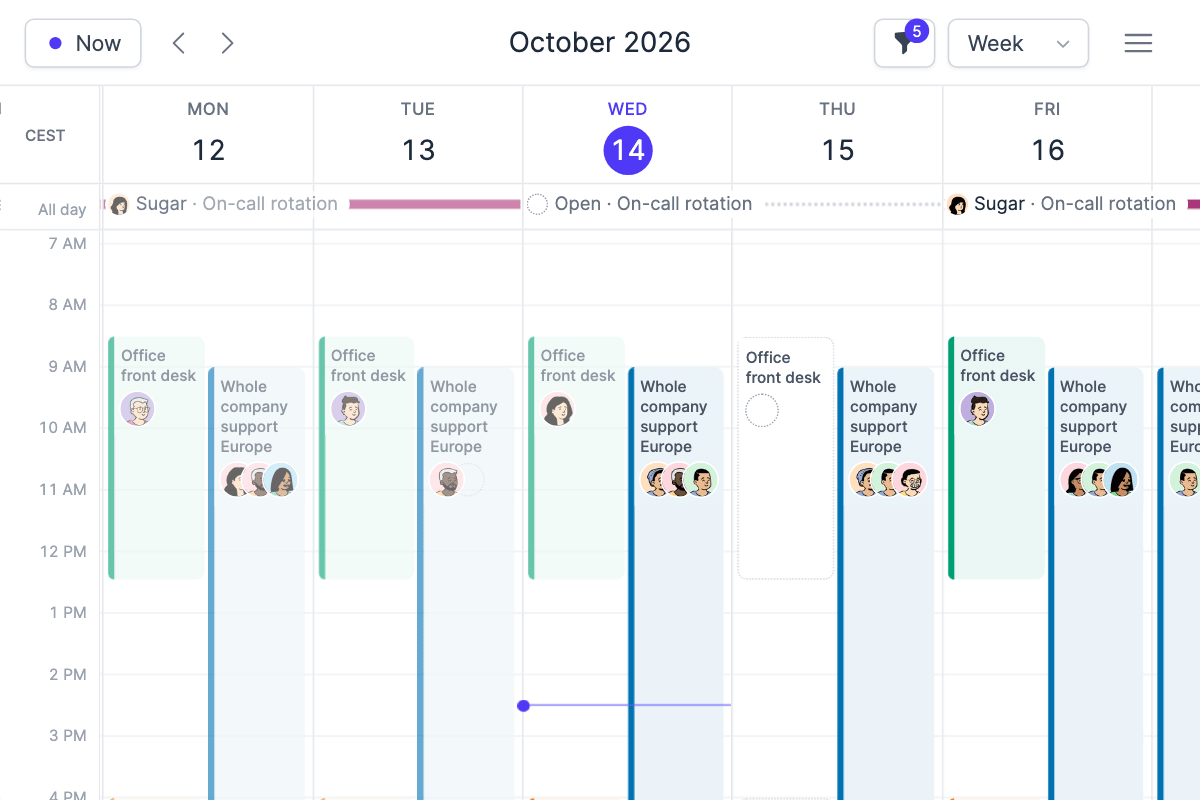
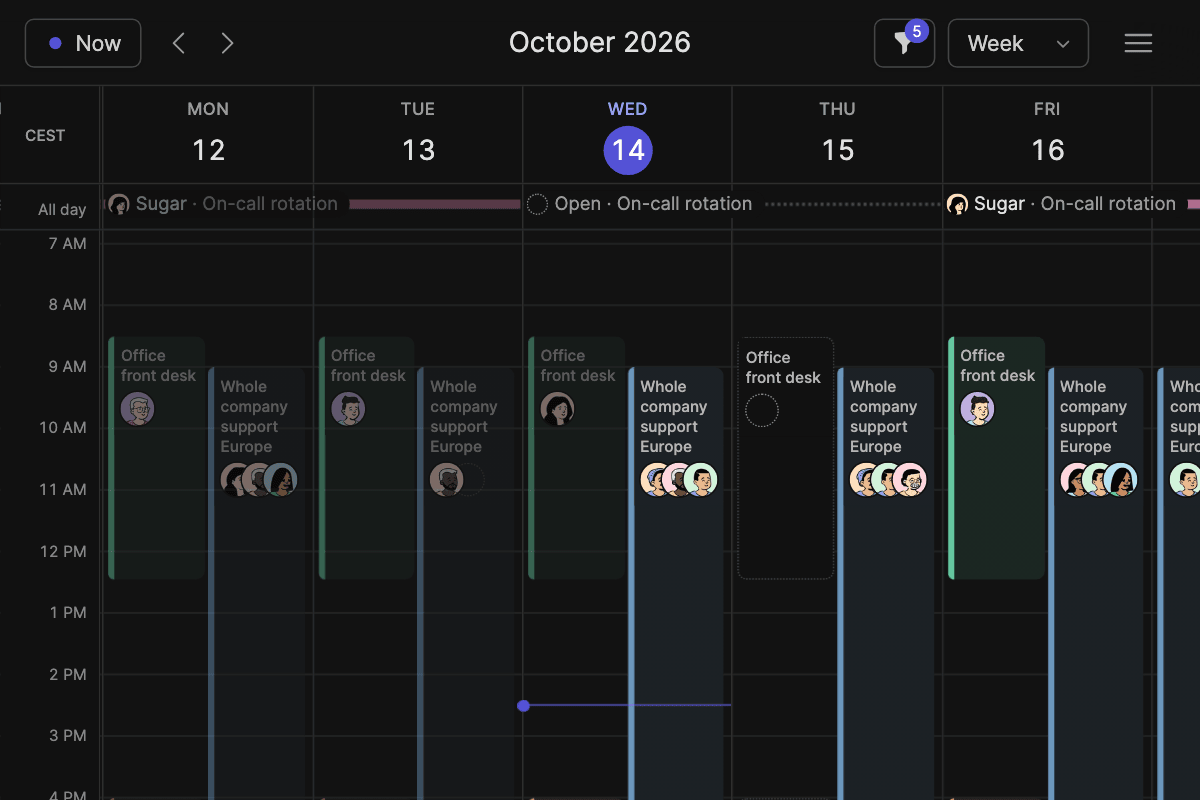
Prefer Google Calendar? Pick Day, Week or Month in the view menu, and hide the schedules you don't need with the filter.
Also new:
- Assign many days at once. Drag across days on a schedule, then assign, unassign or auto-assign. Undo if you change your mind.
- Dark mode. Click the button next to Logout, or press Shift+D.
- Connect your AI assistant. ChatGPT, Claude, Cursor and others can read and change schedules with your rights. Setup is in Settings, API.
- Who is on shift now shows on your dashboard and in the TurnShift Slack app.
- Add a note to shift start messages in the schedule's notification settings.
- Mute TurnShift direct messages from the dashboard or Slack. Channel messages keep posting.
- People search forgives typos and missing accents.
- Pick a time zone in the calendar's top left corner.
- Better on phones, and faster pages everywhere.
- Follow this changelog in your feed reader with RSS, or ask your AI assistant "what's new in TurnShift?"