Keyboard shortcuts on the schedule page
Hey there! You can now get around a schedule without the mouse. Press J for the previous month, K for the next one, and T to come back to today. Press ? anywhere in TurnShift to see every shortcut.
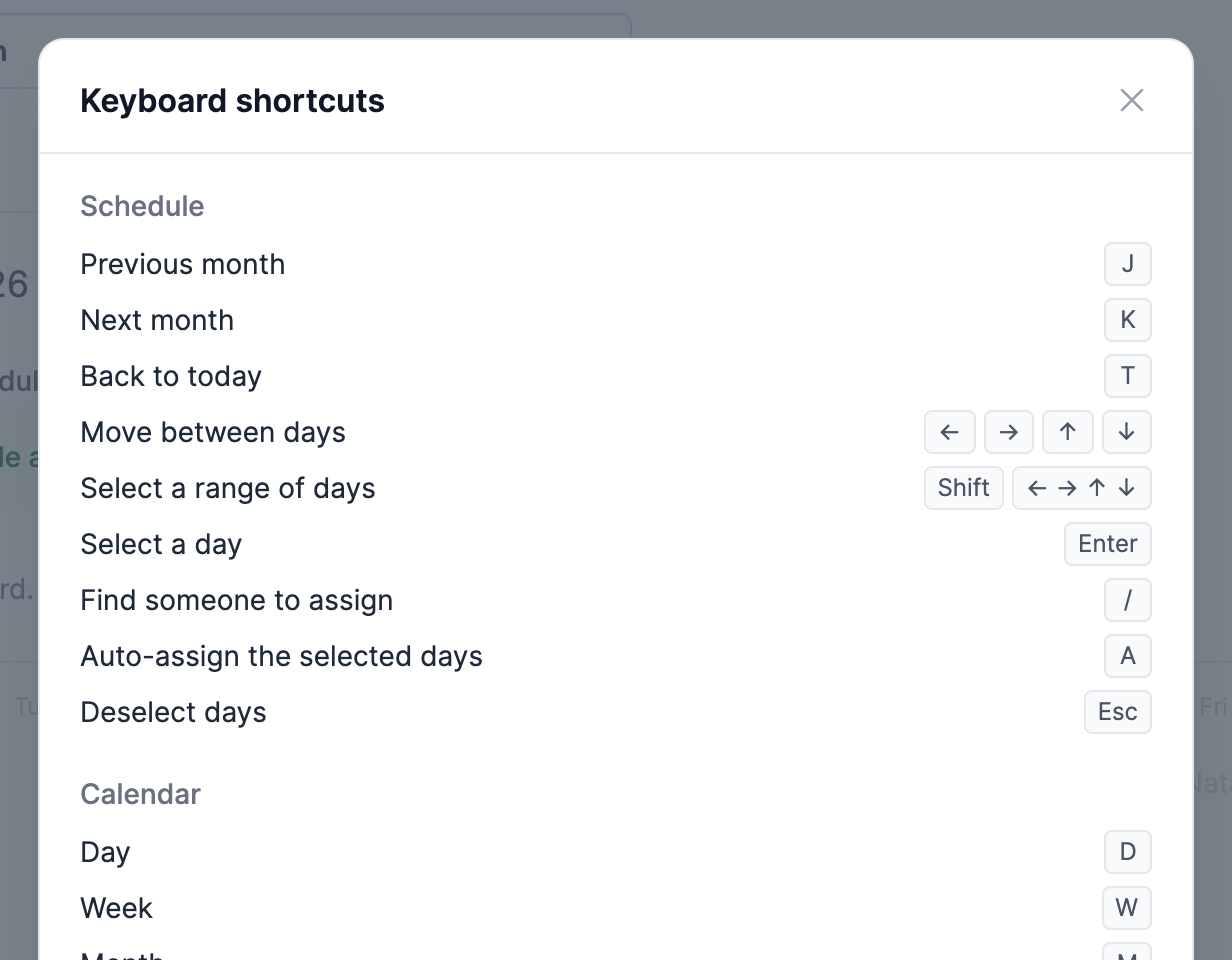
Managers and admins who select some days can press / to find the person to assign, or A to auto-assign them.
The schedule's "Today" button is now "Now", like on the calendar. It scrolls to today and lights it up for a second, so you see where you are on a long month or a phone.
See ya!