Your invoices, and a billing page that says what you pay
Hey there! Settings, Billing now tells you in one box at the top what you pay, when, and for how many people. And every TurnShift invoice is listed further down, with a link to view it online and one to download the PDF. No more digging through email when your accountant asks for March.
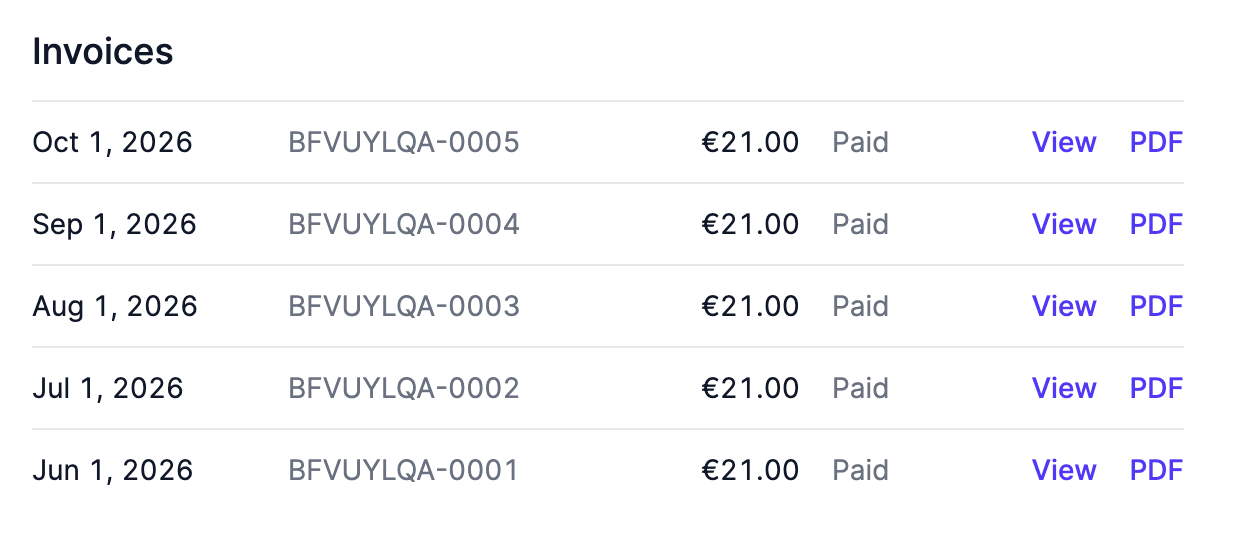
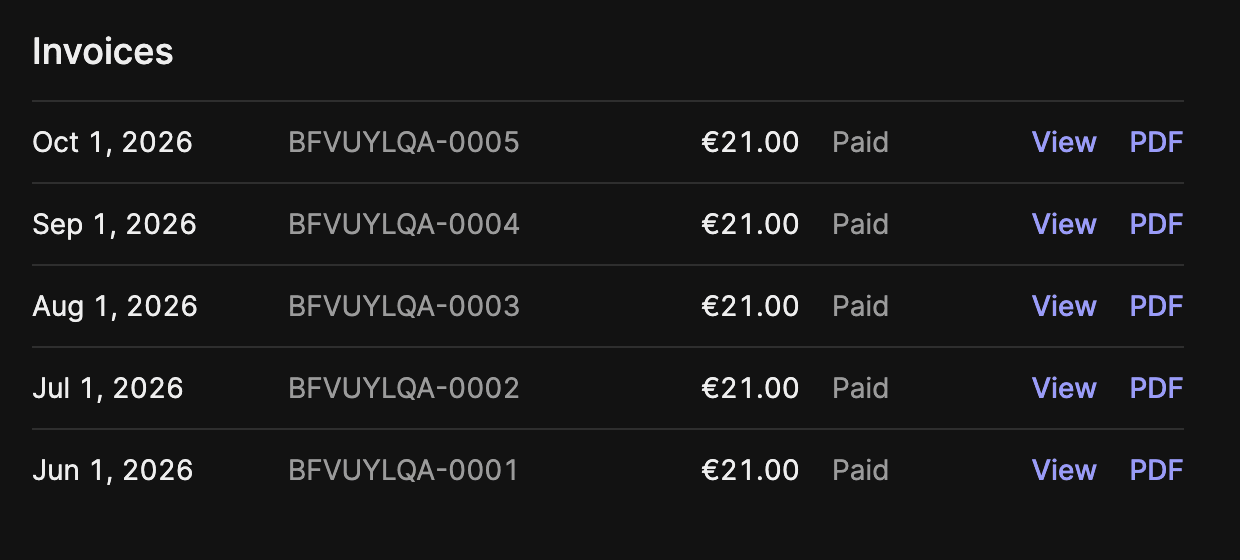
The box at the top changes with your situation:
- On a trial, it says when the trial ends and what TurnShift will cost after that. Without a card we never charge you.
- Paying, it says the next amount, the date, how many people and which card.
- If you have credit with us, it says the credit pays your next invoice. Before, the page ignored the credit and announced a charge that wasn't coming.
- If a payment failed or TurnShift is paused, it says why and what Save will do.
Switching between monthly and yearly also tells you what happens before you click Save. Going yearly charges the year right away, minus what is left of your month. Going monthly turns what is left of your year into credit for your next invoices.
Smaller things: addresses in India keep their building number on your invoice, and Cancel subscription only shows when there is something left to cancel.
Only admins and managers see Billing, like before.
See ya!