Cancel your subscription or delete your organization from Billing
Hey there! You can now cancel your subscription, or delete your organization, yourself. Both are at the bottom of Settings, Billing. Until today you had to write to us, and nobody likes to ask for that.
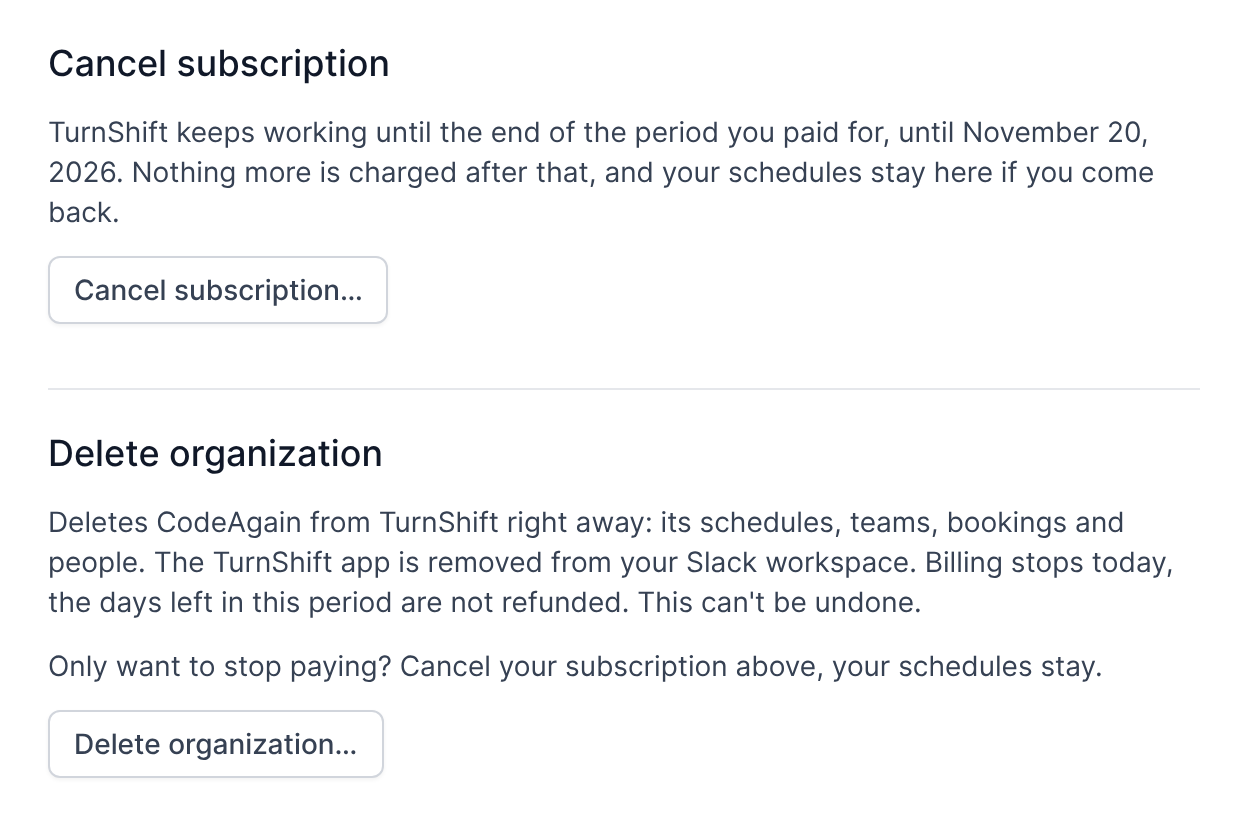
When you cancel, TurnShift keeps working until the end of the period you paid for, then pauses. Nothing more is charged, and your schedules stay here if you come back. Changed your mind before that date? Click "Keep my subscription".
Deleting your organization removes its schedules, teams, bookings and people right away, and removes TurnShift from your Slack workspace. Billing stops that day. You type your organization's name to confirm, since it can't be undone. Only admins can delete an organization.
Both ask what made you leave. It's optional, and we read every answer.
See ya!