The app navigation now stays put on every page
Hey there! The navigation on the left of TurnShift is now a slim column, like Slack's, and it stays in the same place on every page. Before, on a laptop, it disappeared when you opened the calendar and came back on the dashboard. That was confusing, and on most laptops it happened all the time.
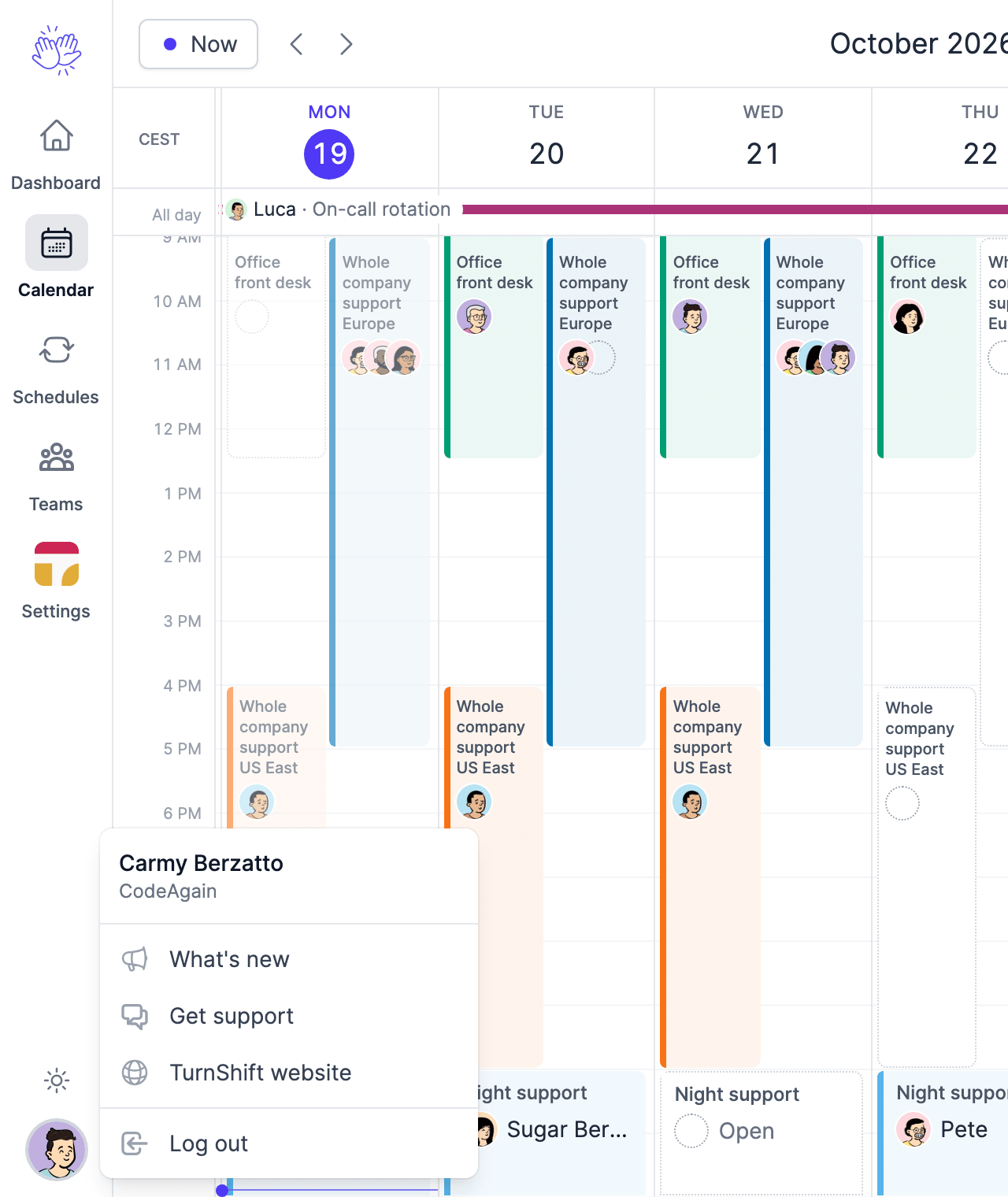
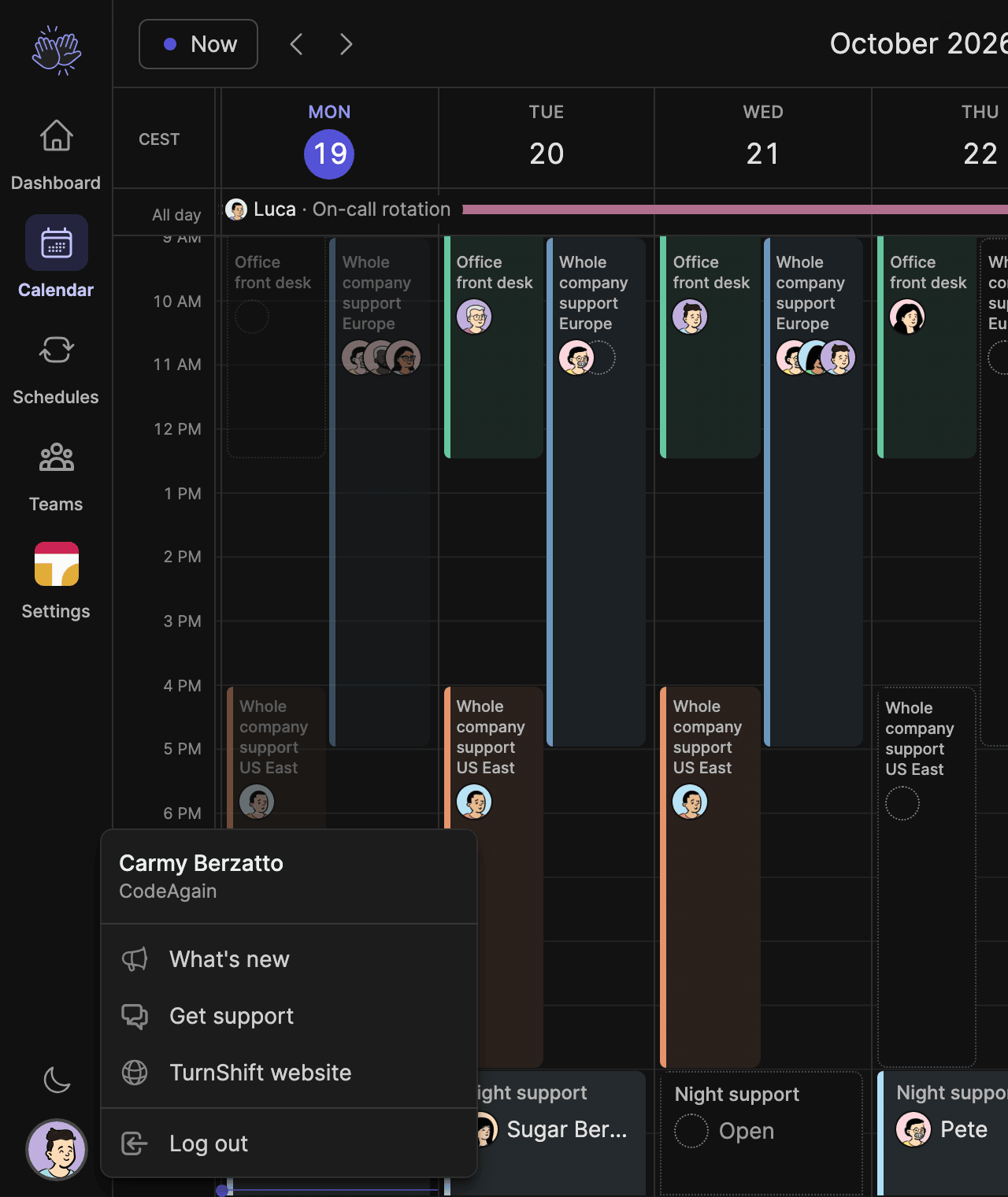
Dashboard, Calendar, Schedules, Teams and Settings are at the top. Click your picture at the bottom for What's new, support, the website and Log out.
On phones nothing changes: the menu button is still at the top left.
Hope you like it!